Creating Web Stories
The theme works with the Web Stories plugin: you write full screen, tap through stories in the plugin, and Foxiz shows them on your pages.

To get started, follow the steps below
-
Install and activate the plugin Web Stories: https://wordpress.org/plugins/web-stories/
Foxiz can install it for you instead. Go to Dashboard > Foxiz, scroll to Recommended Plugins, and use the Web Stories card there. It installs the same plugin from the WordPress.org repository, so either route ends in the same place.
-
Navigate to Dashboard > Stories > Explore Templates.

-
In the Explore Templates section, you'll find available template libraries for Web Stories. You can hover over each template and use the See details button to preview the design before selecting.

-
After clicking See details, you will be able to view all the available design elements of that template and click Use template when you find a suitable design.
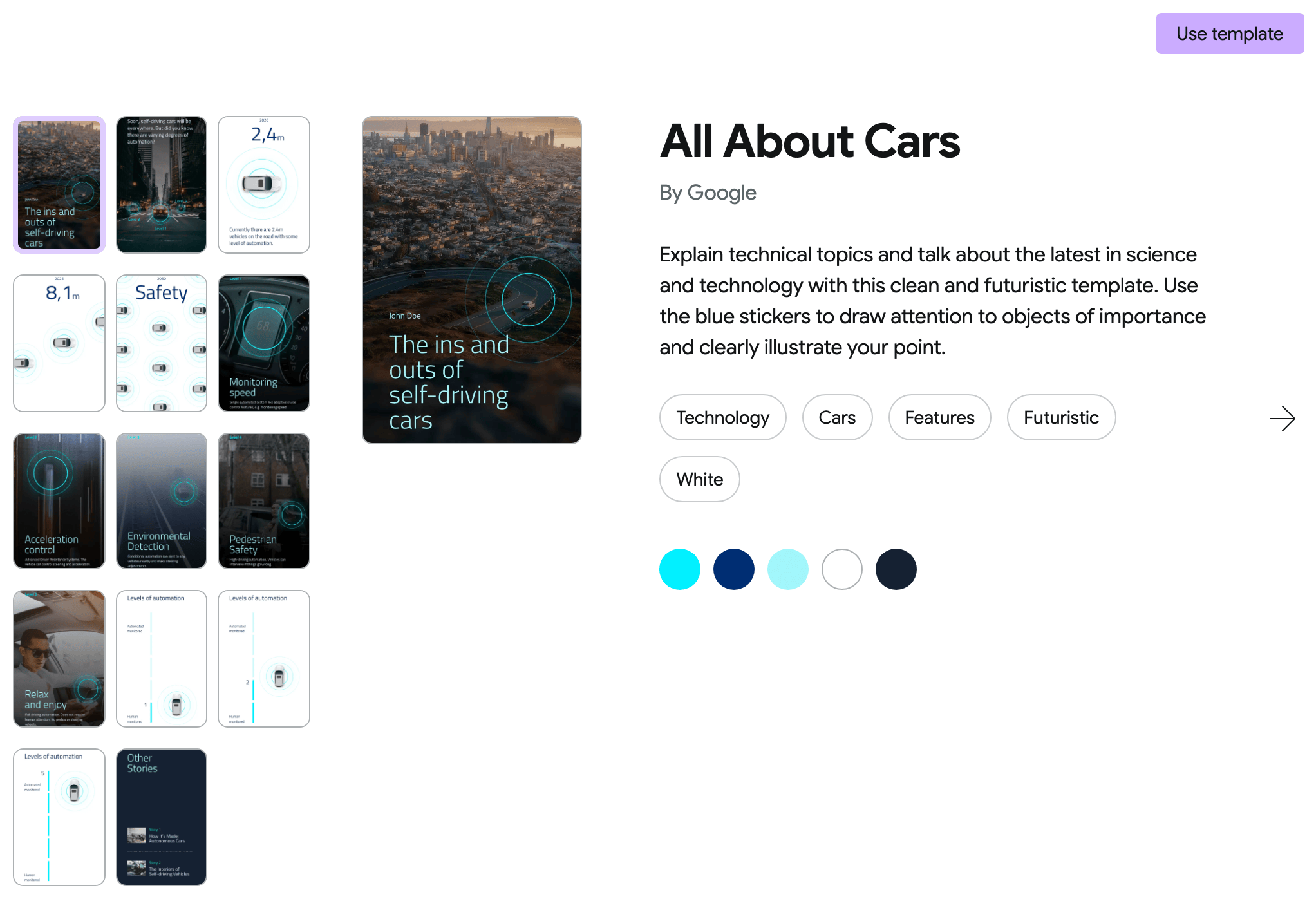
-
After selecting a preferred template, you can proceed with customizing it according to your preferences through the settings.
-
Click Publish.
Everything in steps 2 to 6 happens inside the Web Stories plugin's own editor. Foxiz adds nothing to that screen, so a story is written the same way whichever theme is active.
What publishing a story changes on your site
A published story is a post of its own type, and it behaves differently from a normal post in three ways worth knowing.
The site header is not drawn on a single story page. Foxiz returns before rendering the header when the page being viewed is a single web story, because a story is a full screen document that supplies its own chrome. If your header is missing on a story and present everywhere else, that is the theme doing this on purpose.
Inline related content is skipped: the related posts Foxiz can inject into article bodies are not added to a story.
Foxiz's two story blocks only exist while the plugin is active. The Foxiz - Web Stories and Foxiz - Web Single Story Elementor widgets appear only while the Web Stories plugin is active, so deactivating it takes them out of the Elementor panel rather than leaving them there and failing. Putting those blocks on a page is covered in How to add a Stories on Elementor.
Did this answer your question?