Ruby Icon ClassName
To find the class name of a theme icon, see: https://icons.themeruby.com/foxiz/
That is the reference the theme itself points you at, from the icon fields in the Elementor panel.
Every theme icon class begins with rbi-, and you type the whole class, as in rbi-angle-down. They are drawn from a font the theme calls ruby-icon, which it loads on every page whatever you do, so a theme icon always works.
Font Awesome classes need one setting first
Any field that takes a theme icon also takes a Font Awesome class, but Font Awesome is off by default.
Turn it on at Theme Options > Theme Design > Font Awesome. Until you do, a Font Awesome class name is accepted, saved, and renders nothing at all: no icon, no broken square, no error. The panel warns about this next to the icon fields themselves.
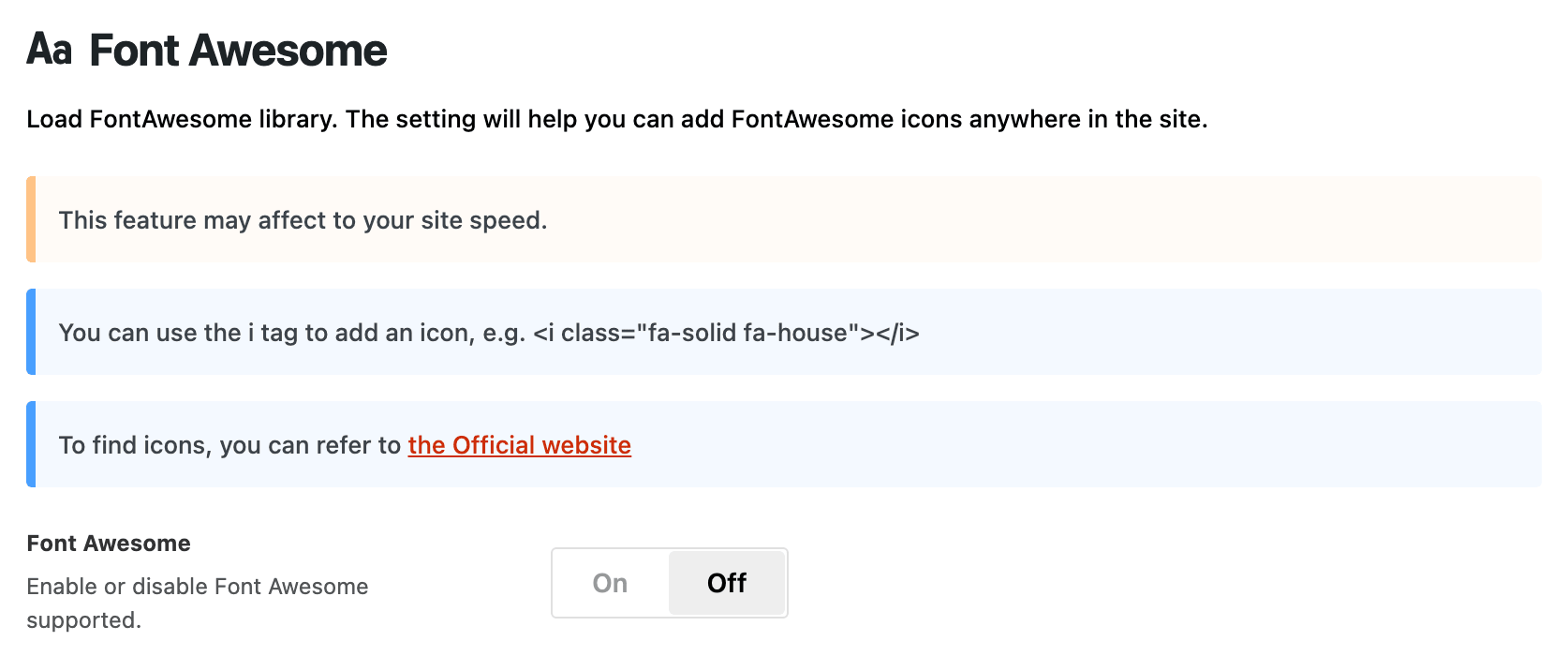
The version the theme loads is Font Awesome 6.1.1, so use the class names from version 6.
Did this answer your question?