Footer Widgets
The theme supports the widget area at the footer. That allows you to add widgets to your site footer.
This is the built-in footer. To design the footer in Elementor instead, see How to Build a Footer Template in Elementor, and Footer Overview for how to choose.

To get started, follow the steps below:
-
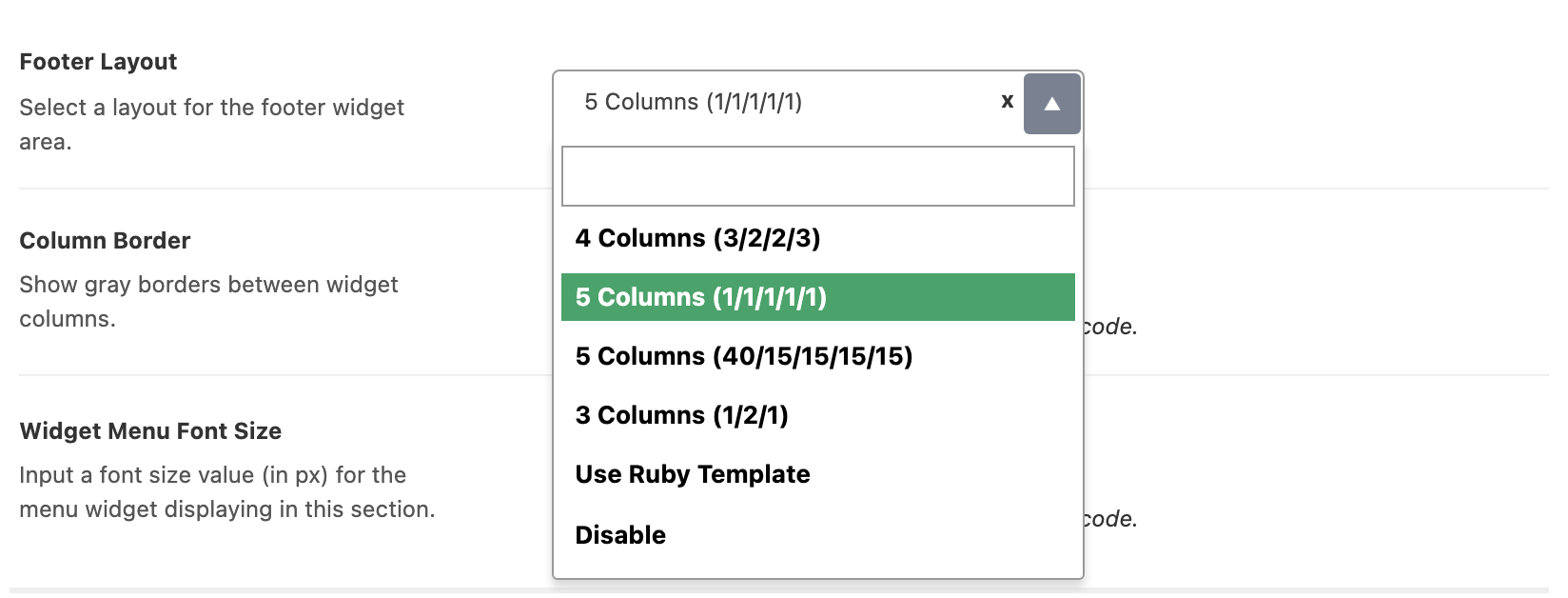
Set the column layout first. Navigate to Theme Options > Footer > Widget Section and pick a Footer Layout. Its default is 5 Columns (1/1/1/1/1).
-
Navigate to Appearance > Widgets
-
Then drag and drop your widgets into the footer areas. They are named Footer - Column 1 through Footer - Column 5, plus Footer - Top Full Width for the full width strip above the columns.
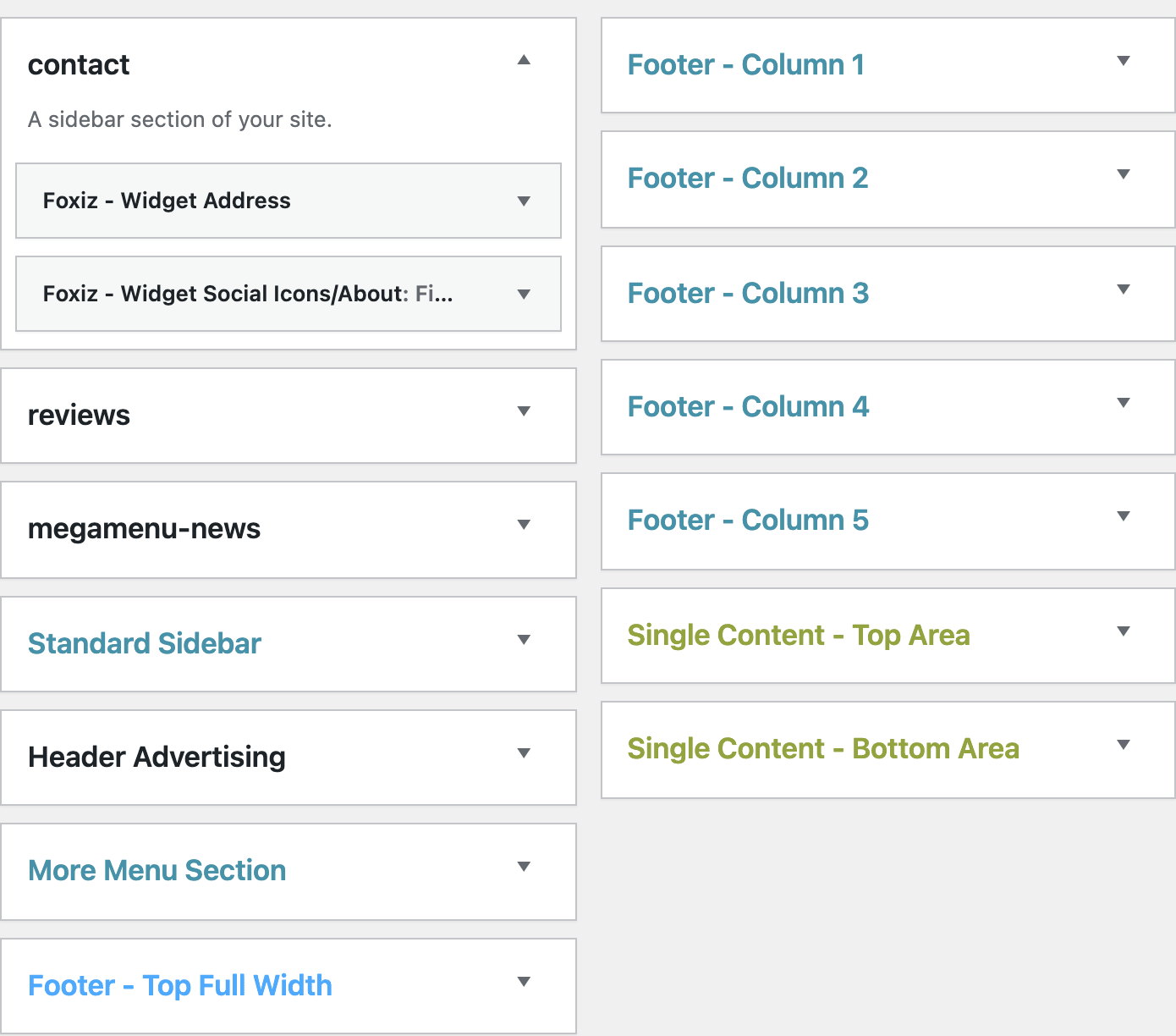
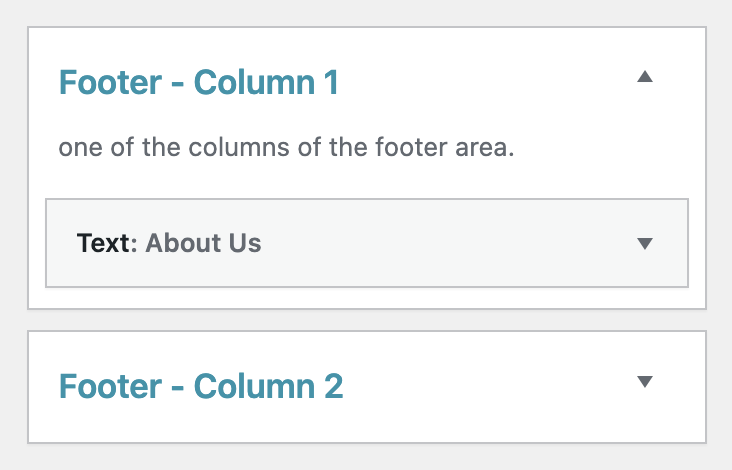
The layout is what decides which of those areas WordPress offers you, so step 1 comes before step 2 and not after it:
| Footer Layout | Widget areas on the Widgets screen |
|---|---|
| 4 Columns (3/2/2/3) | Top Full Width, Columns 1 to 4 |
| 5 Columns (1/1/1/1/1) | Top Full Width, Columns 1 to 5 |
| 5 Columns (40/15/15/15/15) | Top Full Width, Columns 1 to 5 |
| 3 Columns (1/2/1) | Top Full Width, Columns 1 to 3 |
| Use Ruby Template | none of them |
| Disable | all of them, but nothing renders |
Widgets are not deleted when an area disappears. Switch from five columns to three and Footer - Column 4 and Footer - Column 5 drop off the Appearance > Widgets screen, and WordPress files their contents under Inactive Widgets. Switch back and you drag them into place again.
Use Ruby Template is the blunt one: it unregisters every footer widget area including Footer - Top Full Width, so the whole group leaves the Widgets screen at once. Disable is gentler. The areas stay, and the theme simply stops drawing the footer widget section.
A column with no widgets in it is not drawn at all, so a five column layout with three columns filled renders as three.
To change how the columns look once they are filled, the same Widget Section holds Column Border, which draws grey lines between them, and Widget Menu Font Size, which sets a px font size for menu widgets in the footer. Neither applies under a Ruby template.
Did this answer your question?