How to Build a My Feed Page
My Feed shows each visitor the newest posts from the categories, tags and writers they follow. Every block on it uses one Query Source: Recommended Based on User Followed.
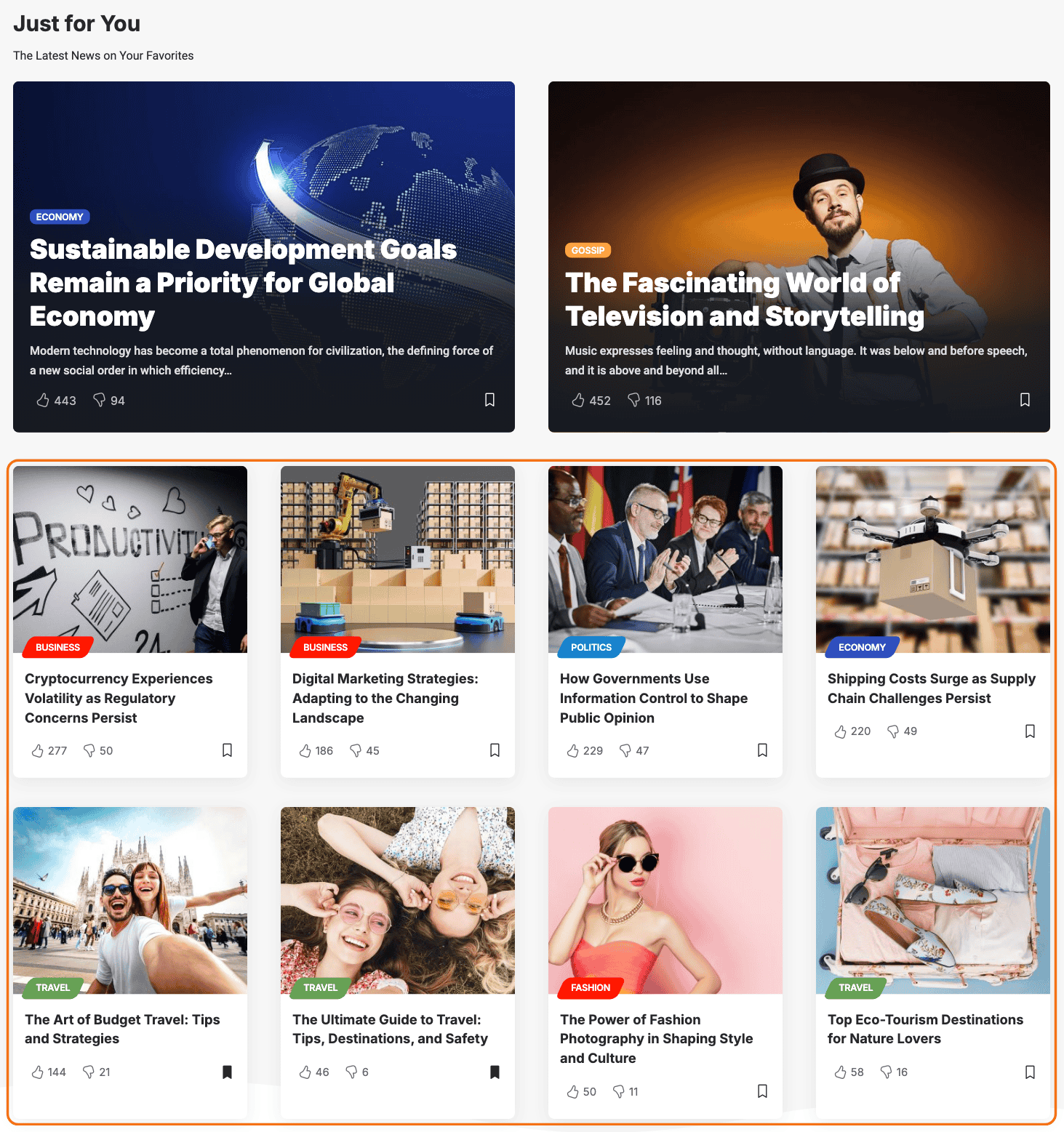
What a visitor sees
What fills the page depends on what the visitor follows:
- Categories or tags, with or without writers: the newest posts filed under any of them or written by any of the writers.
- Writers only: the newest posts by those writers.
- Nothing yet: the page is not empty. It shows the most viewed posts published in the last 30 days, and the latest posts when there are none of those. Views are counted by Light Views Counter.
A guest on a site where Enable When is not All Visitors cannot follow anything, so they always get that third case.
The block's own empty message, No Recommendations Yet, only appears when the site has no published posts to fall back on.
So a new visitor still lands on a full page. Point them at your interests page from here, so the feed becomes theirs: see How to Build an Interests Page.
Before you start
- Theme Options > Personalized System > Global > Personalized System must be on. It is on by default.
- Visitors need a way to follow something. The overview lists where follow buttons go: How Personalization Works.
Build the page
-
Go to Pages > Add Page, name the page (the demo calls it My Feed) and click Edit with Elementor.
-
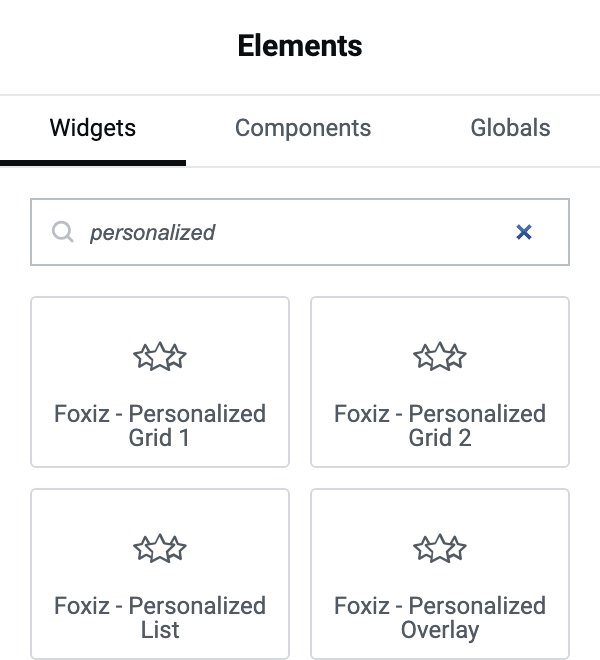
Search the Elements panel for personalized and drag Foxiz - Personalized Overlay onto the page.
-
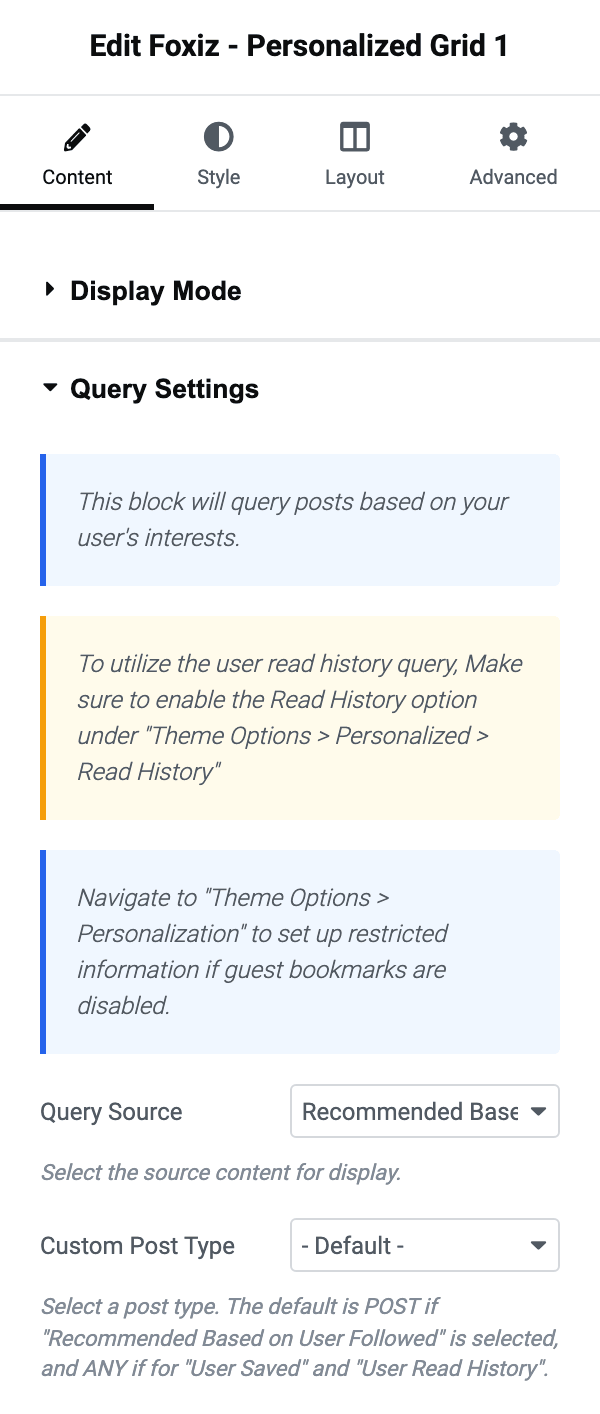
In Query Settings, leave Query Source on Recommended Based on User Followed. It is the default.
-
Set Number of Posts. It starts at 3, which suits a row of three overlays.
-
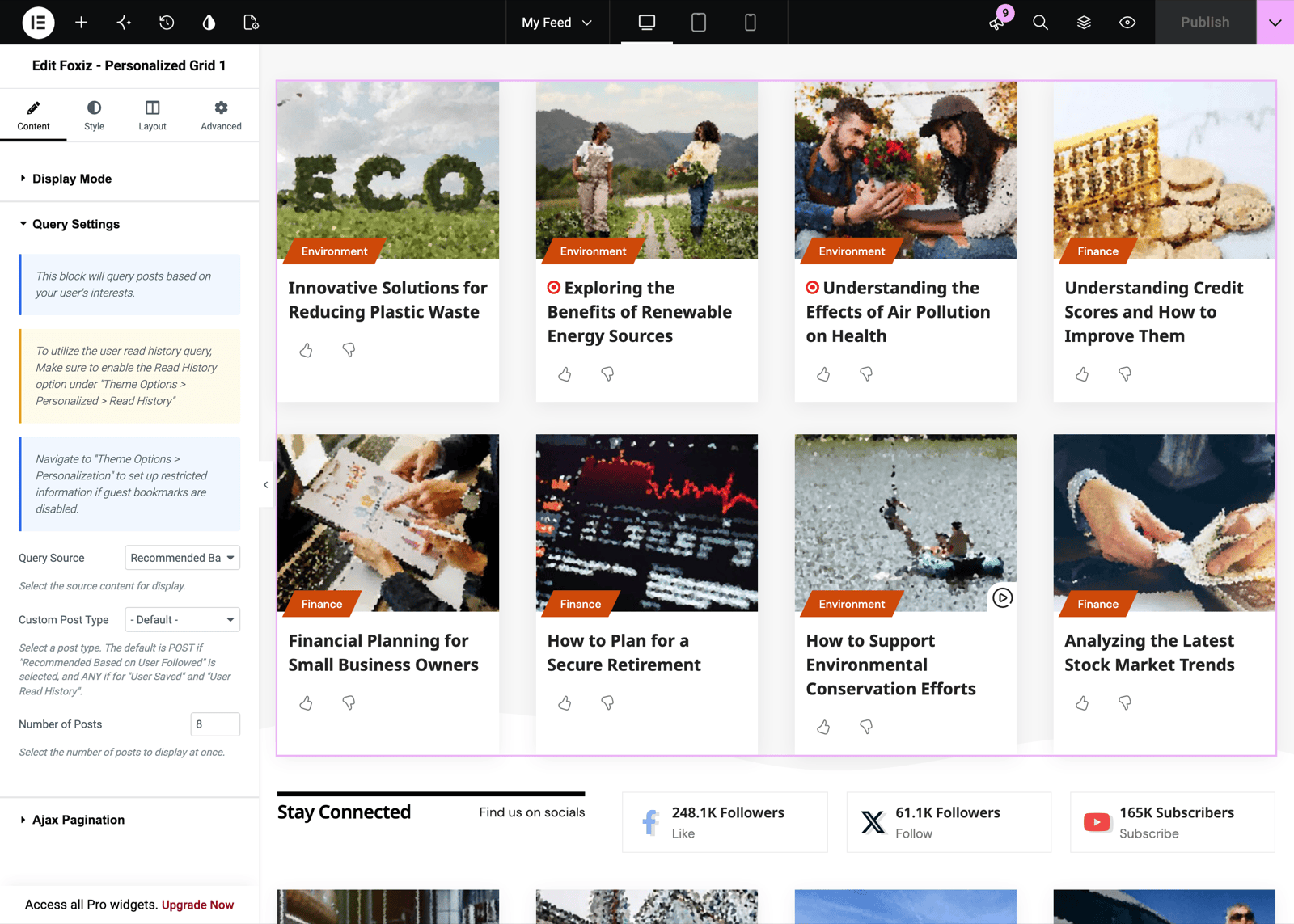
Drag Foxiz - Personalized Grid 1 below it, with the same Query Source. Raise its Number of Posts (the demo shows eight) and, if you want the feed to keep going, set Pagination Type under Ajax Pagination to Show More or Infinite Scroll.
-
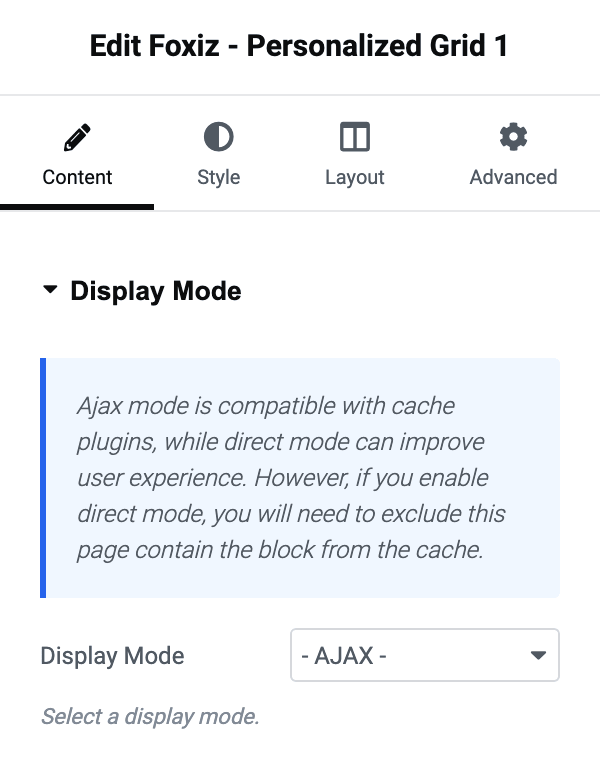
Choose Display Mode on both blocks. See the next section before you leave them on - AJAX -.
-
Click Publish.
Custom Post Type narrows the feed to one post type. Left alone, a recommended block shows posts.
There is no Post Offset on a recommended block; the field only appears for User Saved and User Read History.
Two feed blocks on one page
A recommended block leaves out posts that the page has already shown. That is how the demo's grid carries on after its overlay instead of repeating it.
It only knows what the page has already drawn, though:
- Direct: the blocks are built one after the other with the page, so the second skips the first block's posts. Exclude the page from your cache. See How to Exclude Specific Pages from WP Super Cache Plugin Cache.
- - AJAX -, the default: every block loads at the same moment after the page arrives, so two feed blocks can show the same newest posts. Safe behind a page cache.
If you want - AJAX - and no repeats, use a single feed block.
Every other setting on these blocks is in How to Build Personalized Pages with Elementor.
Did this answer your question?