How to Create Forums
A forum is a place for topics, like "Theme Support" or "Feature Requests". A topic is a question or discussion a member starts; the answers under it are replies. You create each one in the admin, then members start topics in it.
Create a forum
-
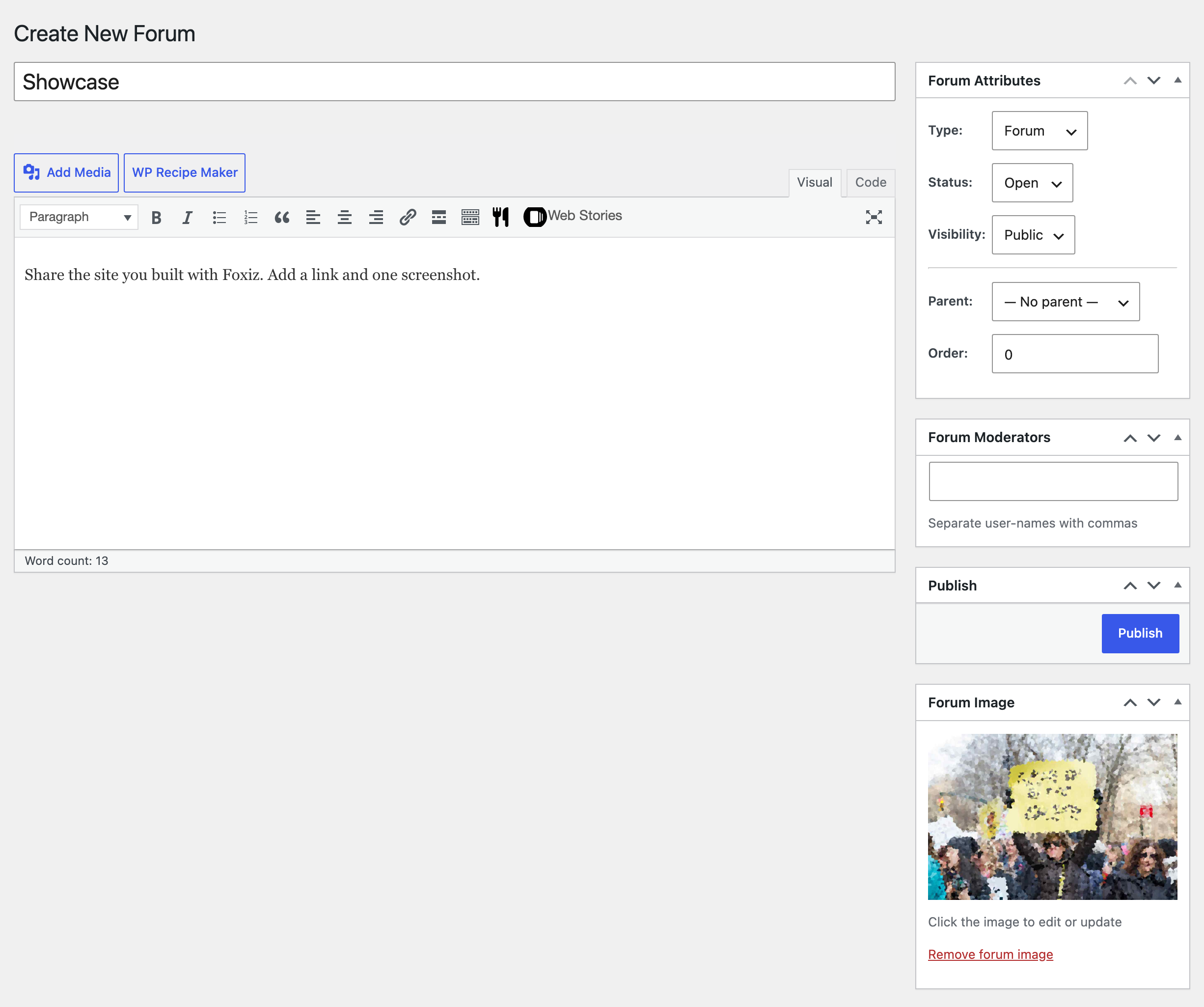
Go to Forums > Create New Forum.
-
Type the forum's name as the title, and a line or two about it in the content box. The description is shown under the forum's name in forum lists.
-
In Forum Image, click Set forum image and pick an image. Foxiz shows it beside the forum in forum lists.
-
Set the Forum Attributes box, below. For a normal forum, the defaults are right.
-
Click Publish.
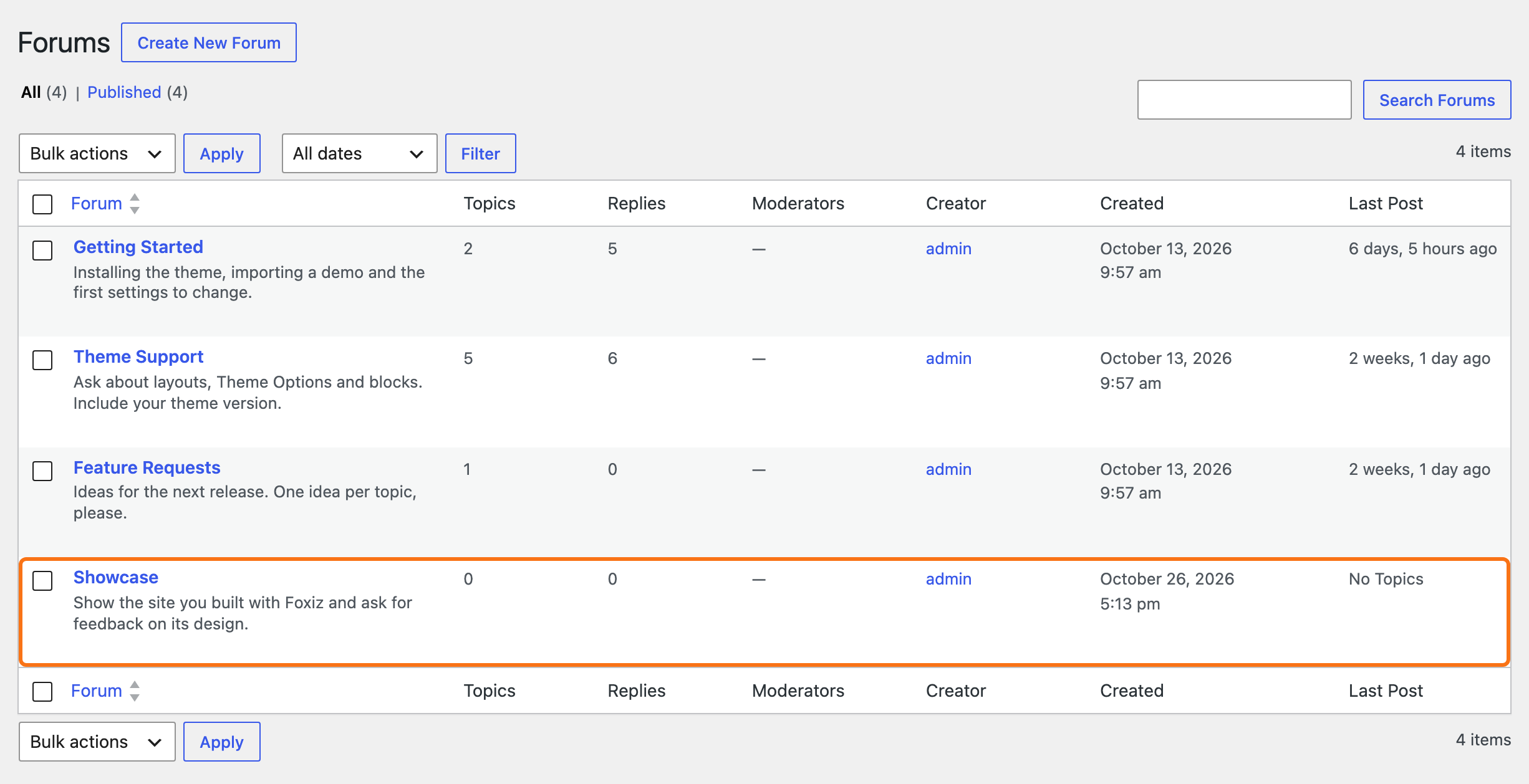
Repeat for each forum. Forums > All Forums lists them with their topic and reply counts.
Forum Attributes
-
Type: Forum, the default, holds topics. Category holds only other forums: it has no topic list and no new topic box, and nobody can post in it. Use one to group forums, such as a "Support" category over "Installation" and "Theme Support".
-
Status: Open, the default, or Closed. A closed forum takes no new topics or replies, except from moderators. Its existing topics stay readable.
-
Visibility: who can see the forum.
- Public, the default: everyone.
- Private: signed in members only. Visitors get a "page not found" error.
- Hidden: Moderators and Keymasters only.
Leave most forums Public, so visitors and search engines can read them. Pick Private for a members only area, and Hidden for a room where your moderators talk among themselves.
-
Parent: the forum or category this one sits under, or "— No parent —" for the top level.
-
Order: a number that sets the order of forums in the list. Lower numbers come first; forums with the same number go by name.
With Per-Forum Moderators on in Settings > Forums, the screen also has a Forum Moderators box. Type the user names of the members who should moderate this forum only, separated by commas.
Add the first topic
An empty forum looks abandoned. Start each one with a topic, such as the forum's rules or a welcome.
From the admin:
-
Go to Topics > Create New Topic.
-
Type the title and the post.
-
In Topic Attributes, pick the Forum. Categories are not in the list, because they take no topics.
-
For a rules topic, set Type to Sticky, so it stays at the top of its forum. Super Sticky keeps it at the top of every forum.
-
Leave Status on Open and click Publish.
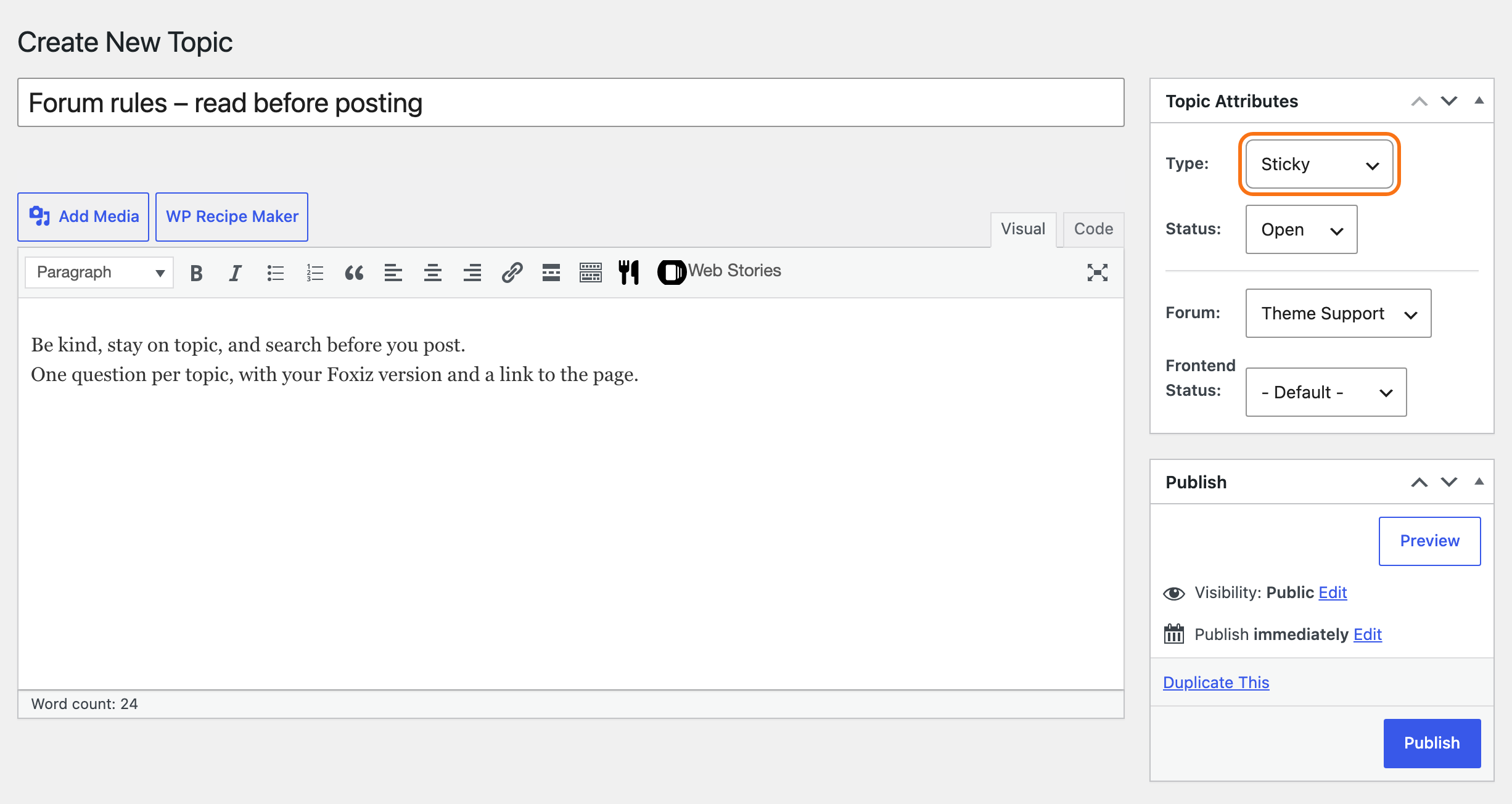
The same box has Foxiz's Frontend Status, for marking a topic Resolved later. See How to Moderate Topics and Set Their Status.
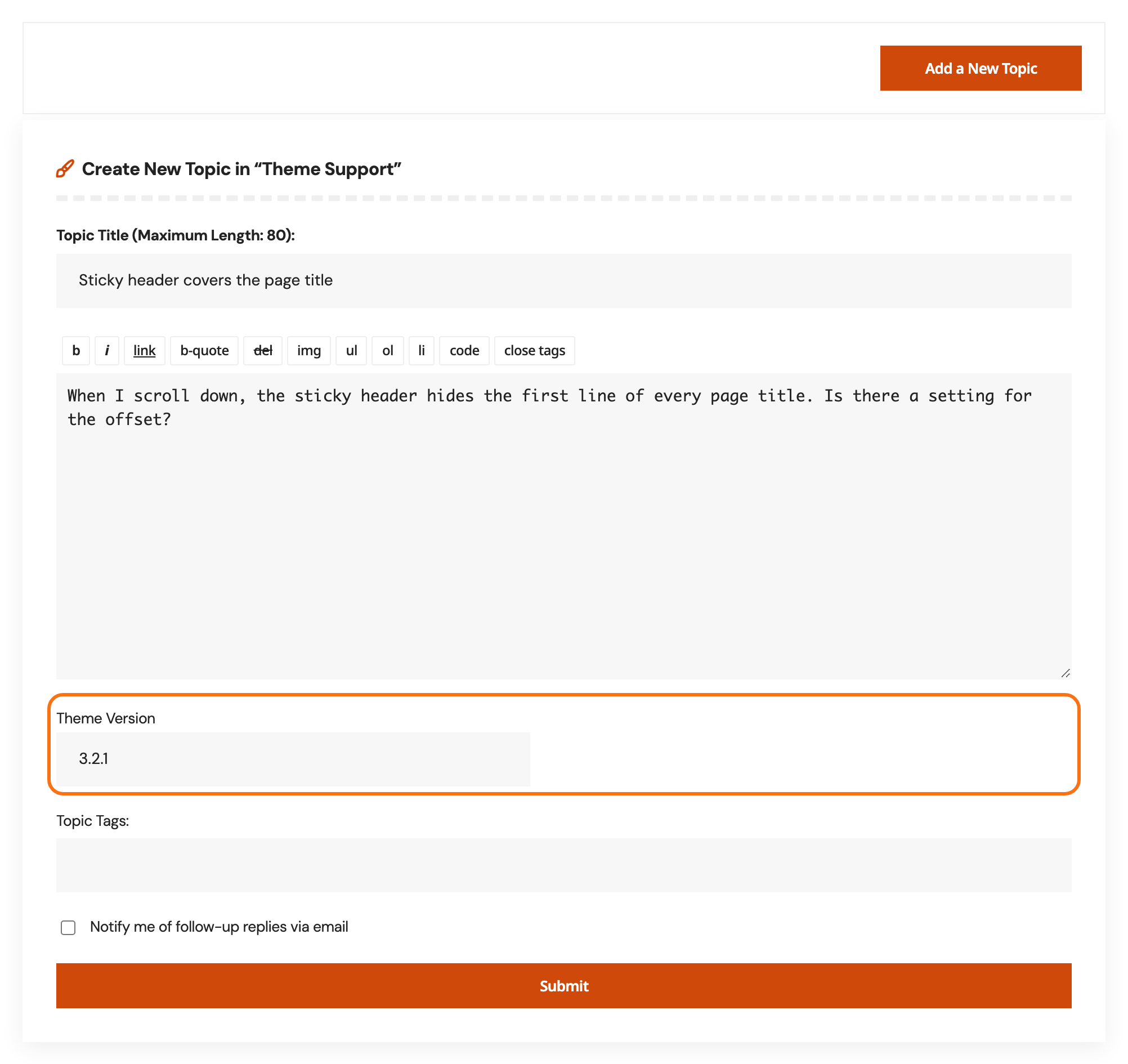
From the front end, open the forum and click Add a New Topic in the box under the topic list. The form opens with:
- Topic Title (Maximum Length: 80):
- the post, with the editor toolbar;
- Foxiz's custom fields, if you set any;
- Topic Tags:, while topic tags are on;
- Topic Type: and Topic Status:, for moderators only;
- "Notify me of follow-up replies via email", and Submit.
Did this answer your question?