How to Let Members Sign Up and Post
Only signed in members can post, unless you allowed guest posting in Settings > Forums. So a visitor needs three things: a way to create an account, a forum role that lets them post, and a way to sign in.
1. Turn on registration
Tick Anyone can register at Settings > General. Without it, nobody can sign up. The steps are in How to Configure the bbPress Settings.
2. Forum roles
Keep Roles on in Settings > Forums. Every member then gets the Participant role the first time they sign in, and can post straight away.
What each forum role can do
| Role | Can |
|---|---|
| Keymaster | everything, including creating and deleting any forum. Administrators always have it |
| Moderator | close, stick, merge, split, spam and trash topics; edit and delete anyone's posts; see private and hidden forums |
| Participant | start topics, reply, tag topics, edit their own posts, see private forums |
| Spectator | read only |
| Blocked | nothing: use it to ban a member |
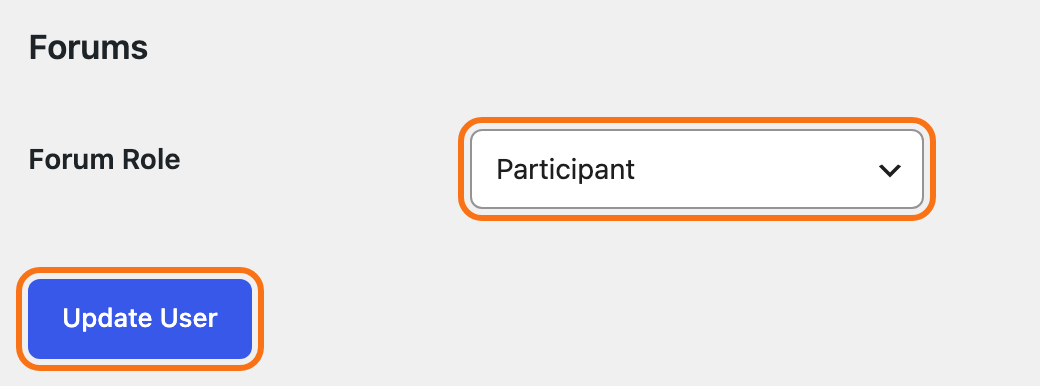
To change one member's role, go to Users > All Users and click their name. Scroll down to Forums, pick a Forum Role and click Update User.
For several at once, tick them in Users > All Users , pick Change forum role to… and click Change.
3. Give members a way to sign in
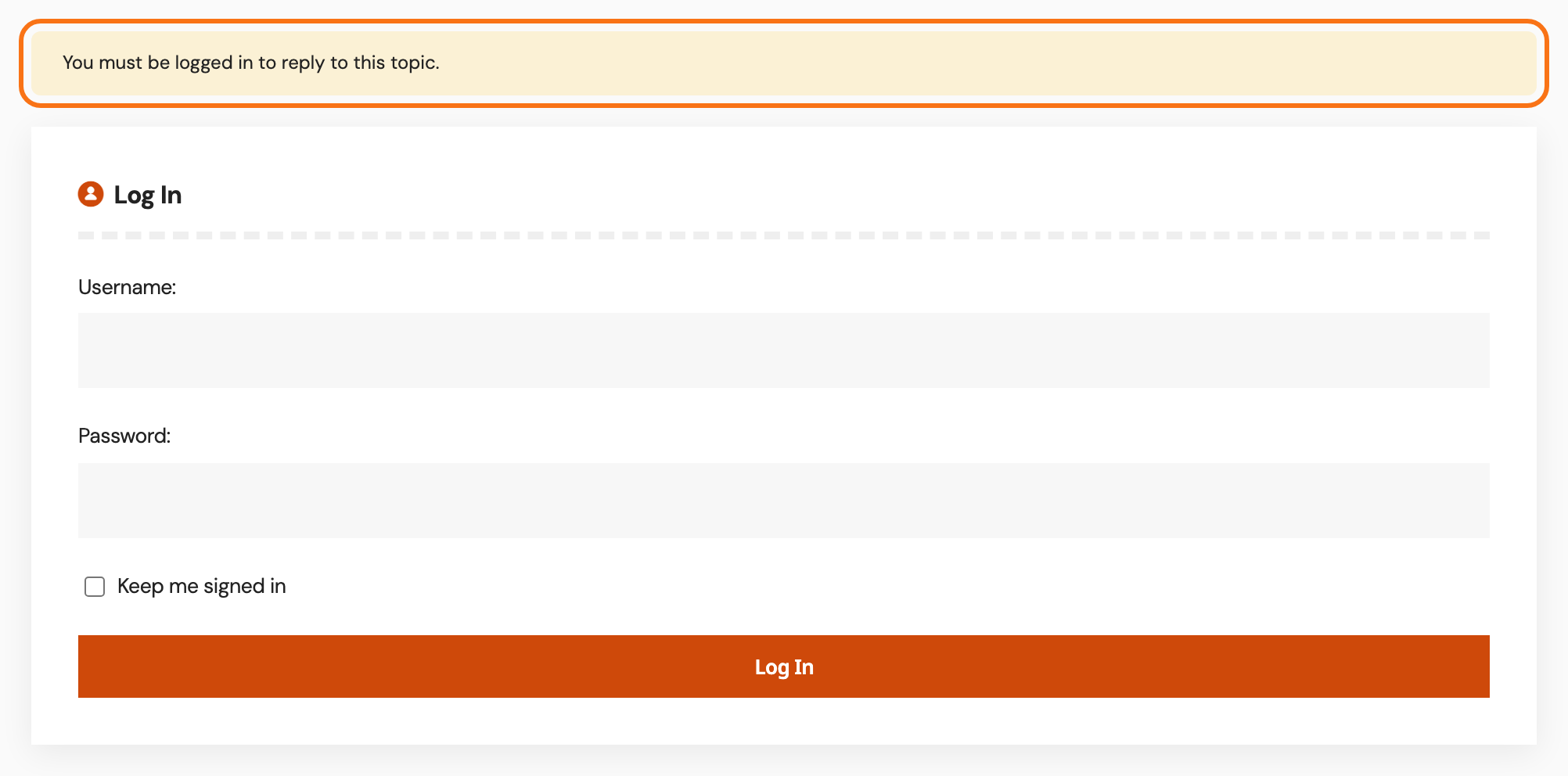
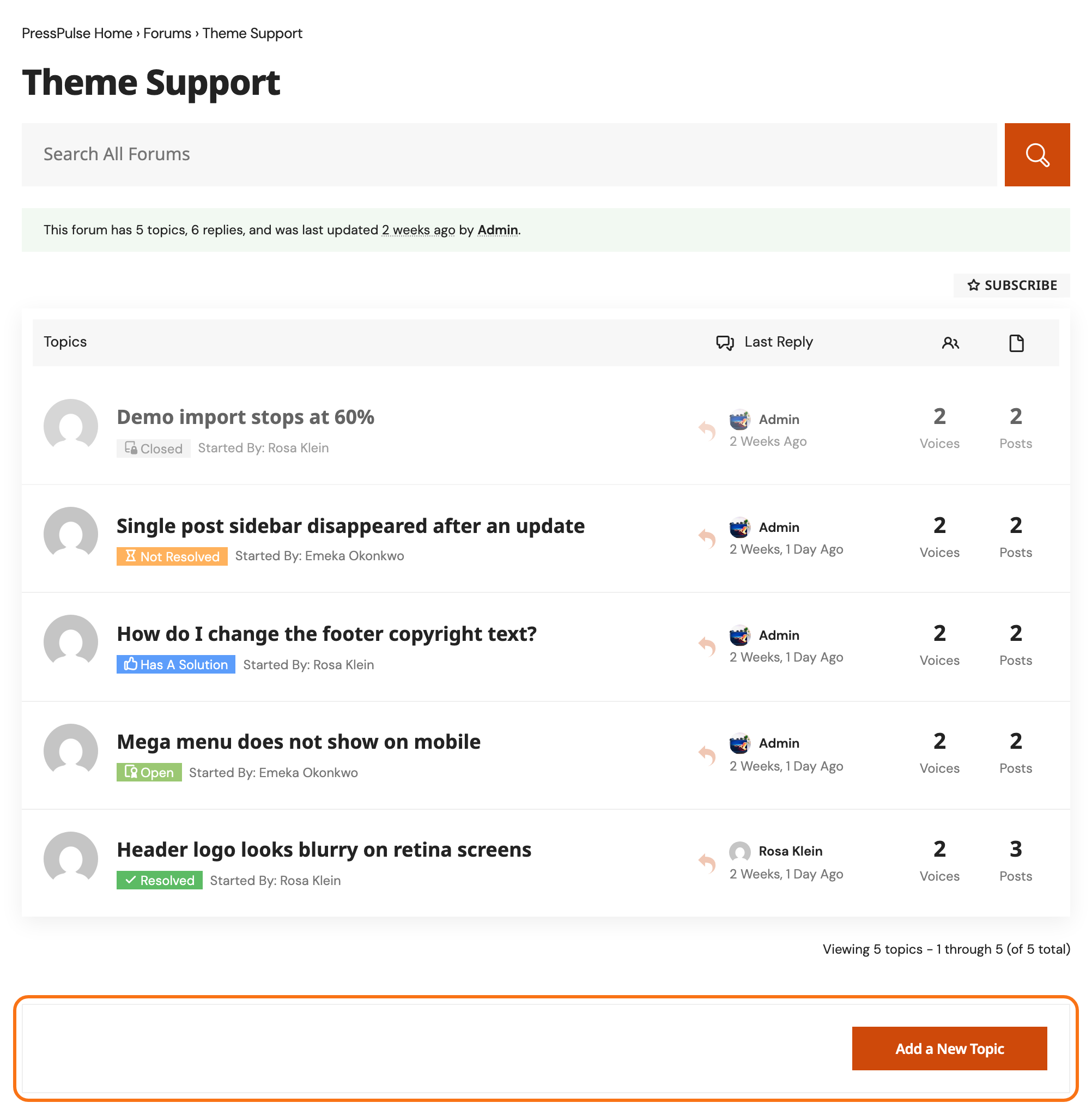
The forums have no sign in link of their own where the new topic box goes. A signed out visitor on a forum sees the topic list and nothing else at the bottom: no box, no message. On a topic, they see "You must be logged in to reply to this topic." and bbPress's login form.
So put a sign in button where every visitor sees it. Use Foxiz's frontend login:
- Add a Sign In button to the header. It opens the sign in popup on any page, forums included.
- If people sign up, build a registration page and, if you like, a login page.
- To send members back to the forums after signing in, see How to Choose Where Readers Land After Login and Logout.
How Frontend Login Works has the full picture.
bbPress's own forms
You can also use bbPress's forms. They work, but look plainer and ignore some Foxiz settings.
- The (bbPress) Login Widget in a forum sidebar shows Username, Password, Keep me signed in and Log In. Fill in its Register URI: and Lost Password URI: to add those links; empty, they are not shown.
- The shortcodes
[bbp-login],[bbp-register]and[bbp-lost-pass]put the same forms on a page. Signed in members see a note instead.
These forms always sign in through wp-login.php, even when you set a Custom Login Page URL in Theme Options > Login. Only a failed sign in is sent to your login page, with the error.
What members see once signed in
- On each forum, the new topic box with its Add a New Topic button. Its heading, text and image are set on the Topic tab.
- On each topic, the reply form.
- On the main forums page, the new topic box shows to Keymasters only, because bbPress checks there for a permission no other role has. Members start topics from inside a forum.
Bulleted and numbered lists are removed from posts by members who cannot moderate. This is expected: Foxiz strips the list tags so a half closed list cannot break the forum layout, and the words stay. Moderators and Keymasters keep their lists.
Member profiles
Every member has a profile under /forums/users/, named after them: Maya Chen's is /forums/users/maya-chen/. Clicking a name in the forums opens it, and so does View in Users > All Users.
Foxiz's profile shows the member's picture and these tabs:
- Profile, Topics Started and Replies Created, always;
- Engagements and Favorites, while those features are on;
- Subscriptions and Edit, on your own profile only.
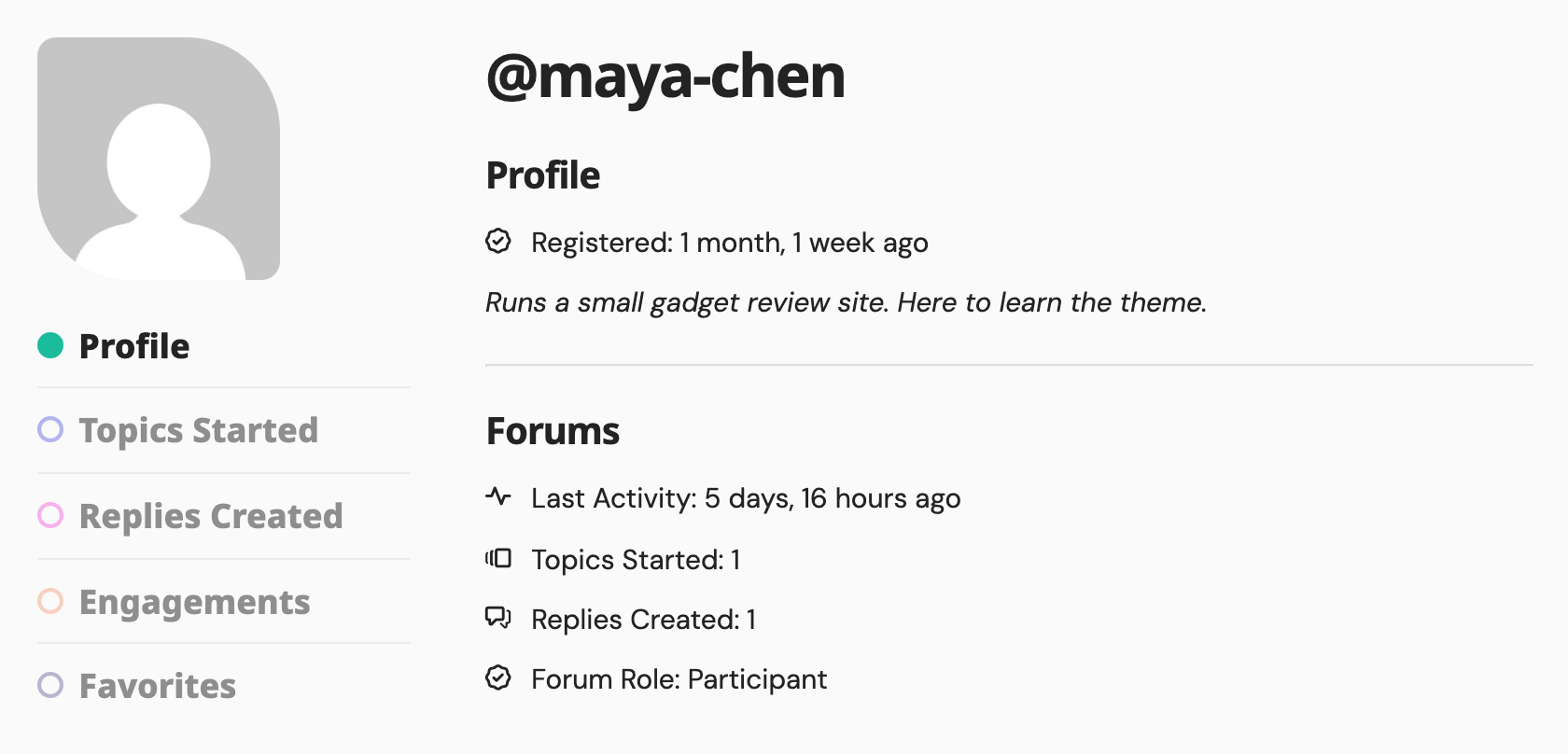
A member with no Gravatar, the free profile picture service tied to an email address, gets your site's default avatar. Turn on Ruby Avatar on the General tab to show the first letter of their name instead. Profile pages never have a sidebar.
Next: How to Set Up Forum Sidebars.
Did this answer your question?