How to Install bbPress
bbPress is a free plugin from wordpress.org. Foxiz lists it under Recommended Plugins on its dashboard, so you can install it from there or from the WordPress Plugins screen. Both give you the same plugin.
For most sites, use Plugins > Add Plugin, the route pictured below: it works on every site. The Foxiz dashboard card does the same, but the dashboard only lists plugins once your Foxiz licence is activated.
From the Foxiz dashboard
-
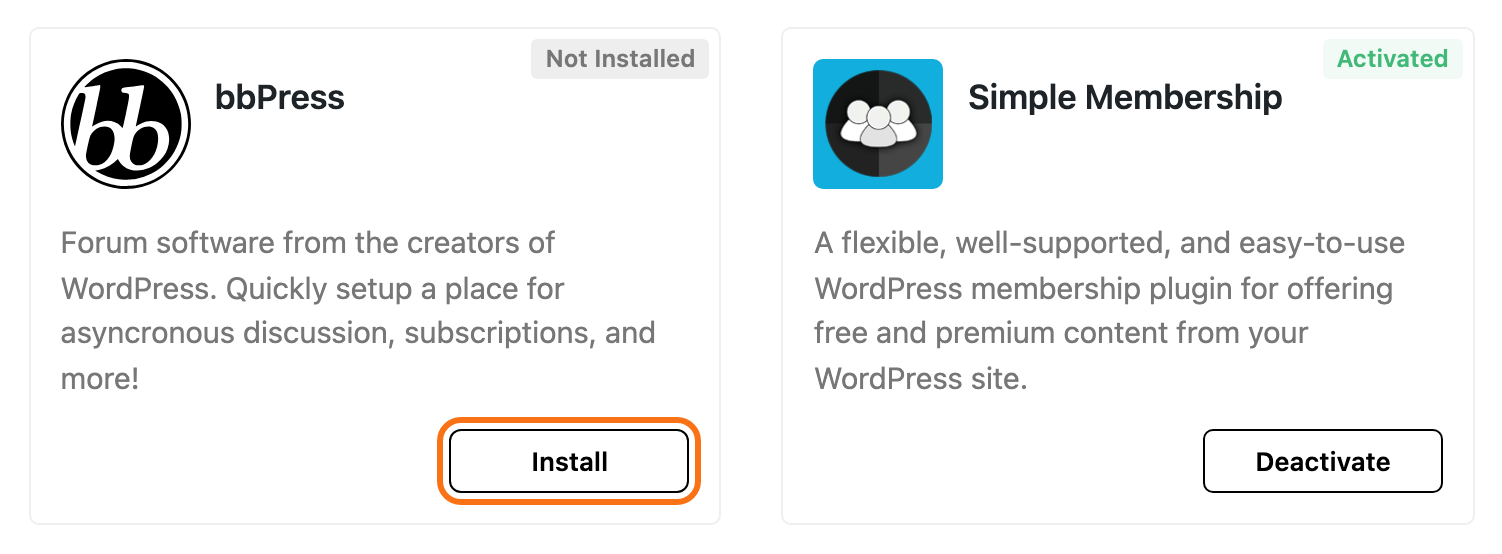
Go to Foxiz > Dashboard and scroll to Recommended Plugins.
-
Find the bbPress card and click Install.
-
The card turns to Inactive. Click Activate.
The card shows only to users who can install plugins.
From Plugins
-
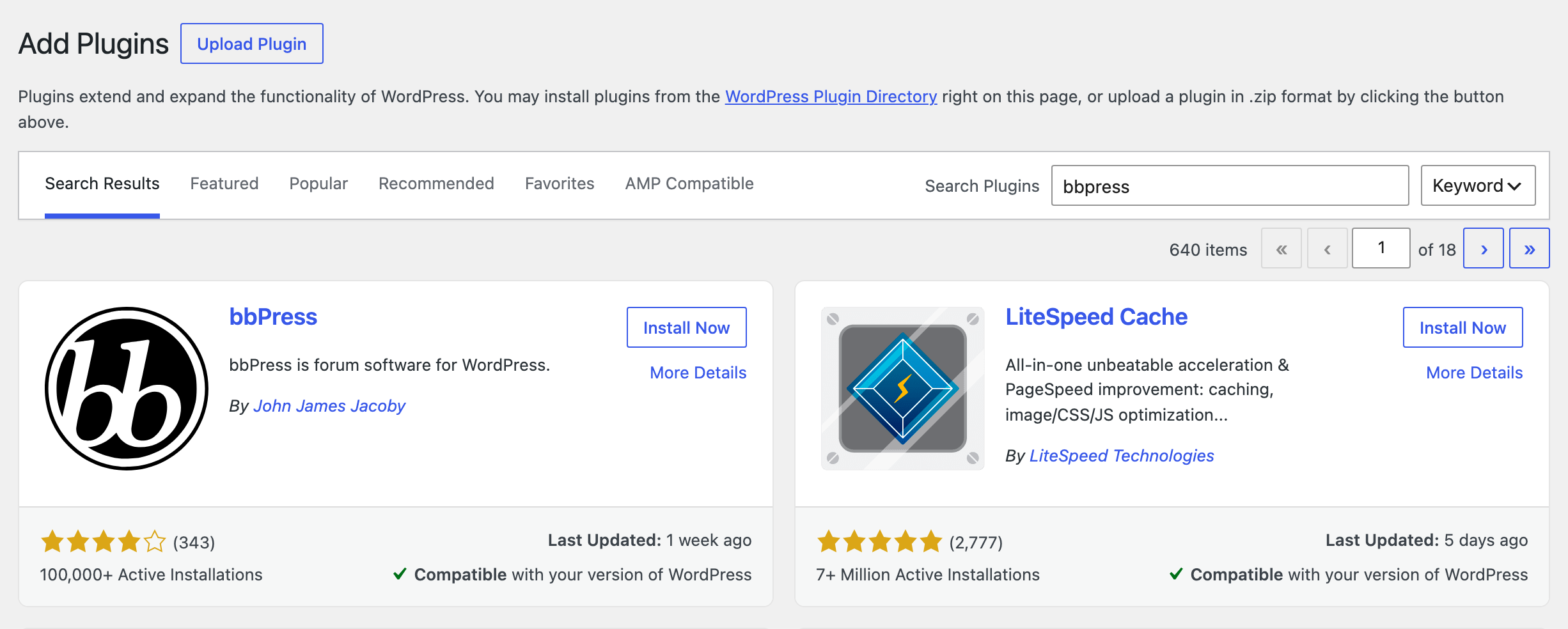
Go to Plugins > Add Plugin.
-
Type
bbPressinto Search Plugins. -
On the bbPress card, click Install Now, then Activate.
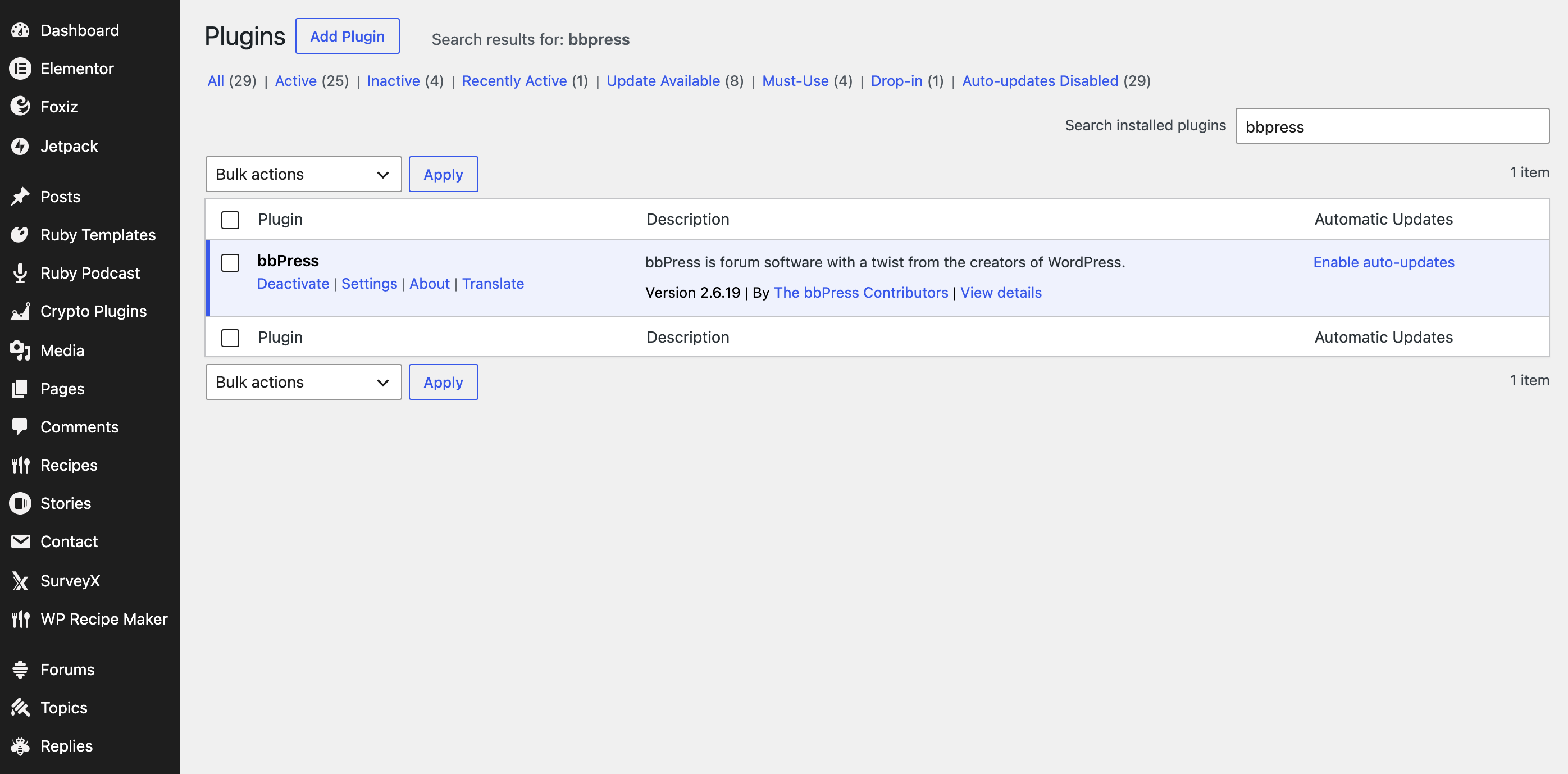
Whichever way you install it, the next time you open the Plugins screen bbPress shows its Welcome to bbPress screen, once. Nothing on it needs to be set.
What activation adds
- You become a forum Keymaster, the role that can do everything in the forums, unless you already had a forum role.
- Three menus: Forums, Topics and Replies, each with an All … and a Create New … item.
- Settings > Forums, bbPress's own settings.
- Tools > Forums, to repair forum counts if they ever go wrong.
- Foxiz > bbPress Forums, Foxiz's settings for the forums.
From now on your forums use Foxiz's layout. Foxiz switches off bbPress's stylesheet and loads its own on forum pages only.
bbPress creates no sample forum. Your forums page stays empty until you create a forum.
Foxiz > bbPress Forums is missing
Foxiz adds that menu item only when all three are true:
- bbPress is active;
- you are an administrator;
- the theme is activated. See How to Activate the Theme.
When all three are, it sits in the Foxiz menu:
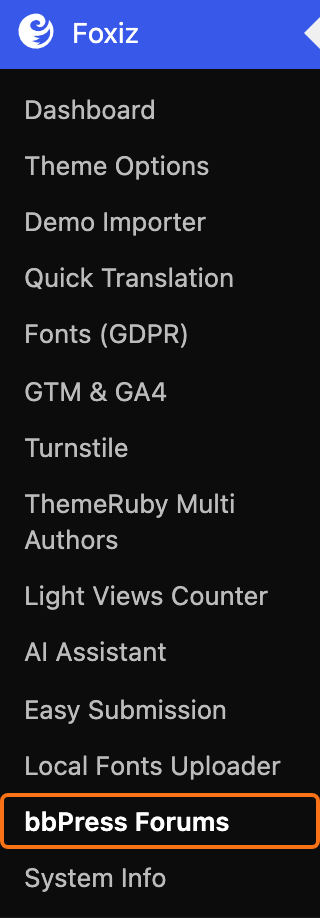
The same settings are also the Extra Features > bbPress Forums tab inside the Foxiz dashboard, titled Enhanced bbPress Features.
Did this answer your question?