Stylesheet Missing Issue When Installing This Theme
This is a common issue. It means that you uploaded the full package. You just need to unzip the package and find Foxiz.zip archive to install.
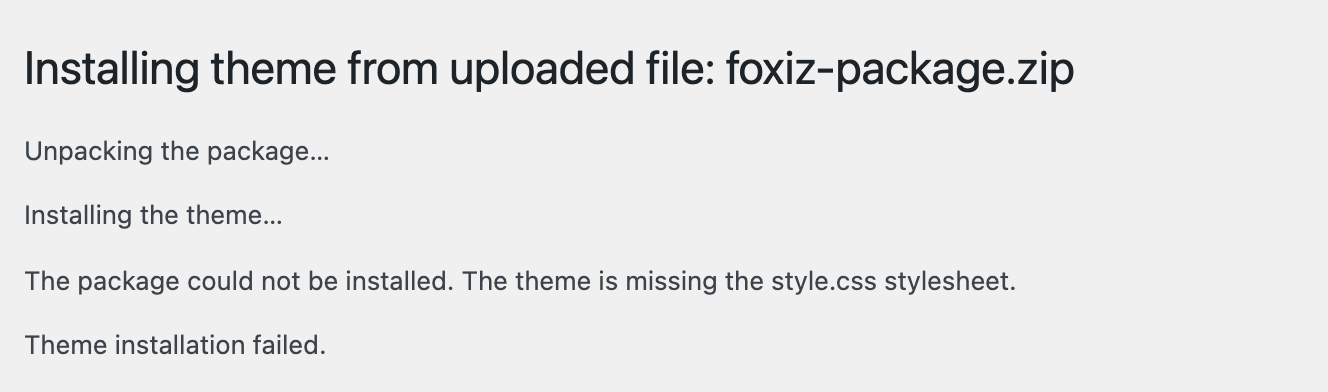
The message you see
The exact message is The theme is missing the style.css stylesheet.
Find the right file to upload
WordPress is not looking at the file's name. It opens the zip, expects a single folder inside it, and requires style.css at the top of that folder. The full package is a folder of many things, so nothing is where WordPress expects.
That also tells you how to recognise the right file after you unzip: it is the archive that unpacks to one folder with style.css directly inside it, alongside functions.php and index.php. Anything holding documentation, a licence, or several zips is not it.
If the message says the template is missing
If the message says Template is missing. Standalone themes need to have a templates/index.html or index.php template file instead, you have uploaded the child theme rather than the theme. Install the parent first; the child theme goes on afterwards and is installed the same way.
You can refer this article for further information:Download and Install Theme
Did this answer your question?