Every Setting in the Light Views Counter Panel
Foxiz > Light Views Counter is the settings screen of the view counting plugin Foxiz reads for its view meta. It has four tabs: Settings, Statistics, Tools and Usage. If Foxiz Core is not active, the same screen sits at Settings > Light Views Counter.
There is no Save button. A switch, a tag or the Query Method list saves the moment you change it; a number saves when you leave the field. A "Setting saved successfully!" message confirms each one.
Showing the count on your posts is a Theme Options job, covered in Light Views Counter. This page is about how the count is made.
Tracking Settings
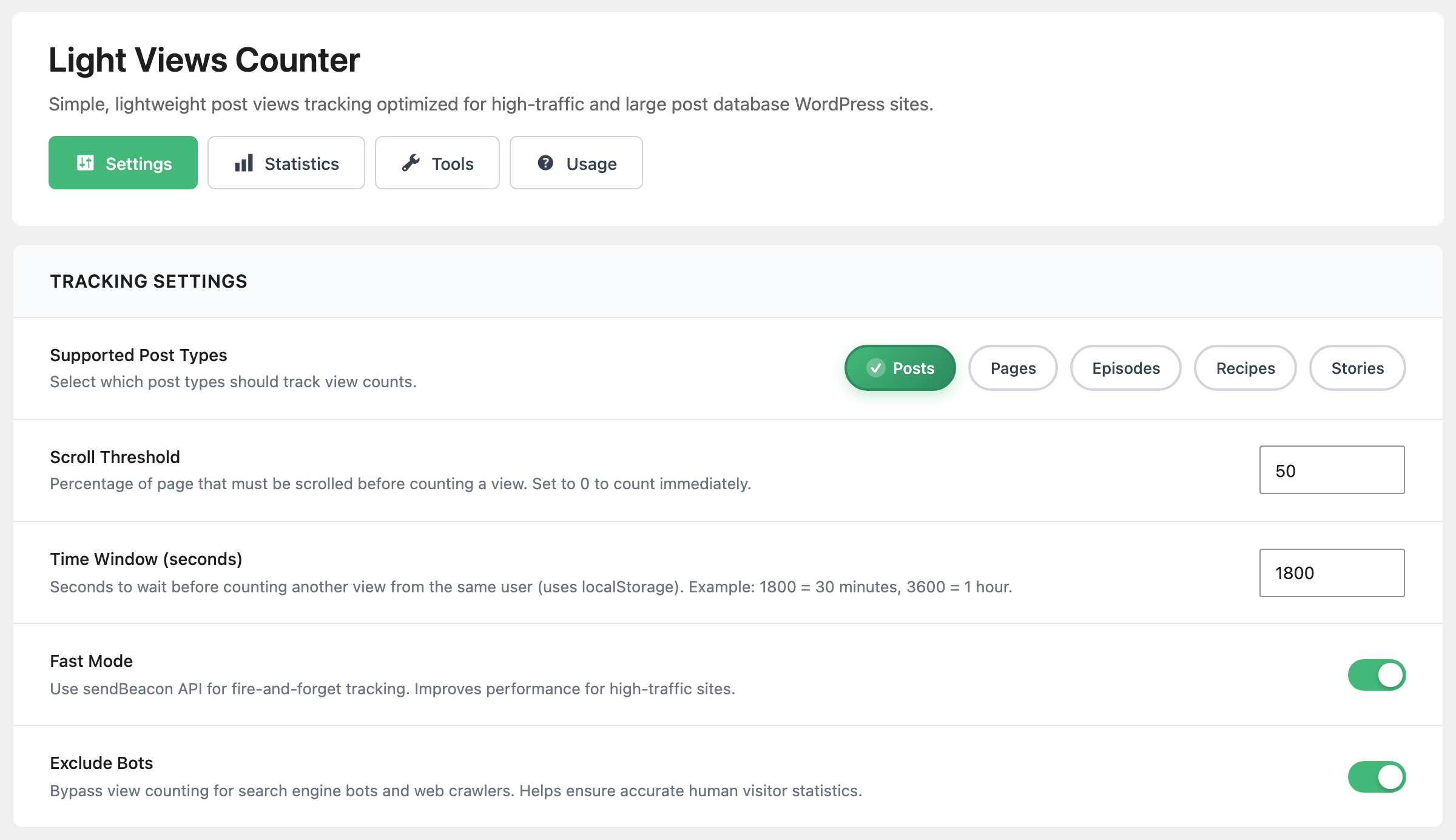
- Supported Post Types decides which post types are counted. By default it is set to Posts only. Only these types get the counter on their single pages, the Post Views box in the editor and the Light Views column in the posts list.
- Scroll Threshold is how far down the post, in percent, a visitor has to scroll before the view counts. Default: 50. Set 0 to count as soon as the page opens. Values above 95 act as 95, and a post short enough to fit on the screen counts after one second without any scrolling.
- Time Window (seconds) is how long before the same visitor can add another view to the same post. Default: 1800, half an hour. The browser remembers the visit, and the server also refuses a second count from the same IP address inside the window.
- Fast Mode is on by default. The browser sends the view without waiting for an answer, which costs the visitor nothing. Leave it on unless you are checking why views are not recorded.
- Exclude Bots is on by default. Search engine crawlers and link preview bots are not counted.
Performance Settings
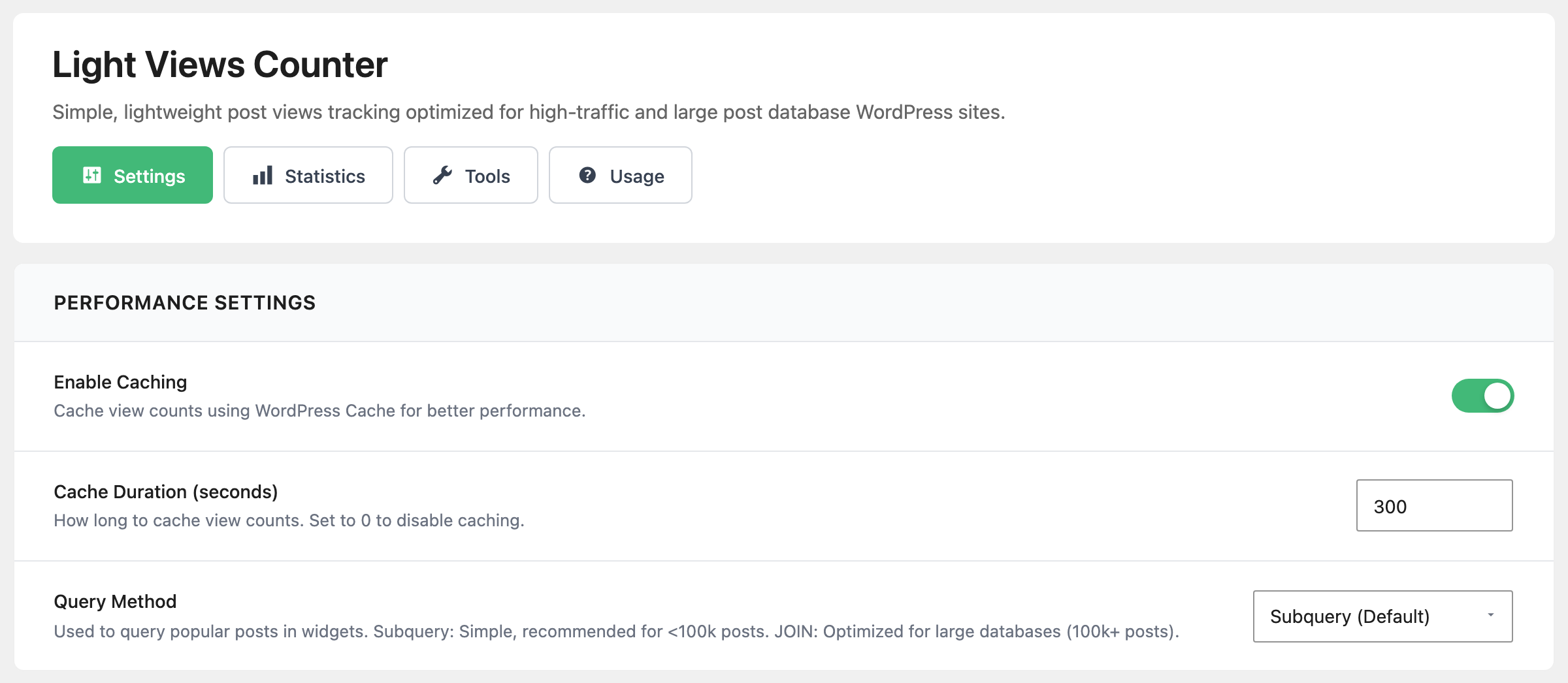
- Enable Caching is on by default, and keeps each post's count in the WordPress cache instead of reading the database every time.
- Cache Duration (seconds) is how long a cached count lasts. Default: 300, five minutes, which is why a new view can take that long to show.
- Query Method decides how a list sorted by views is built. That includes Foxiz blocks whose Order By is one of the Popular (by Post Views) choices, not only the plugin's widget. Subquery (Default) suits most sites; switch to JOIN (Large Databases) once you have more than about 100,000 posts.
Display Settings
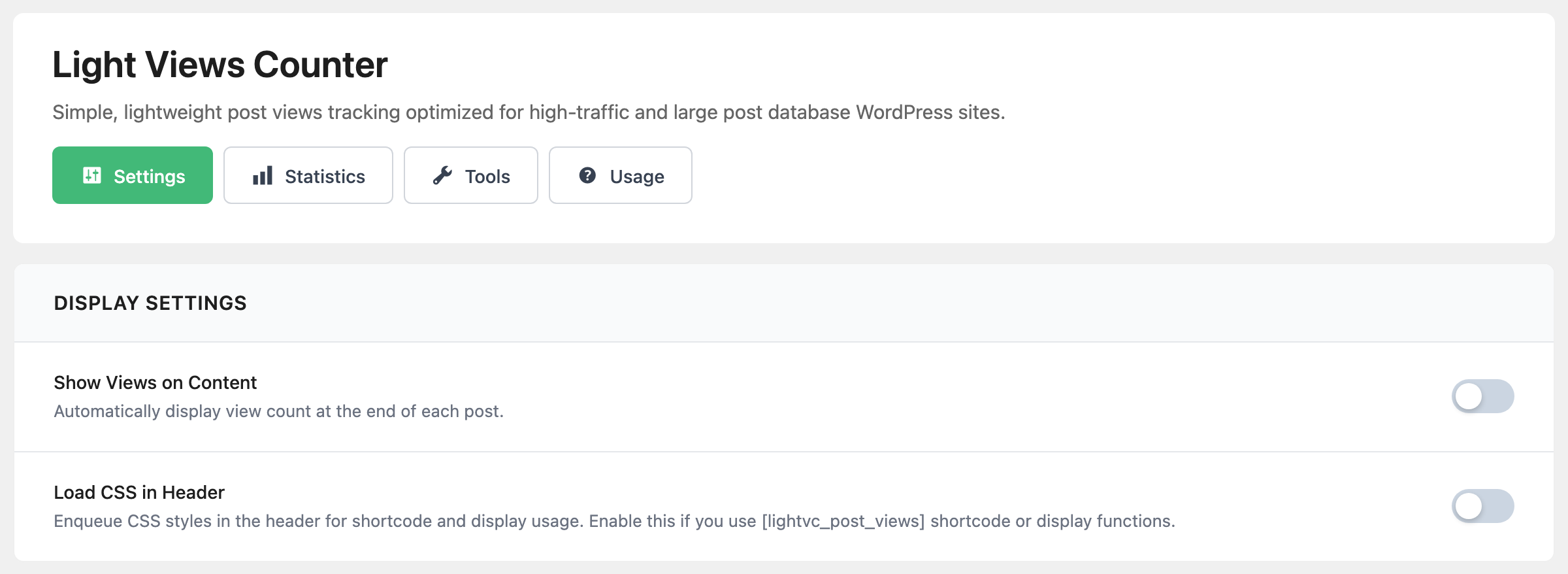
- Show Views on Content is off by default. On, a "Total Views" line is added at the end of every single post and page, except pages built with Elementor. Foxiz already shows the count in the entry meta, so most Foxiz sites leave this off.
- Load CSS in Header is off by default. The plugin's stylesheet then loads only on pages that show the shortcode, the "Total Views" line or the widget. Turn it on if those appear unstyled for a moment as the page loads.
API Settings
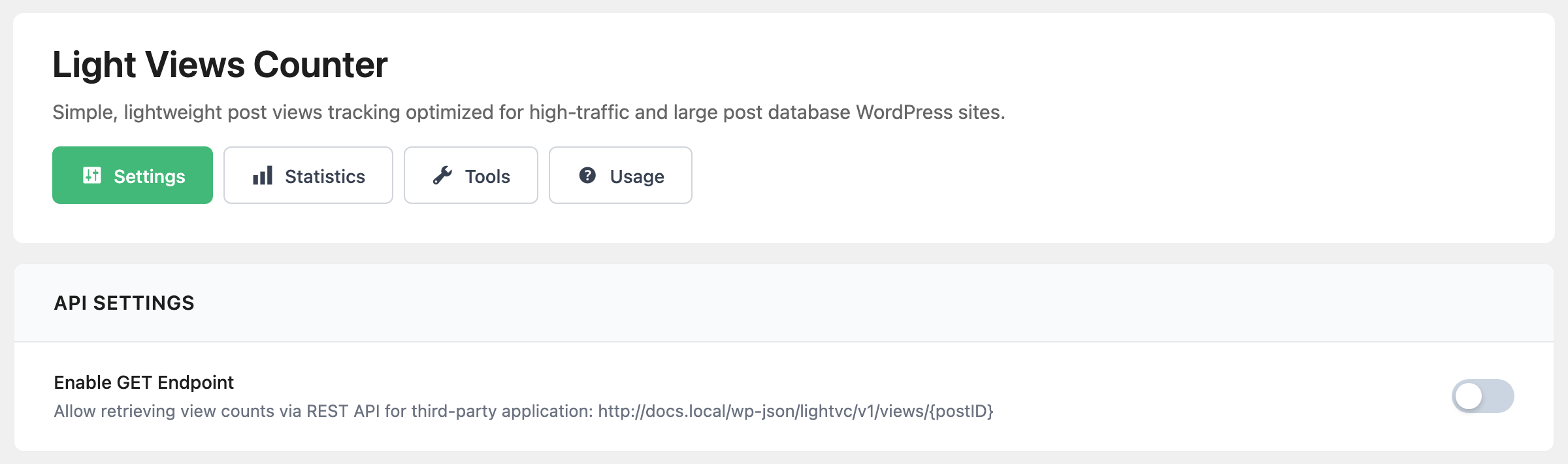
Enable GET Endpoint is off by default. Off, a post's count can be read from /wp-json/lightvc/v1/views/<post ID> only by a logged in user who can edit posts. On, anyone can read it, which is what an outside app or service needs.
Uninstall Settings
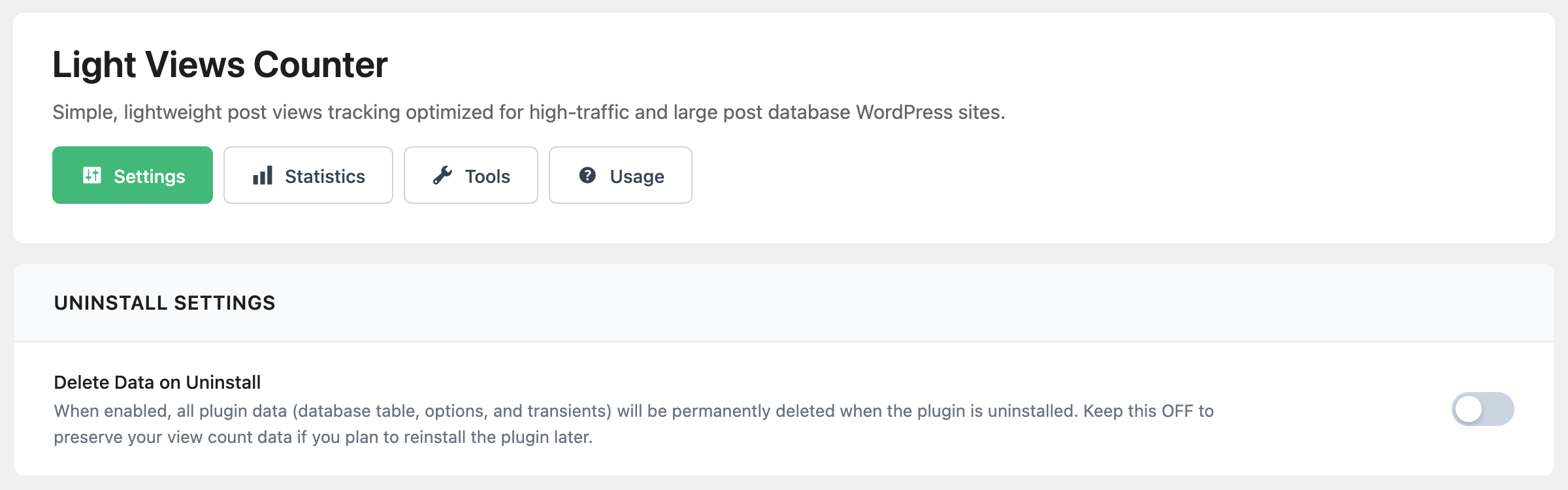
Delete Data on Uninstall is off by default, so your counts survive deleting and reinstalling the plugin. On, deleting the plugin from Plugins also deletes every count and every setting. Deactivating it deletes nothing either way.
The Statistics tab
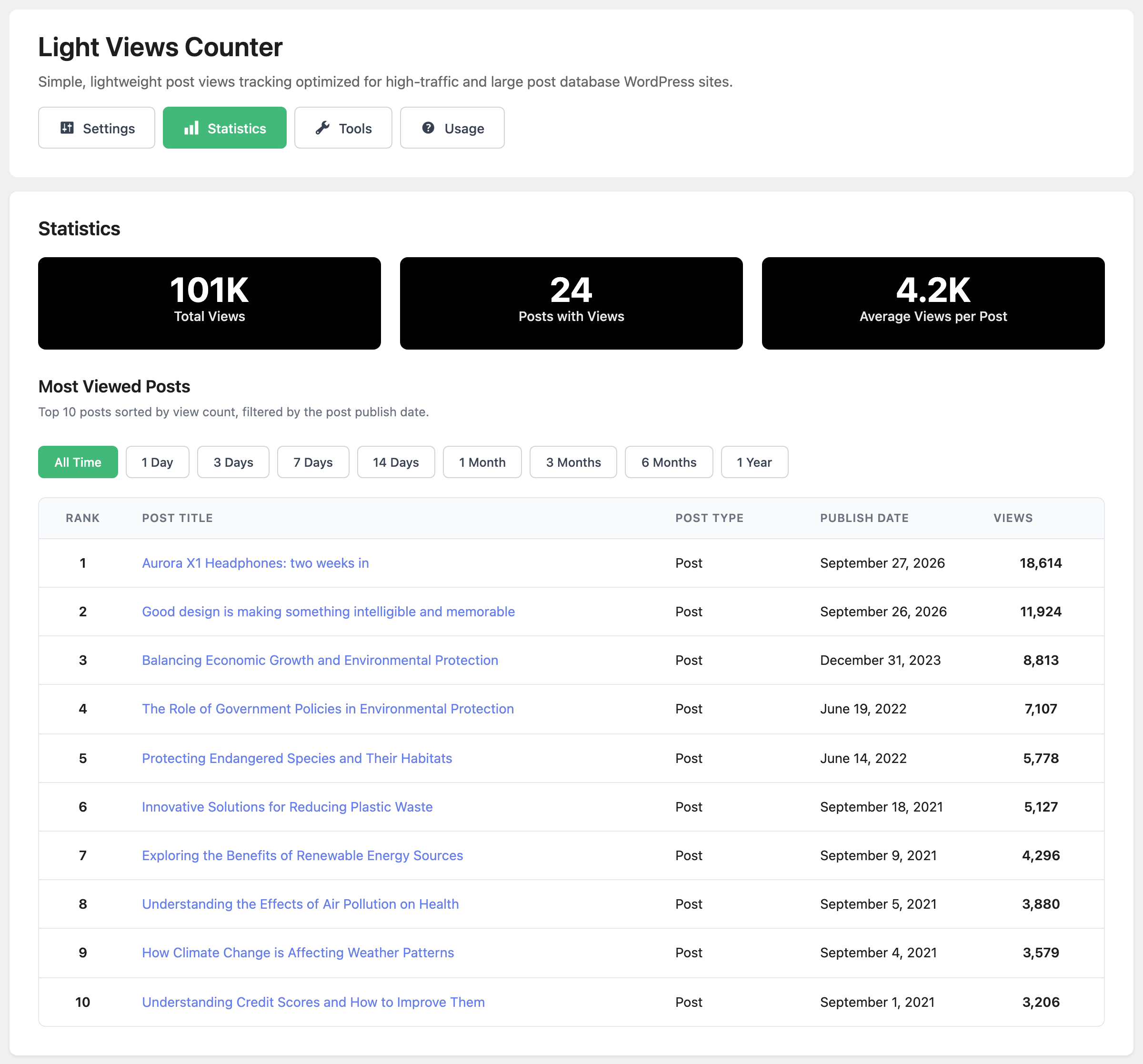
The tab opens with three totals: Total Views, Posts with Views and Average Views per Post. Below them, Most Viewed Posts ranks the top ten with their Post Type, Publish Date and Views, and, when more than one post type is supported, a Post Type: filter.
The period buttons, All Time to 1 Year, filter by when the post was published, not by when it was viewed. 7 Days is the most viewed posts published in the last week.
The Tools tab
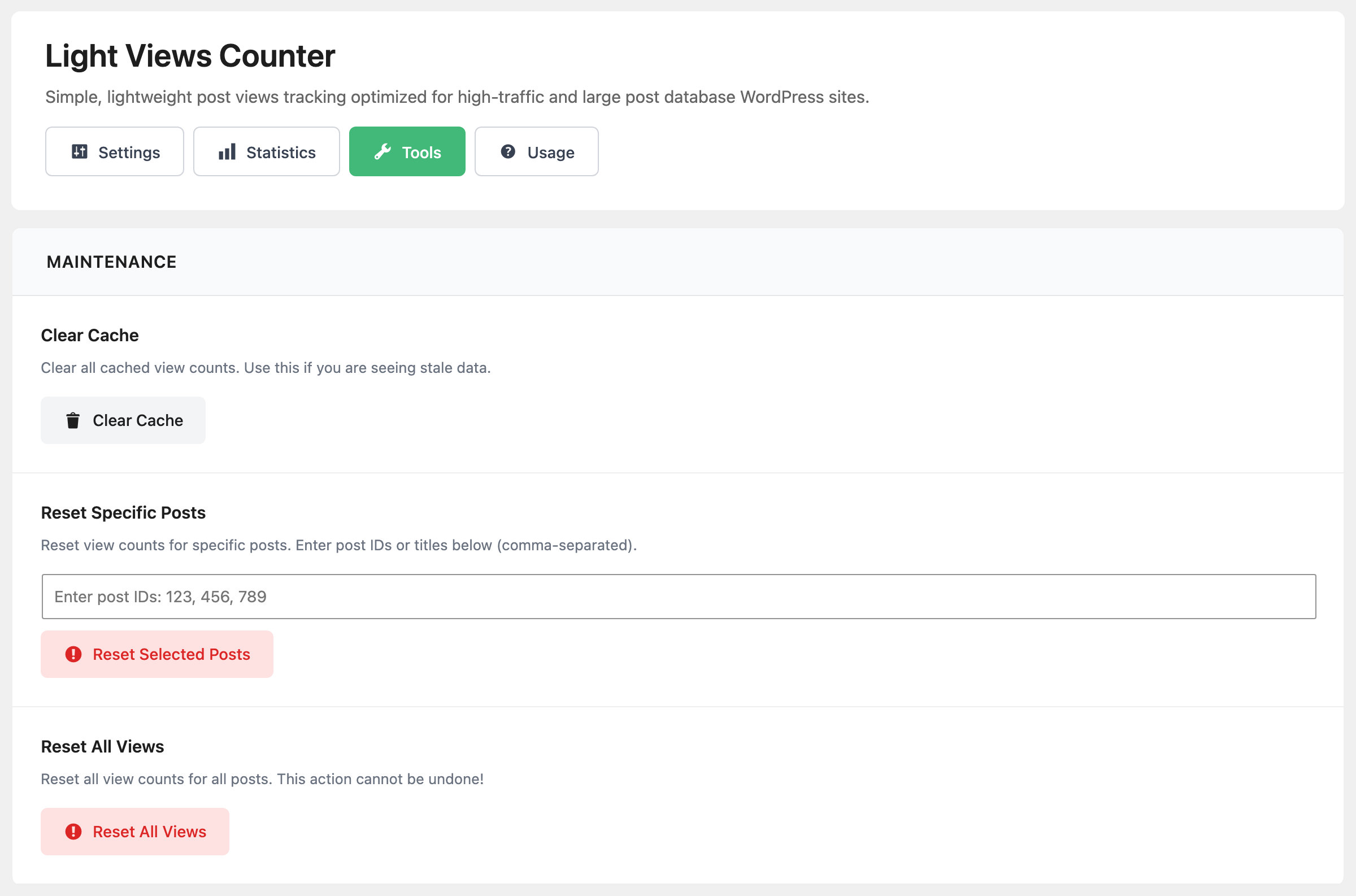
- Clear Cache under Maintenance empties the cached counts, for when a number looks out of date.
- Reset Specific Posts sets chosen posts back to zero. Type their IDs separated by commas, such as
123, 456, and click Reset Selected Posts. - Reset All Views sets every post back to zero. There is no undo.
The Post Views box in the editor
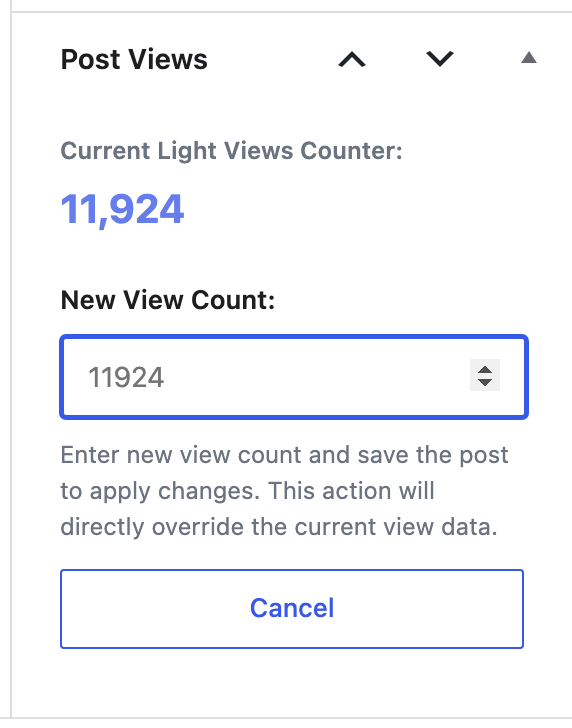
Each post of a supported type has a Post Views box in the editor sidebar, showing Current Light Views Counter: and the real count. To set a different number, click Change View Count, enter it in New View Count: and update the post. Leave the field empty, or click Cancel, and the count stays as it is.
This replaces the stored count. Foxiz's own Fake View Value works differently: it is added on top of the real count when the theme shows it, and the stored count is untouched.
The posts list gets a Light Views column too. Click its heading to sort by views.
The Usage tab: widget and shortcode
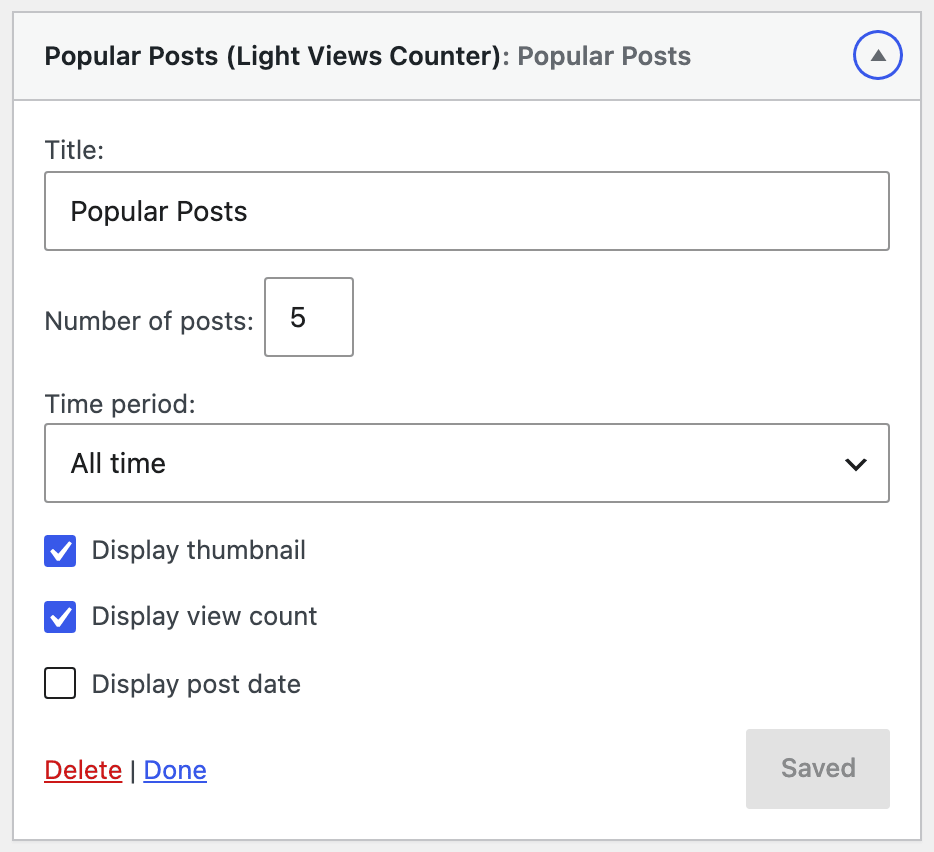
Popular Posts (Light Views Counter) is a widget, added at Appearance > Widgets. Its fields:
- Title: "Popular Posts" by default.
- Number of posts: 5, from 1 to 20.
- Time period: All time, or posts published in the Last 7 days, Last 15 days or Last 30 days.
- Display thumbnail and Display view count are on by default; Display post date is off by default.
[lightvc_post_views] prints a post's count anywhere a shortcode works. Its attributes:
post_id: another post's count. Without it, the post the shortcode sits in.style:default(a bordered box),minimal,badgeorcompact.label: the word before the number, "Views" unless you change it.show_label:falseprints the number alone.
For example, [lightvc_post_views style="badge" label="Reads"].
The rest of the Usage tab, Template Tags, Query Integration, REST API and Filters & Hooks, is code for developers editing theme files.
Did this answer your question?