How to Let Visitors Submit Posts with Easy Submission
Easy Post Submission puts a post form on a page of your site. A visitor fills in a title, an excerpt, the content, categories, tags and a featured image. The plugin saves it as a WordPress post in the status you choose, so you can review it before it goes live.
Writers who sign in also get a page listing their own submissions, where they can edit or delete them.
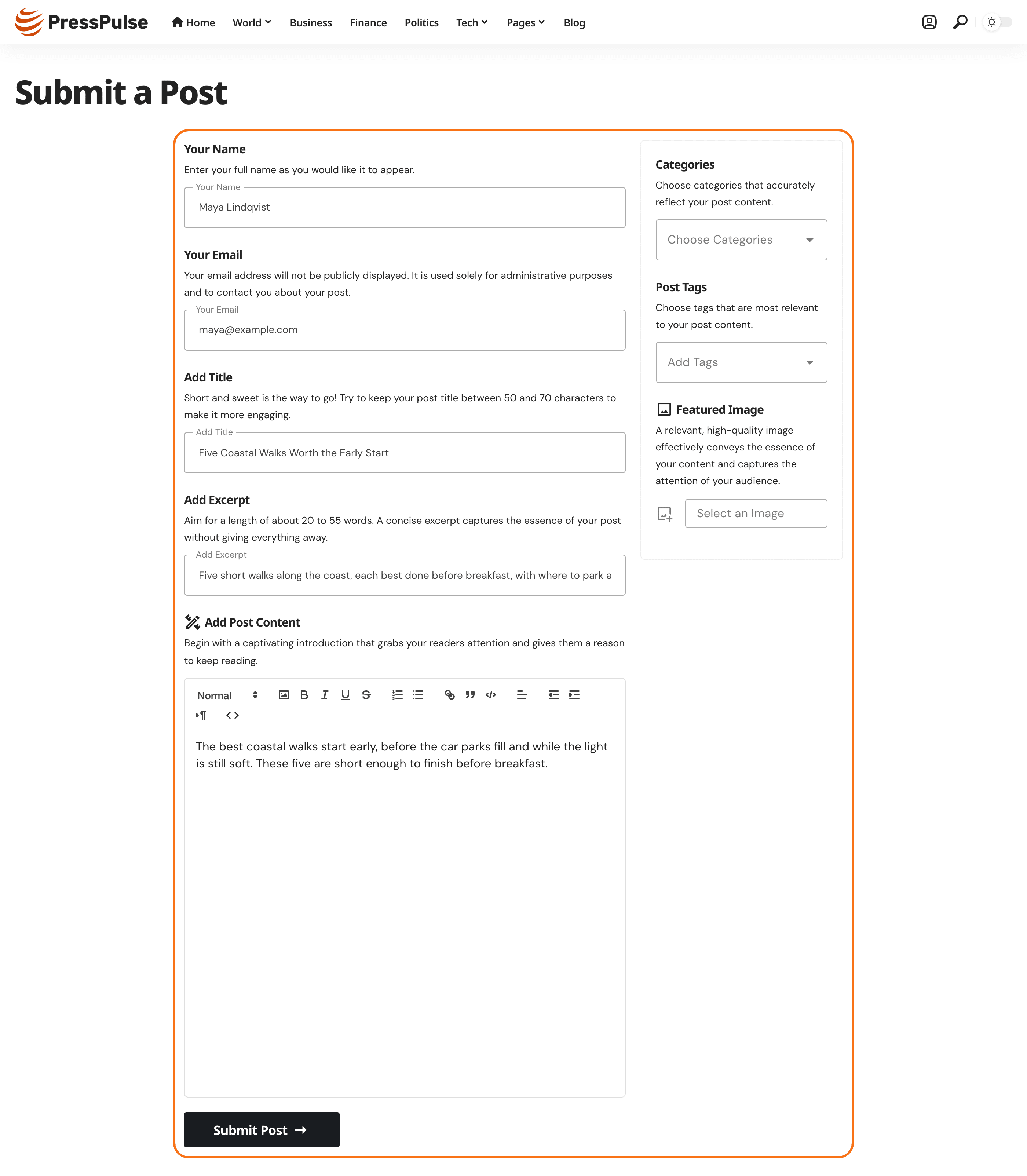
Set it up in five steps
- Install the plugin from Foxiz > Dashboard.
- Run the setup wizard. It creates a form and its pages with default settings.
- Create the pages: the form page, the writer's post list and the edit page, then link the form from your menu.
- Configure the settings: who may submit, where a submission lands, emails, editing and spam checks.
- Set up login for writers who must sign in.
Every field, with its default, is in Every Setting in the Easy Submission Panel.
Decide on login before step 2
Writers sign in on one of two login pages:
- The Foxiz login page (recommended): built with Elementor, styled like the rest of your site, and shared with the header sign in button and popup. Set it up with Frontend Login first.
- The plugin's own login and register pages: ready in one click from the wizard, with a fixed look.
For most sites, pick the Foxiz login page and switch off Create Login Page and Create Register Page in the wizard.
Which one you pick changes what you switch on in the wizard. How to Set Up Login for Easy Submission compares them.
If anyone may submit without an account, you can skip login for now. It is only needed for the post list, editing, and forms set to Only Logged User.
Did this answer your question?