Every Setting in the Heading Design Panel
Theme Options > Heading Design sets the look of the headings above post blocks, archive sections and widgets: the small title with a line, dot or bar beside it, such as "Editor's Pick". Change it here and every heading left on - Default - follows.
Where: Theme Options > Heading Design, the tab right after Standard Blog Design. It holds seven settings in three groups.
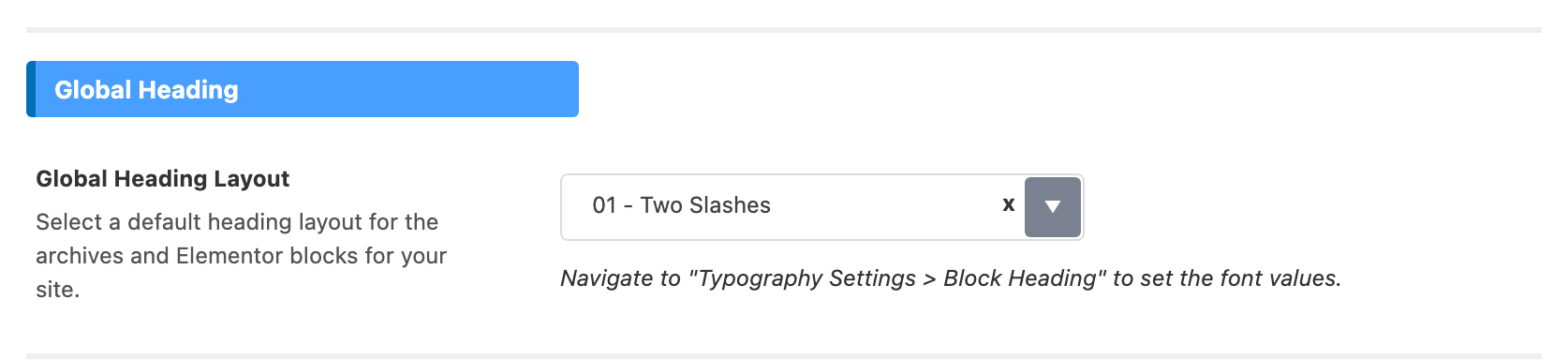
Two notes sit at the top of the panel:
- The fonts of these headings are not here. They are in Typography > Block Heading.
- One heading can have its own layout and colours, set on its block in the Elementor editor. A block left on - Default - follows this panel.
Block and widget headings used to be set in Theme Design. If you knew the old names:
- Block Header Style is now Global Heading Layout, in the Global Heading group.
- Sidebar - Widget Header Style is now Widget Heading Layout, in the Sidebar Widget Heading group.
Global Heading
- Global Heading Layout: the heading style for archives and Elementor blocks across the site. Default: 01 - Two Slashes.
- 38 styles: 23 left aligned (01 - Two Slashes to 23 - Right Slashes) and 15 centred (Center 01 - Two Slashes to Center 15 - Top & Bottom Solid).
- For most sites, keep 01 - Two Slashes or pick the style your demo uses, and change it only here, so every heading stays the same.
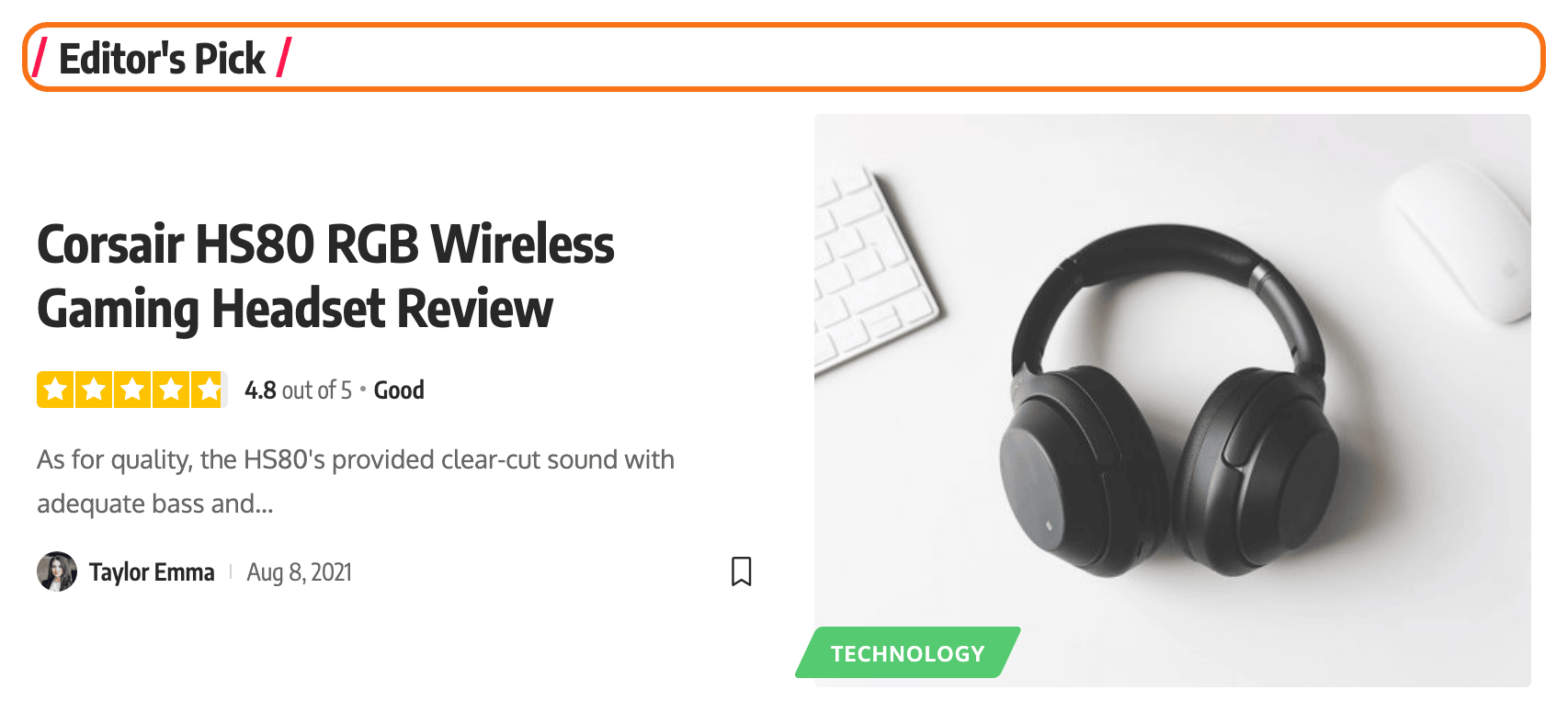
Sidebar Widget Heading
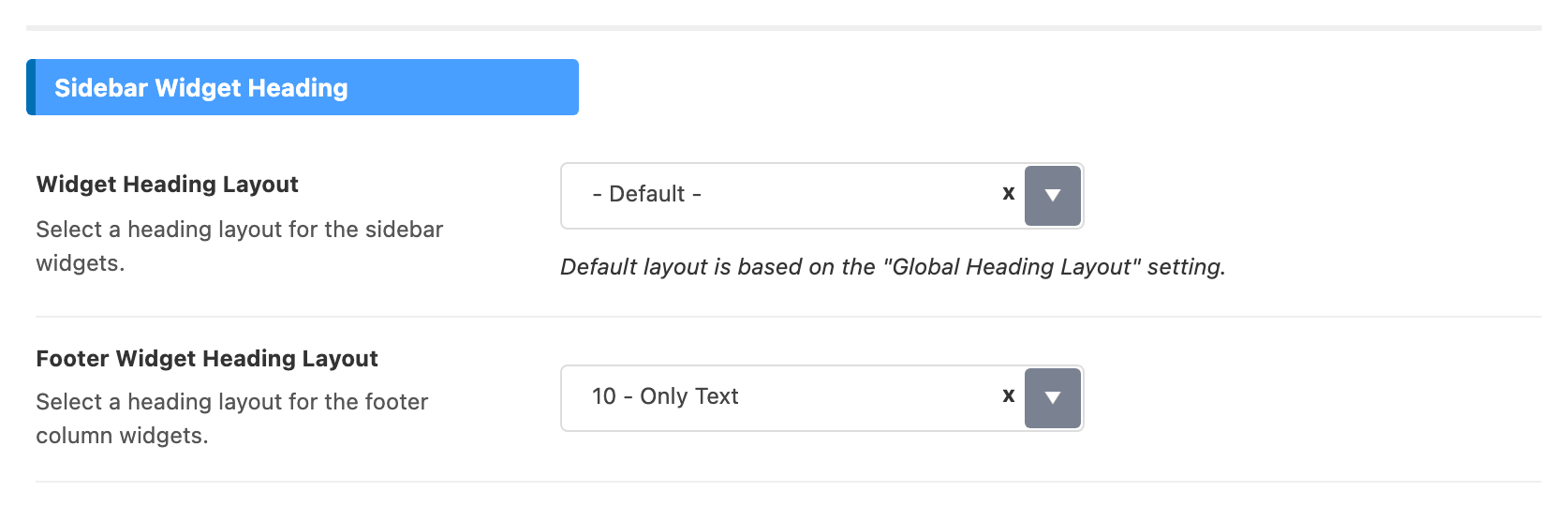
- Widget Heading Layout: the heading style of widgets in the sidebars. Default: - Default -, which means it follows Global Heading Layout.
- Footer Widget Heading Layout: the heading style for widgets in the footer columns. Default: 10 - Only Text.
- Widget Heading HTML Tag: the HTML tag of sidebar and footer widget titles.
- Choices: H1 to H6, p, span and div. Default: - Default -, which is H4.
- Pick p, span or div to keep widget titles out of the page's heading outline. They look the same.
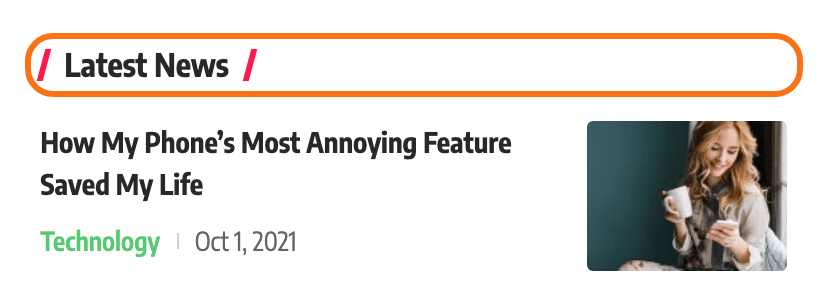

Heading Color
All four are empty by default, which keeps the theme's own colours.
- Primary Heading Color: the heading text.
- Accent Heading Color: the decoration the heading style draws, such as a dot, a line or a bar.
- Dark Mode - Primary Heading Color: the heading text, in dark mode.
- Dark Mode - Accent Heading Color: the decoration, in dark mode.
Set the dark mode pair too if your site offers dark mode, so a dark heading colour does not vanish on a dark background.
Related
- The Foxiz Heading block in Elementor: one heading with its own layout and colours.
- Typography Options: the Block Heading fonts.
- Theme Design: the small details around each post.
Did this answer your question?