Every Setting in the ThemeRuby Multi Authors Panel
Foxiz > ThemeRuby Multi Authors is the settings screen of the plugin that adds co-authors to a post. It has two tabs: Settings, with nine switches and a cache button, and Usage, a reference for the plugin's shortcodes. If Foxiz Core is not active, the same screen sits at Settings > ThemeRuby Multi Authors.
There is no Save button. Each switch saves the moment you flip it, and a "Setting saved successfully." message confirms it.
Adding the co-authors themselves happens in the post editor, in the RubyAuthors box: see How to Assign Multiple Authors to the Post?.
Post Type Settings
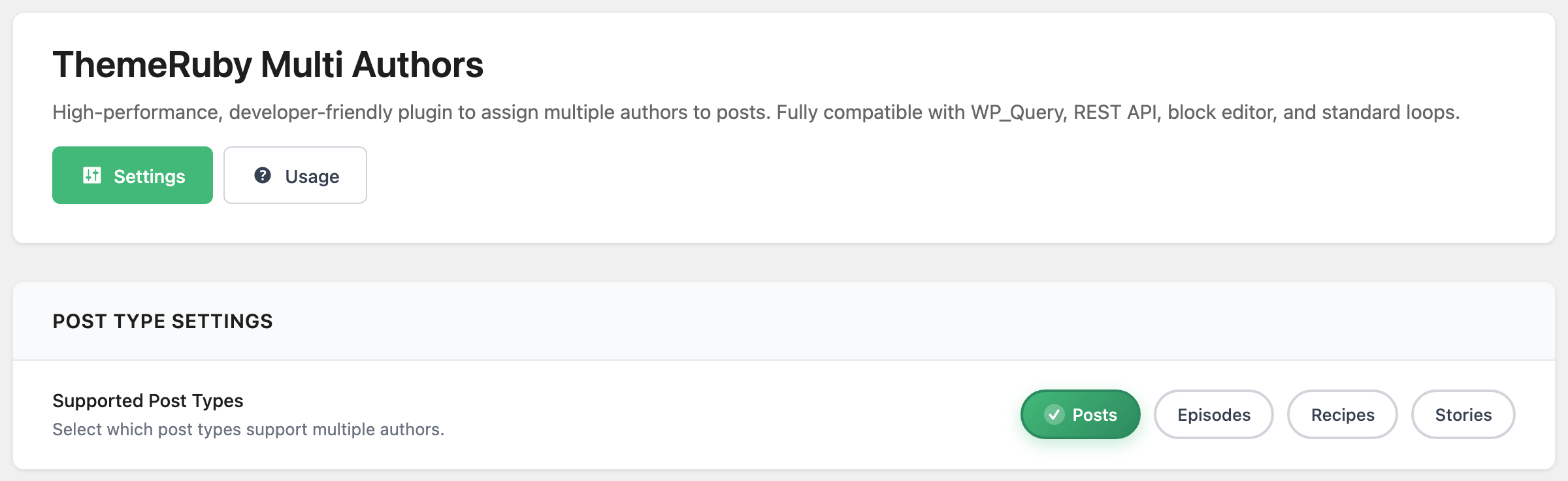
Supported Post Types decides which post types show the RubyAuthors box in the editor. By default it holds Posts only. The tags list every public post type except pages, media and builder templates, so pages cannot have co-authors. Clear every tag and Posts is saved anyway.
Author Page Settings
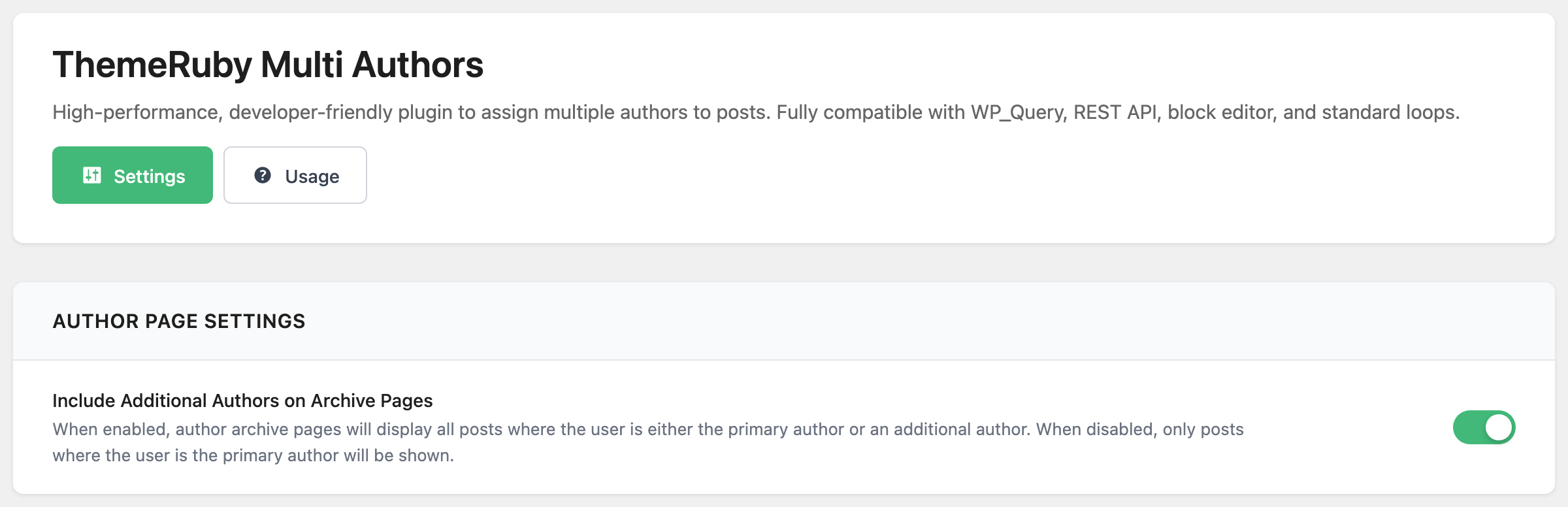
Include Additional Authors on Archive Pages is on by default. With it on, a writer's author page lists every post they wrote, including the ones where they are a co-author. Off, it lists only the posts where they are the post's own Author.
WP_Query Settings
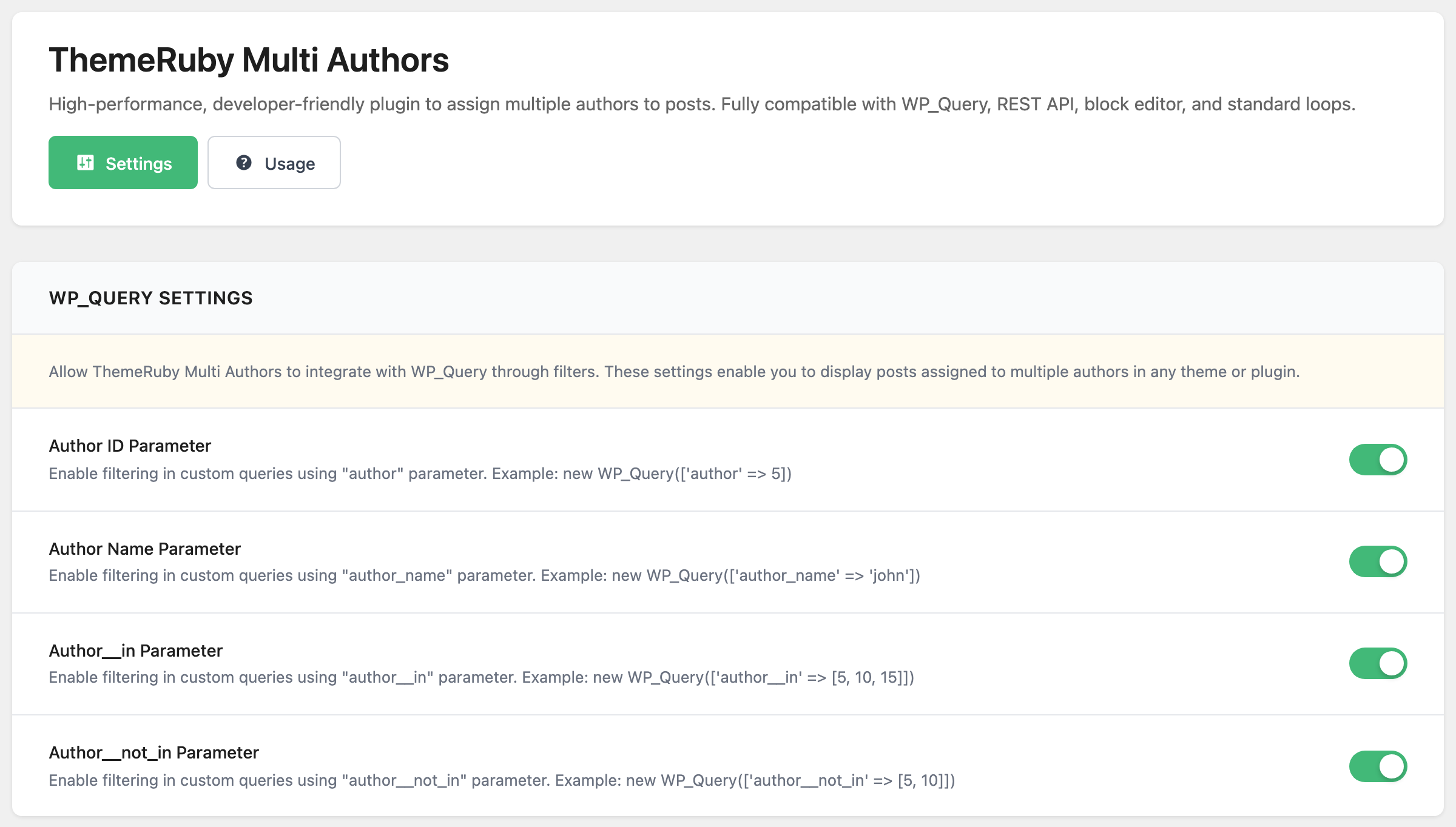
Leave all four on, so a co-written post shows up in every list of each of its writers. These four switches do the same thing for every other list of posts filtered by author: Foxiz blocks, widgets, other plugins, your own code. All four are on by default, and each covers one way of naming the author.
- Author ID Parameter: a list filtered to one author by ID. This is the one Foxiz blocks use, so a block with Author Filter set to a writer also lists the posts they co-wrote while it is on.
- Author Name Parameter: a list filtered by the author's username slug.
- Author__in Parameter: a list filtered to several authors at once.
- Author__not_in Parameter: a list that leaves some authors out. With it on, a post is left out when an excluded writer is any of its authors, not only its own Author.
Turn one off and lists filtered that way go back to counting only the post's own Author.
SEO Integration
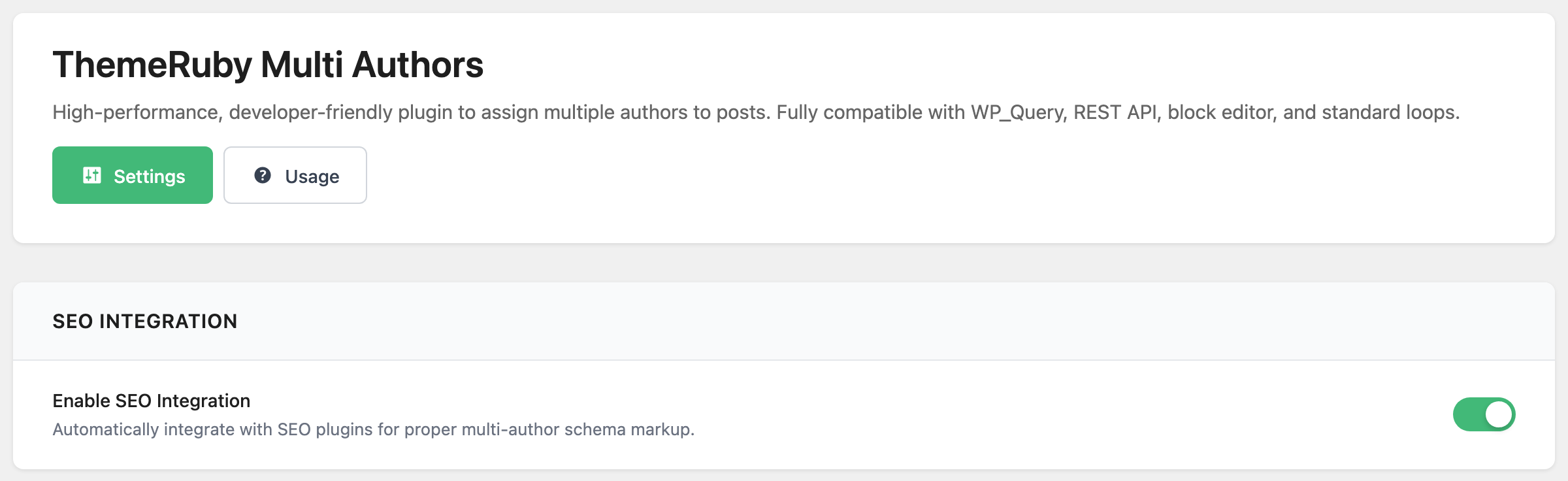
Enable SEO Integration is on by default. On a single post with more than one author, it puts every author into the article schema written by Yoast SEO, Rank Math, All in One SEO, SEOPress or The SEO Framework, whichever you run.
Foxiz's own article markup lists every author whether this switch is on or off.
Display Settings
Show Author Box is off by default. On, the plugin adds its own author box to the end of every post of a supported type: an Author or Authors heading, then each author's avatar, linked name and biography.
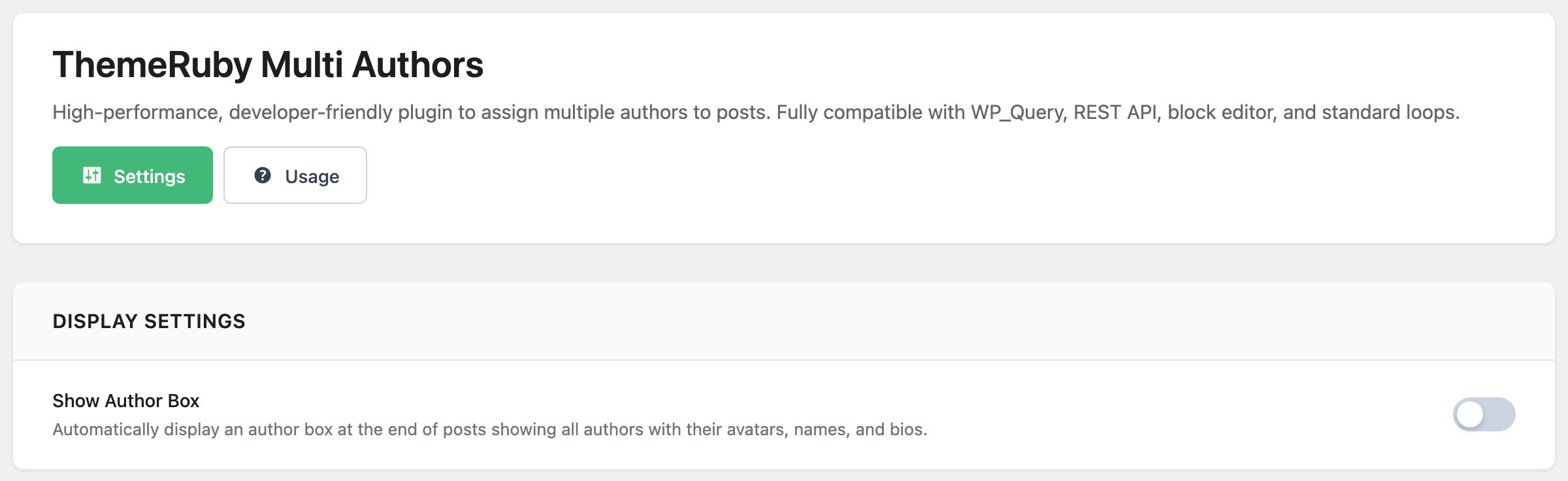
Leave it off on Foxiz. The theme already draws one author card per co-author at the end of the post, so turning this on shows the authors twice.

Performance Settings
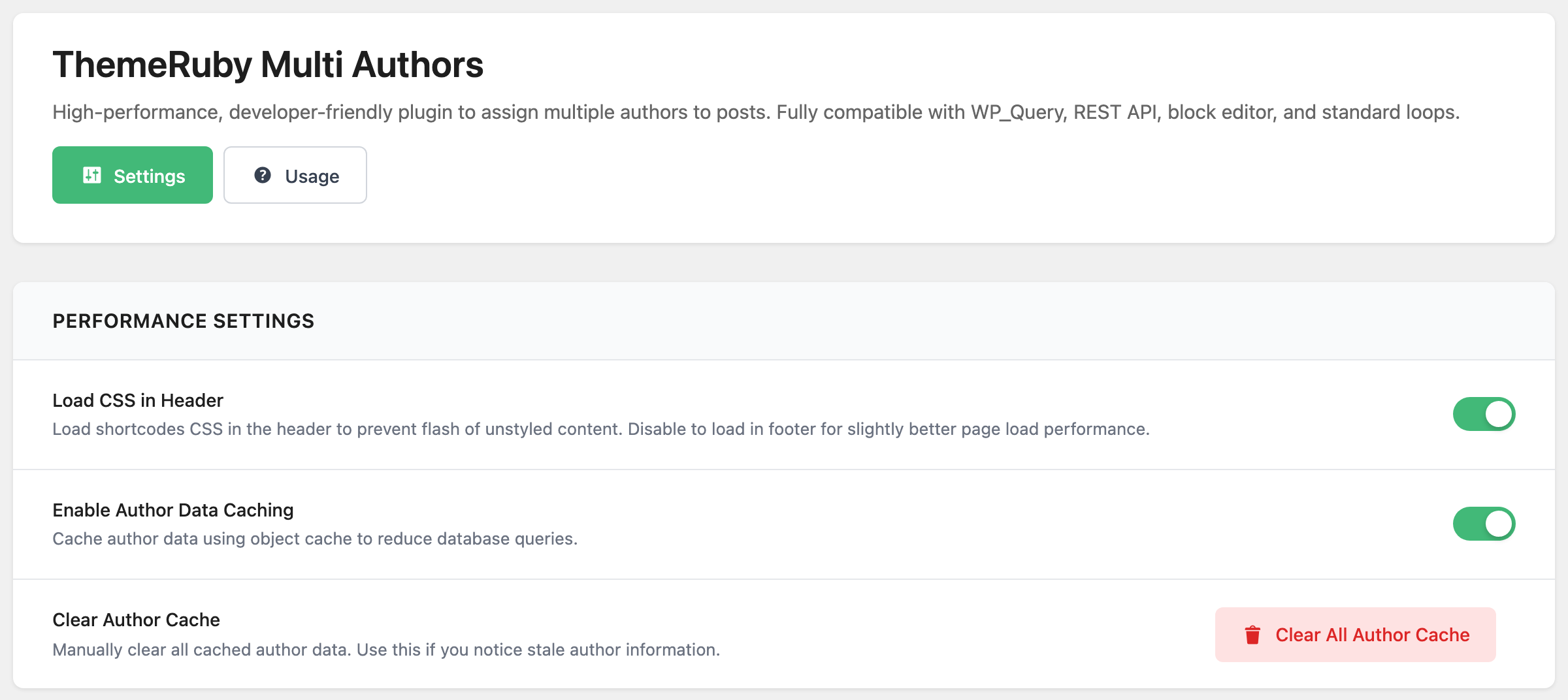
- Load CSS in Header loads the stylesheet for the shortcodes and the author box in the page head, so they never appear unstyled for a moment. Off, the stylesheet is added only on pages that use one of them, later in the page.
- Enable Author Data Caching is on by default. It keeps each post's author list, and each writer's post count, for up to an hour instead of reading them again. Without an object cache on your host (Redis or Memcached, for example) WordPress keeps that cache for one page load only, so the switch matters most on sites that have one.
- Clear Author Cache has one button, Clear All Author Cache. The cache is already cleared when you change a post's authors, update a user profile, or publish or unpublish a post, so you only need the button when a name or count still looks out of date.
The Usage tab: shortcodes
![The Usage tab of Foxiz > ThemeRuby Multi Authors, with the first of the five shortcode cards, Simple Author List for [tmauthors], showing its examples and parameters](/docs/assets/images/multi-authors-usage-shortcodes@2x-9f54080d7b29cf63d6fa3df6e4f71f5d.png)
The Usage tab lists five shortcodes for placing a post's authors anywhere: in post content, a widget, a page builder or a template. Each one shows the authors of the post it sits in; add post_id to show another post's authors instead.
| Shortcode | Shows | Attributes and their defaults |
|---|---|---|
[tmauthors] | The names in one line, such as "John Doe, Jane Smith" | separator (, ), link (true, each name links to its author page), before and after (empty, text or simple HTML around the list), post_id |
[tmauthors_box] | The full author box: heading, avatars, names, biographies | show_avatar (true), show_bio (true), avatar_size (120, pixels), post_id |
[tmauthors_list] | A bulleted list of linked names | show_avatar (false), show_count (false, adds each writer's post count), avatar_size (32), post_id |
[tmauthors_avatars] | The avatars in a row | size (48, pixels), link (true), post_id |
[tmauthors_count] | How many authors the post has, such as "3 authors" | text (your own wording, with %d where the number goes, such as text="Written by %d people"), post_id |
true and false are typed as words, as in [tmauthors_box show_bio="false"]. The box from the shortcode uses 120 pixel avatars, larger than the 80 pixels of the box Show Author Box adds.
Below the shortcodes, Template Tags (For Developers) lists the PHP functions behind them, and Query Examples shows how a custom query picks up co-authored posts. Both are for editing theme files, not settings.
Did this answer your question?