How to Assign Multiple Authors to the Post?
Foxiz supports the ThemeRuby Multi Authors plugin. It allows you to show one author, or several co-authors, on a post.
Nothing has to be switched on in Theme Options for this. The theme checks whether the plugin is active every time it draws an author, and uses it when it finds it.
To get started, please follow steps below:
-
Install and activate ThemeRuby Multi Authors. It is one of the Essential plugins on the Foxiz dashboard, see Install Default Plugins.
-
Make sure every co-author has a user account on your site with the Contributor role or higher, under Users > Add User. Only users who can edit posts can be added as authors, so a Subscriber never shows up in the search.
-
Navigate to Posts > All Posts, then select and edit the post you would like.
-
In the editor sidebar, find the RubyAuthors panel. The post's own Author stays the first author; the panel adds the others.
-
Under Additional Authors, type a name into the Search authors... box and click the user you want. Repeat for each co-author. The x beside a name removes it.

-
Click Save (or Publish on a post that is not published yet) to save the post.
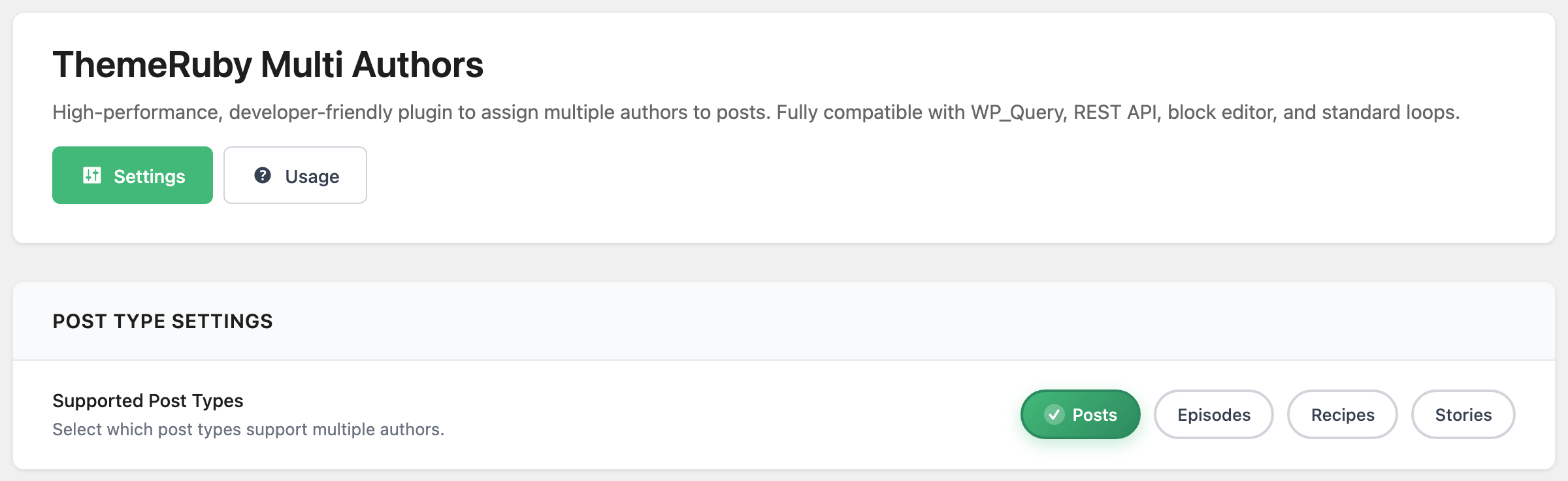
The RubyAuthors panel appears on posts only by default. To use it on other post types, open Foxiz > ThemeRuby Multi Authors and tick them under Supported Post Types. Pages are not offered there, so a page cannot have co-authors.
Every other switch on that screen, and the shortcodes on its Usage tab, are covered in Every Setting in the ThemeRuby Multi Authors Panel.
Once a post has more than one author, Foxiz shows all of them in four places, and each one falls back to the single post author when the plugin is not active.
-
The author name in the entry meta, as one list under the By label rather than a single name. It appears wherever
authoris in that layout's entry meta tags. -
The avatar in the entry meta, one small image per author side by side, when
avataris in the entry meta tags. Each author's own Author Gravatar image is used if they have one.
-
The author card at the end of the post, which becomes one card per author, stacked.

-
The article's structured data, where every author is listed instead of one.
Two things decide whether you actually see the cards. The Author Card switch at Theme Options > Single Post > Post Content Area has to be on, and each author needs a Biographical Info, because the card builder returns nothing for an author whose biography is empty. In a stack of three co-authors, the one without a biography is simply absent.
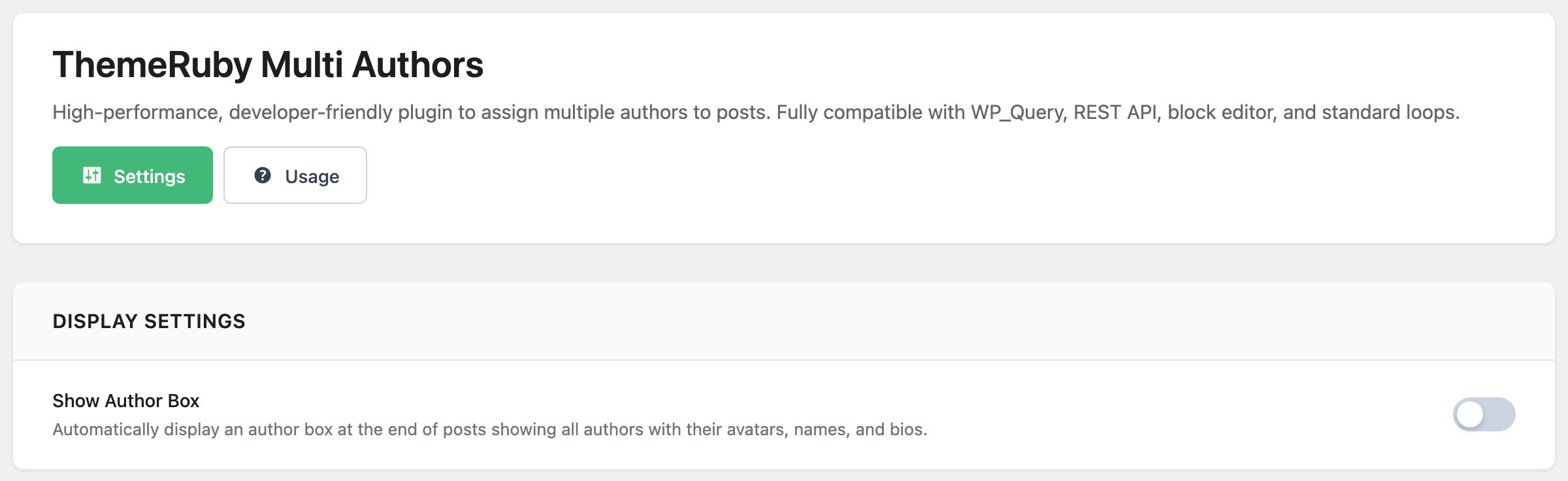
Leave Show Author Box off in Foxiz > ThemeRuby Multi Authors. It is off by default, and Foxiz already draws the author cards above. Turning it on adds the plugin's own author box to the end of every post, so readers see the authors twice.
Official Plugin Documentation
You can refer the official documentation of this plugin for further information: https://themeruby.com/multi-authors
Did this answer your question?