How to Install Easy Post Submission
Easy Post Submission is one of the Foxiz Essential Plugins. Install it from the Foxiz dashboard; you do not need to search for it under Plugins.
This is step 1 of How to Let Visitors Submit Posts with Easy Submission.
Install and activate
-
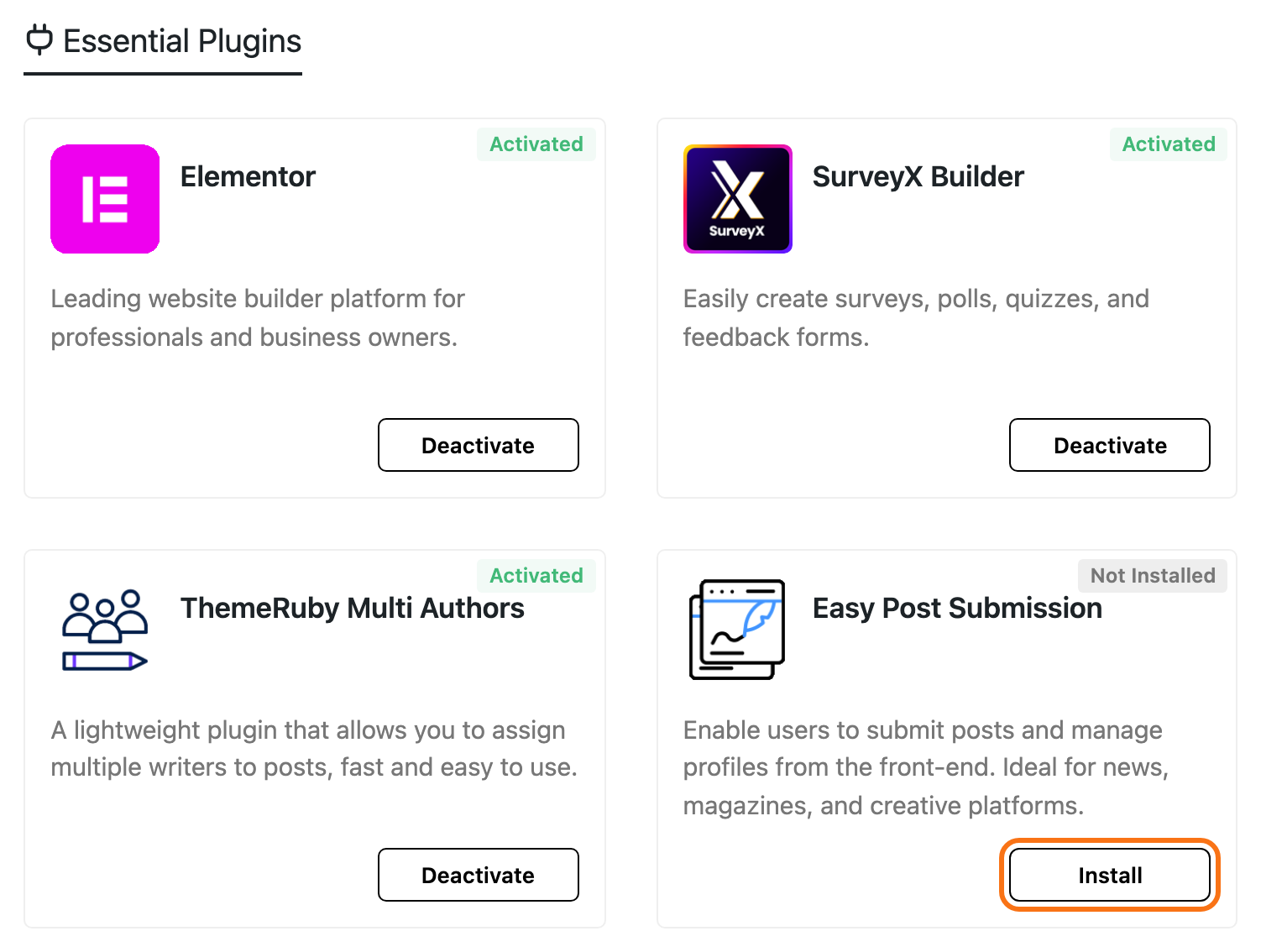
Go to Foxiz > Dashboard and find the Easy Post Submission card under Essential Plugins. Before you install it, the card reads Not Installed.
-
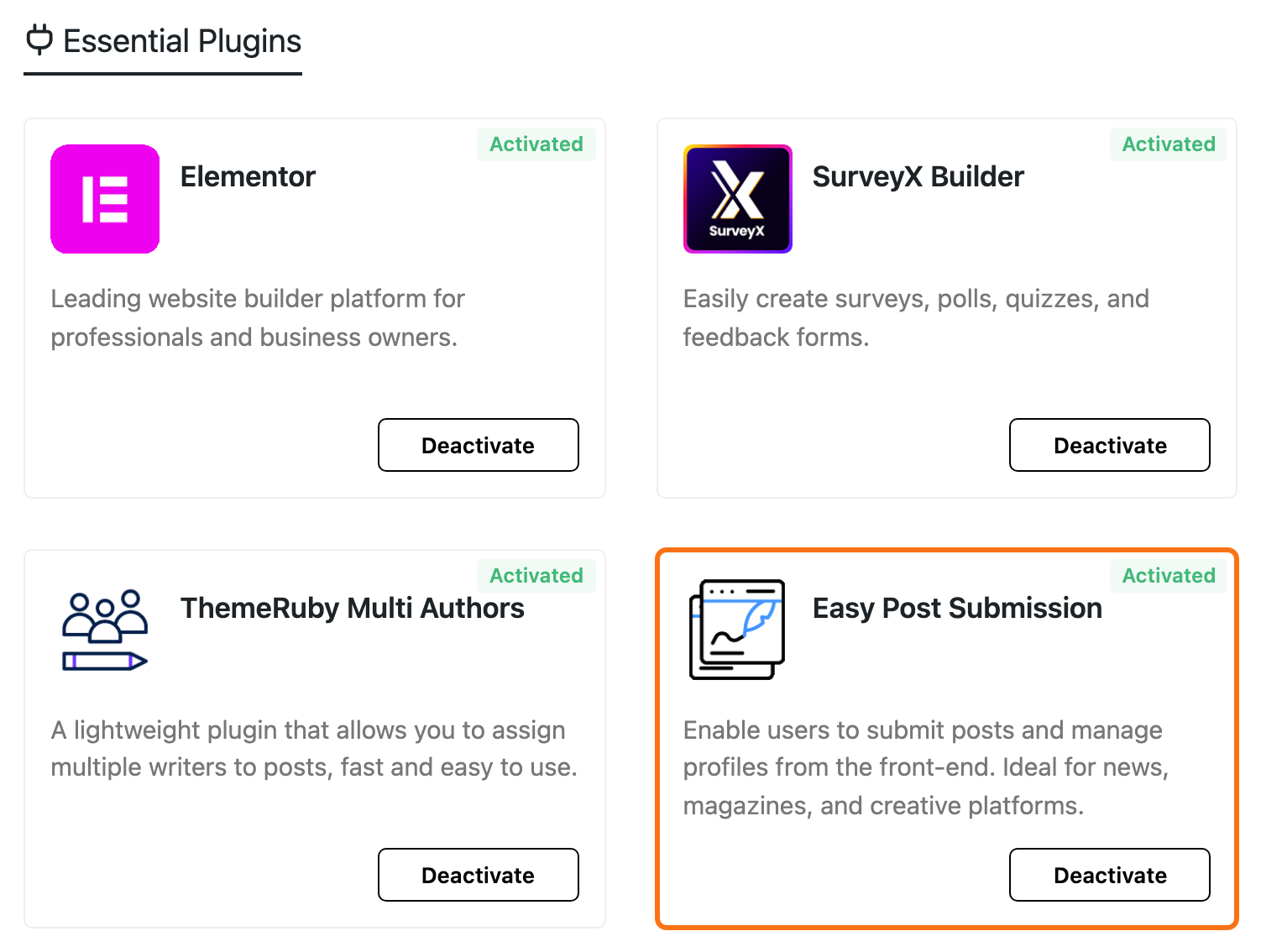
Click Install, then Activate if the card asks. When it is done, the card reads Activated and its button becomes Deactivate.
Where the plugin's screen is
After activation the plugin's screen is Foxiz > Easy Submission. Two other ways in:
- The Extra Features menu at the top of the Foxiz dashboard lists it as Easy Post Submission.
- If Foxiz Core is not active, the screen is a top level Easy Submission item in the WordPress menu instead.
The first time you open it, the screen shows the setup wizard. That is the next step: How to Run the Easy Submission Setup Wizard.
Coming from the older submission plugin
The older plugin's shortcodes began with [ruby_submission_. If your site still has them, Foxiz shows an Update Request notice on its dashboard.
Replace each one with the matching [easy_post_submission_ shortcode. Your forms and settings carry over.
Did this answer your question?