How to Run the Easy Submission Setup Wizard
The Quick Setup Wizard sets up Easy Post Submission with default settings in one click: a form, the pages that hold it, and the links between those pages.
This is step 2 of How to Let Visitors Submit Posts with Easy Submission. The plugin must be installed first: How to Install Easy Post Submission.
What the wizard creates
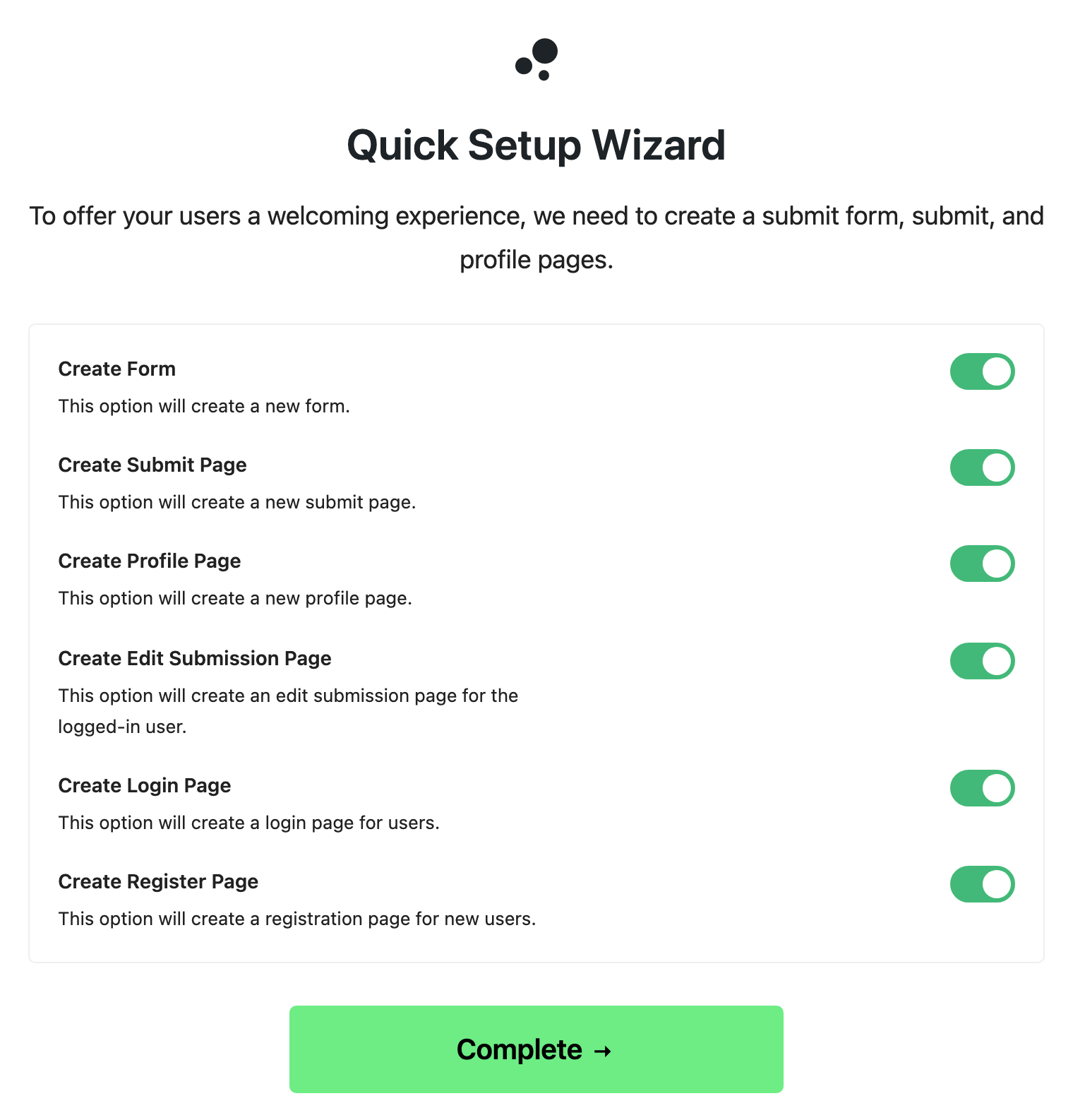
Go to Foxiz > Easy Submission. The first time, it shows the wizard instead of the settings. It offers six items, each with an on/off switch, all switched on:
- Create Form: a submission form with the default settings.
- Create Submit Page: a published page called "Submit a Post", holding that form.
- Create Profile Page: a page called "Review and Manage Your Posts". A signed in writer sees their own submissions there.
- Create Edit Submission Page: a page called "Edit Your Submission". It opens one of those posts for editing.
- Create Login Page: a page called "Login" with the plugin's own login form.
- Create Register Page: a page called "Register" with the plugin's own sign up form.
Run it
-
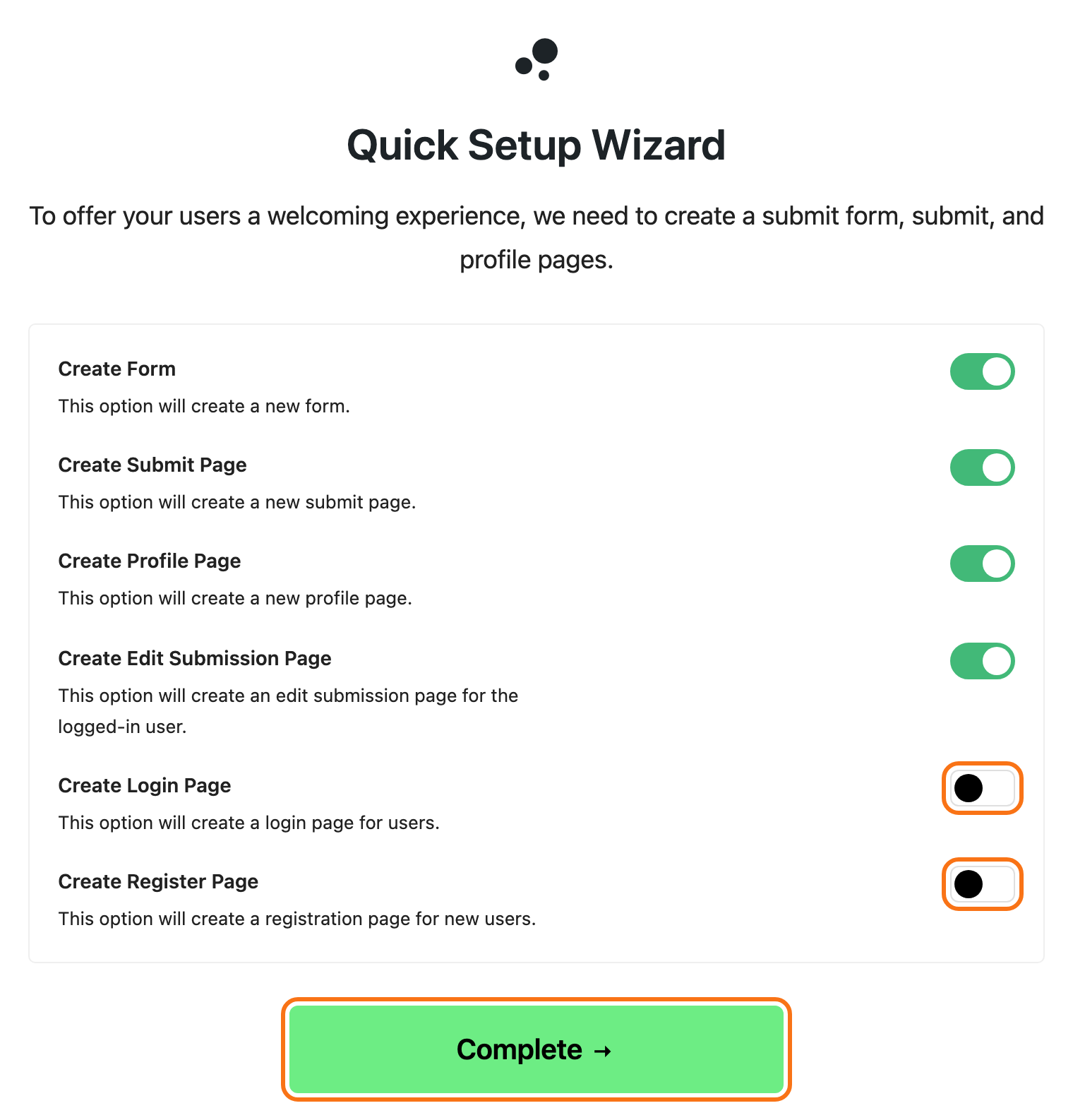
Decide how your writers will sign in, before you click anything. See How to Set Up Login for Easy Submission.
- Using the Foxiz login page (recommended): switch off Create Login Page and Create Register Page.
- Using the plugin's own login pages: leave them on.
-
Switch off anything else you already have.
-
Click Complete.
The wizard also fills in the page addresses under Global Settings, so the post list, the edit page and the login buttons point at each other.
It only fills in the addresses of pages it created. Switch off the login and register pages, and the login buttons stay pointed at your site's login page, which is the Foxiz one once you set it.
If the wizard comes back
The wizard shows again if you deactivate and reactivate the plugin. Switch off the pages you already have the second time, or you get a second set.
Next
How to Create the Easy Submission Pages: check the pages the wizard made, or make them yourself, and link the form from your site.
Did this answer your question?