How to Create Wide-Width Images in the Content of a Post
To make an image wider than the text, set its alignment to Wide width in the block editor. It works best on a post with no sidebar.
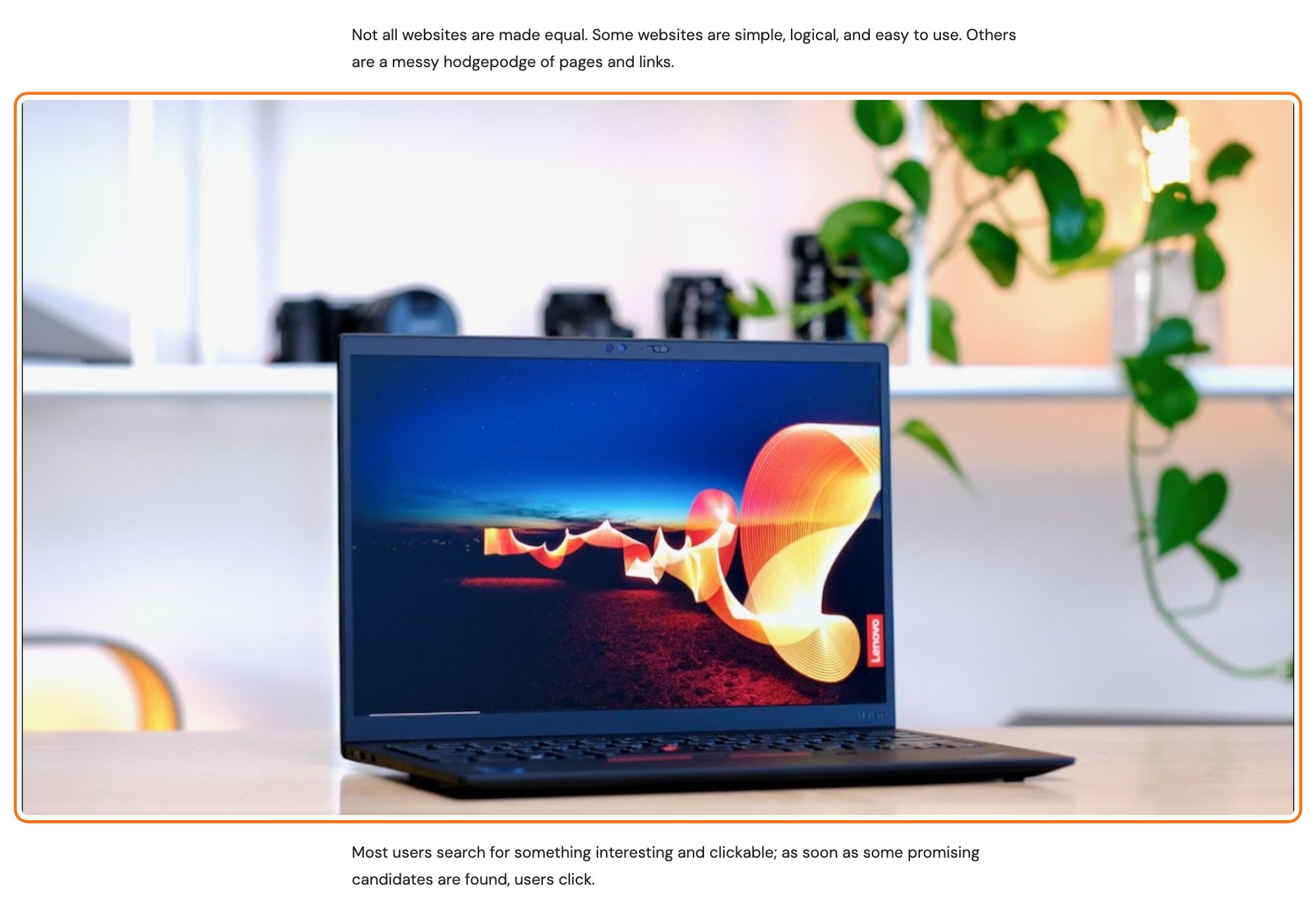
Getting started with images in Gutenberg
-
To add a basic image to your WordPress content, click on the + icon and choose the "Image" or "Gallery" block.

-
Now you can either upload an image, select one from your Media Library, or insert from an URL.

-
After uploading the image, open the Align menu on the block toolbar and select Wide width, so the image spreads wider than the text.
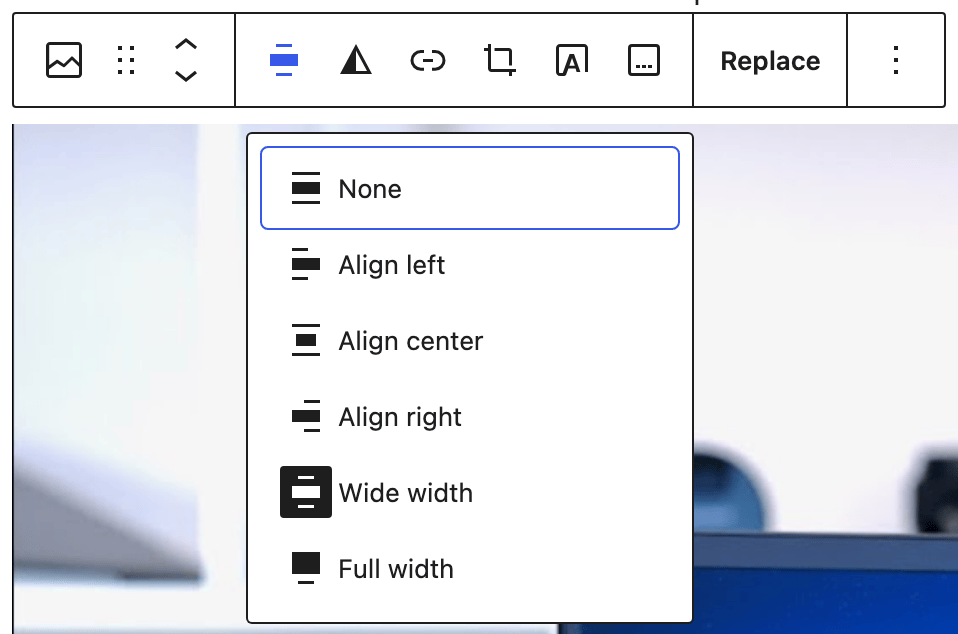
Wide width is the one to pick. The neighbouring Full width option is offered by the same alignment menu, but the theme has no rule that pushes a block past its container, so a full width image ends up at the ordinary content width.
How wide it actually goes is capped in two places. Theme Options > Single Post > Post Content Area has a section called Align Wide Image & Gallery holding one field, Wide Align Max Width, which defaults to 1600px. On top of that the stylesheet never lets a wide block exceed 92% of the window, so on a narrow screen the percentage wins and on a wide one the pixel value does.
The layout matters more than the setting does. The full effect is written for posts with no sidebar, which is what the section's own subtitle means by "without sidebar". A post with a right hand sidebar widens the block by 78px on screens above 1025px and not at all below that, and a post with a left hand sidebar has no wide rule of its own, so the wide alignment changes nothing there. If a wide image looks the same as a normal one, check the sidebar before you check the setting.
To remove the sidebar, pick No Sidebar in Sidebar Position:
- One post: at the bottom of the editor, open the Meta Boxes bar, find the Single Post Settings box and open its Sidebar Area tab. This wins over the site setting.
- Every post: Theme Options > Single Post > Sidebar Area.
For both places step by step, see Assigning a sidebar to Posts & Pages.
Did this answer your question?