How to find Tags Slug?
To use the tags slug filter in a page builder block, you need each tag's slug. Here is where to find it.
To get started, follow the steps below:
-
Navigate to Posts > Tags
-
Refer to the slug column in the right section.
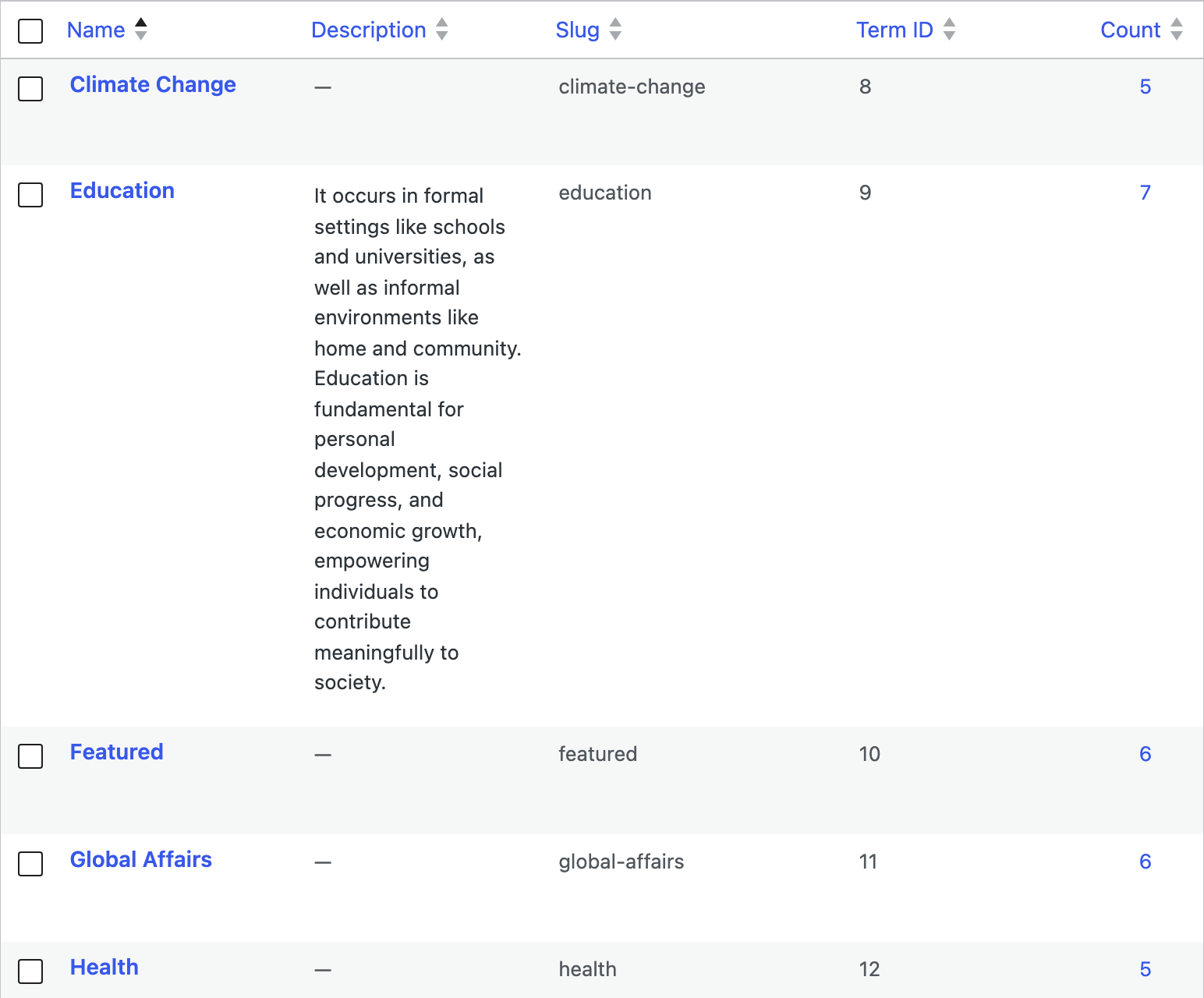
The slug is not the tag's name. WordPress builds it from the name by lowercasing it and replacing spaces and punctuation, so a tag called "Smart Phones" is almost always
smart-phones, and any tag can be given a slug that looks nothing like its name. Read it off the column rather than guessing it from the name. -
You can use the search form to find what tag you wish.
How to input to the tags slug filter of the Elementor:
-
Select the block whose filter you want to edit.
The field is called Tags Slug Filter and it is in the Content tab, in the Query Settings section. Twenty three Foxiz blocks carry it, which is every block that lists posts.
-
Input tags slugs you want, separated by commas. For example, to show posts tagged Mobile or Laptop, enter
mobile,laptop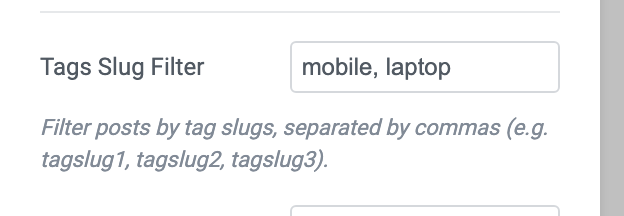
A post matching any one of the slugs qualifies, which is why the example reads "or".
Spaces after the commas are fine. Each slug is trimmed before it is used, so
mobile, laptopandmobile,laptopdo the same thing.Directly below it sits Exclude Tags Slug, the same field in reverse: anything listed there is kept out of the block, and it takes a comma separated list too.
A slug that does not exist is not an error. The block simply returns fewer posts, or none at all, so a block that has gone empty after you filled this field is usually one misspelled slug.
Did this answer your question?