How to Check Structured Data with the Rich Results Test
Foxiz adds structured data (schema markup) to your pages, so Google understands what each page is. Google's Rich Results Test shows what Google finds on a page. Run it after you set up the theme, and again after you install or change an SEO plugin. The SEO Optimized panel recommends the same test.
The examples below test the Foxiz PressPulse demo, https://foxiz.io/presspulse/. Use your own URLs the same way.
What Foxiz adds, page by page
With no SEO plugin active, Foxiz prints:
- on every page: Organization (your site as a brand) and WebSite (your site name and search box),
- on a single post: Article or NewsArticle, with the headline, author, dates and featured image,
- on a page that lists posts, such as the homepage or a category: an ItemList of those posts.
Each one has a switch in Theme Options > SEO Optimized: Organization Schema Markup, Sitelinks Search Box, Article Markup and ItemList (Carousel) Markup. All are on by default. Every switch is explained in How to Optimize SEO for the Theme to Avoid Duplication with Plugins.
Using Yoast SEO, Rank Math or All in One SEO? Then the plugin prints Organization, WebSite and Article, and Foxiz skips its own, so the test shows the plugin's version. The ItemList still comes from Foxiz.
Test a post
-
Open search.google.com/test/rich-results in your browser.
-
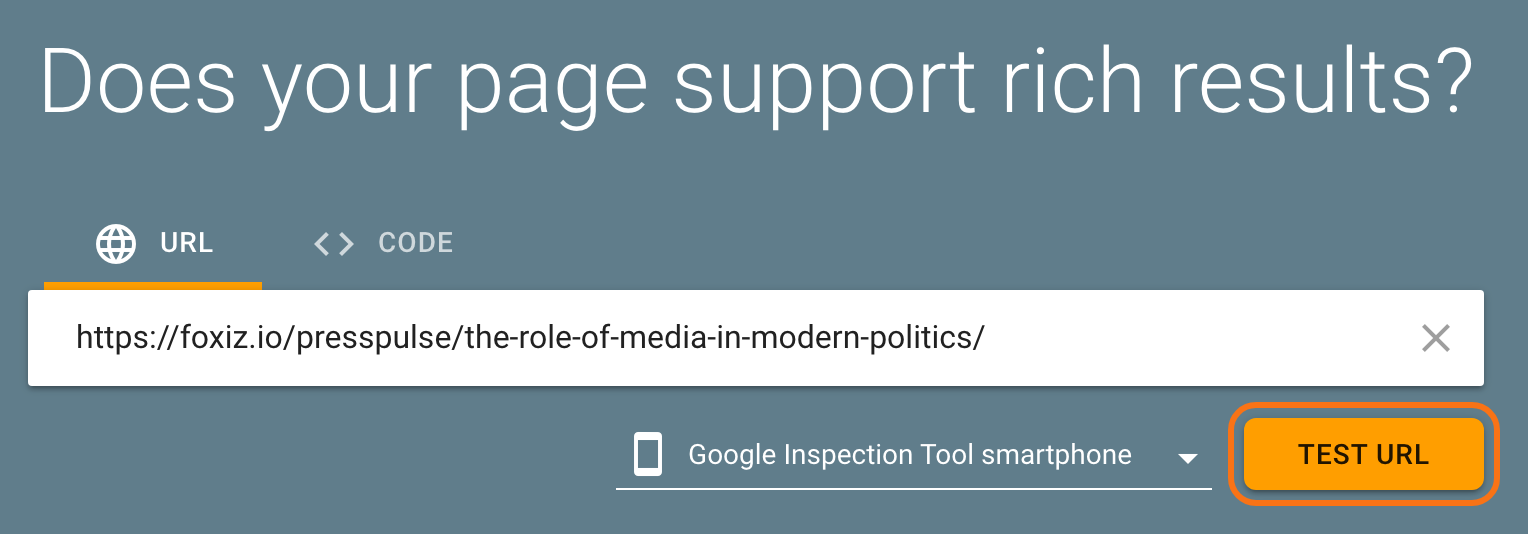
On the URL tab, paste the address of one of your posts.
-
Click TEST URL. The test takes up to a minute or two.
-
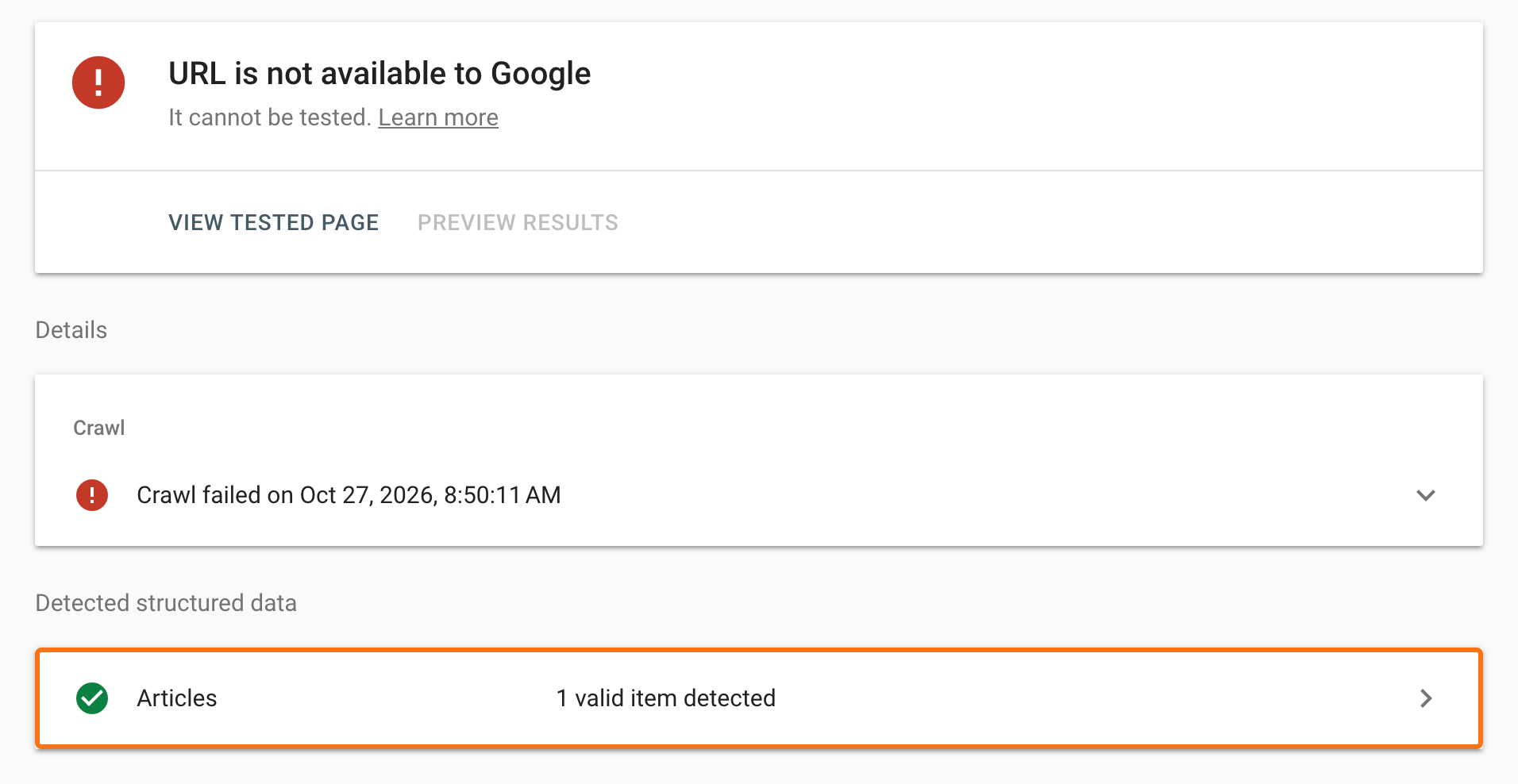
Look under Detected structured data. A post should show Articles with 1 valid item detected.
-
Click Articles, then click the post title under Detected items. You see every field Foxiz sent: the headline, author, publisher and logo, both dates, the featured image and the category.
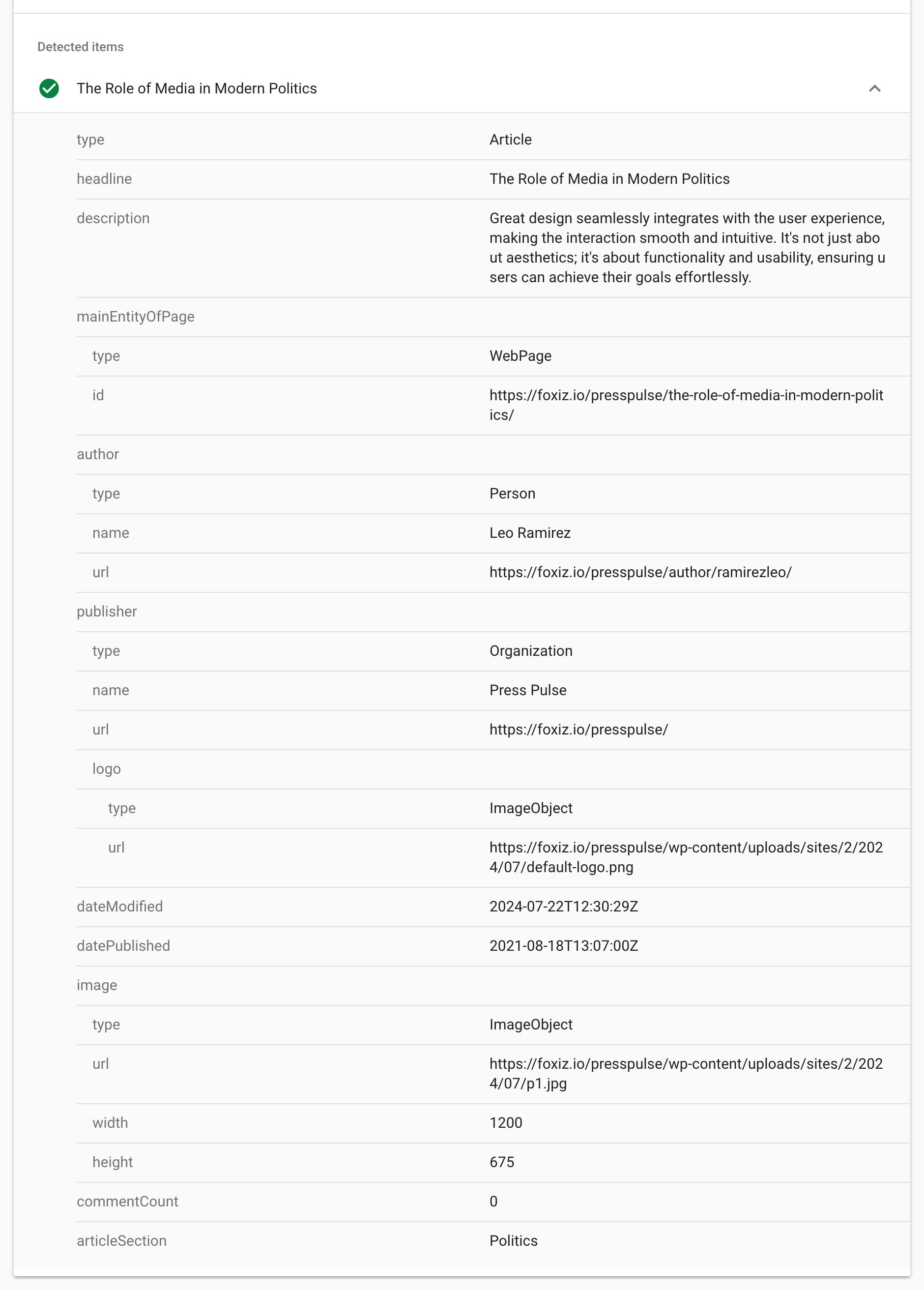
Check that the author and the image are the ones you expect. A field with a problem shows a warning or an error next to it.
On a post where Foxiz prints the Article (no SEO plugin), the two problems that come up most often:
- No image in the item. Foxiz sends the image from the post's featured image only, so a post without one has no image field. Set a featured image on the post. Google recommends one at least 1200 pixels wide.
- An empty logo under publisher. For the publisher logo, Foxiz uses the first of three Theme Options > Logo fields that holds an image: Organization Logo, Main Logo or Dark Mode - Main Logo. With all three empty, the logo address is blank. Upload your logo in Organization Logo. See Organization Logo.
A post with a recipe from WP Recipe Maker also carries that plugin's Recipe markup, so the test lists the recipe as well. See How to Set Up Recipes with Foxiz.
Article or NewsArticle? Pick one in Article Markup. See How to Choose Between Structured Data Types: Opting for Article or NewsArticle.
Test your homepage
Run the test again with your homepage address. Under Detected structured data you should see Carousels with 1 valid item detected. That is the Foxiz ItemList: Google calls it a carousel.

"URL is not available to Google"
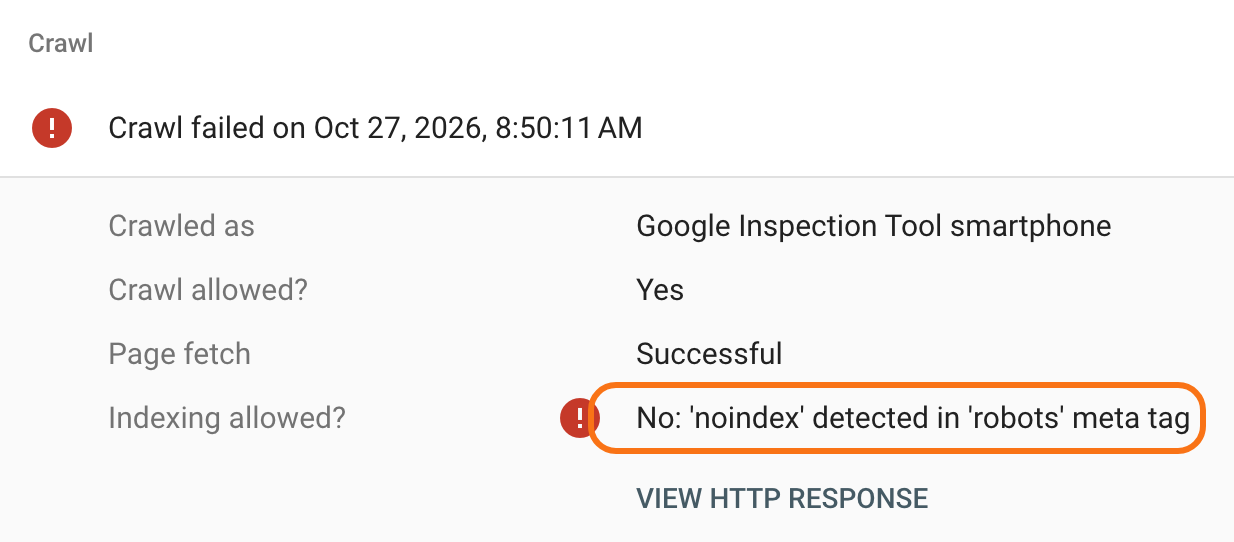
The demo results above carry a red URL is not available to Google at the top, even though the Articles item is valid. Open Crawl to see why: Indexing allowed? reads No: 'noindex' detected in 'robots' meta tag. The demo sites are kept out of Google on purpose.
On your live site, this message means Google will not show the page at all. Check these, in this order:
- Settings > Reading: under Search engine visibility, untick Discourage search engines from indexing this site and click Save Changes.
- Your SEO plugin: the page, or its whole type (for example author pages), may be set to noindex.
Then test the page again.
Organization and WebSite are not listed
The Rich Results Test lists only the types that can earn a rich result in Google. Organization and WebSite are still on the page. To see every type, test the same URL in the Schema Markup Validator. For a Foxiz post it lists Organization, Article and WebSite.
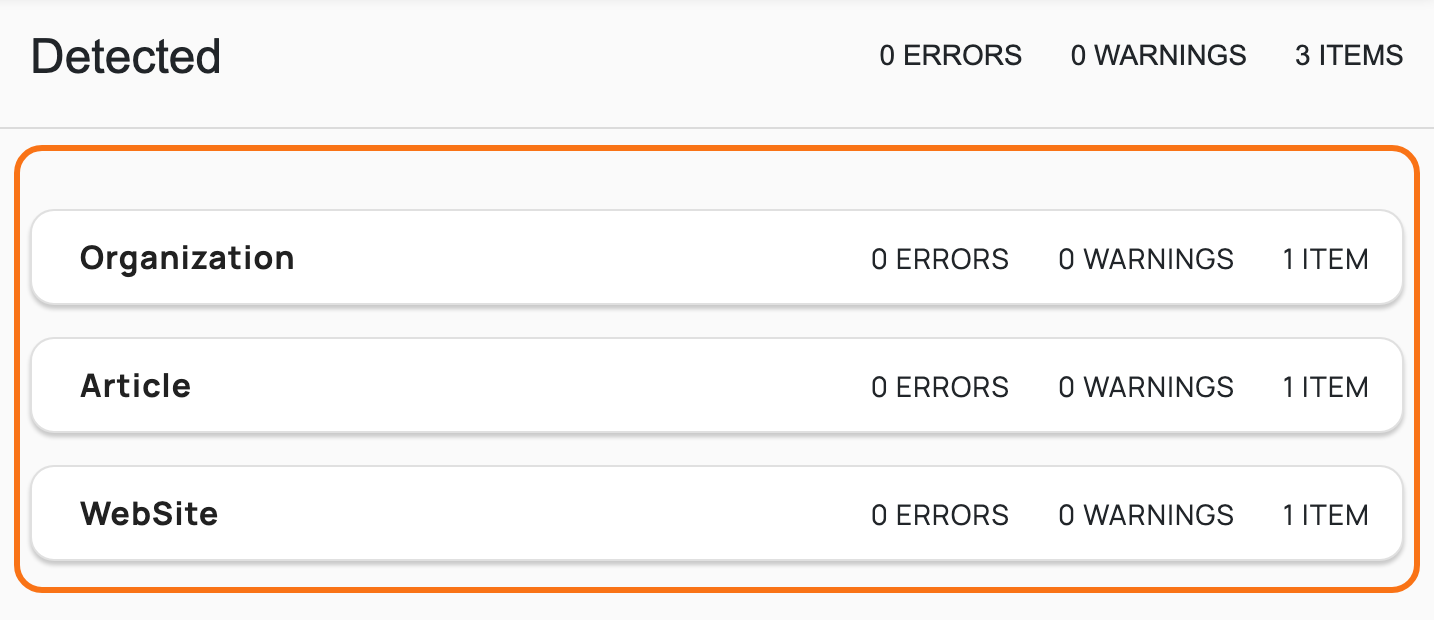
A type listed twice, once from Foxiz and once from a plugin, means two tools print the same markup. Turn one off as How to Optimize SEO for the Theme to Avoid Duplication with Plugins explains.
Did this answer your question?