Organization Logo
The logo search engines and social networks read for your site. Visitors never see it on the page.
Left blank, search engines get your Main Logo. If your main logo is in light colours, for example a white logo made for a dark header, upload a dark version here. The panel itself recommends a dark logo for this field.
Where: Theme Options > Logo > Organization Logo.
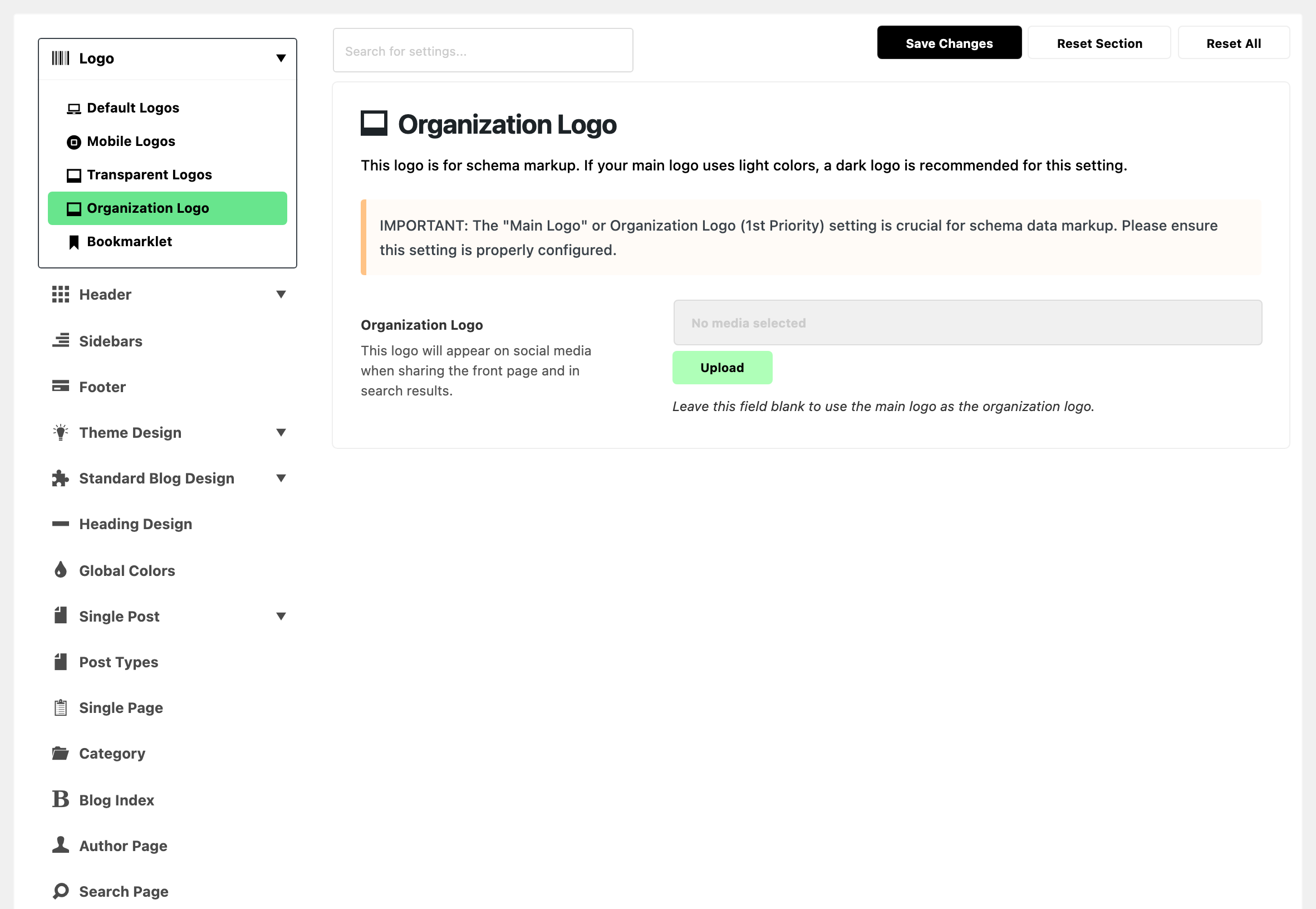
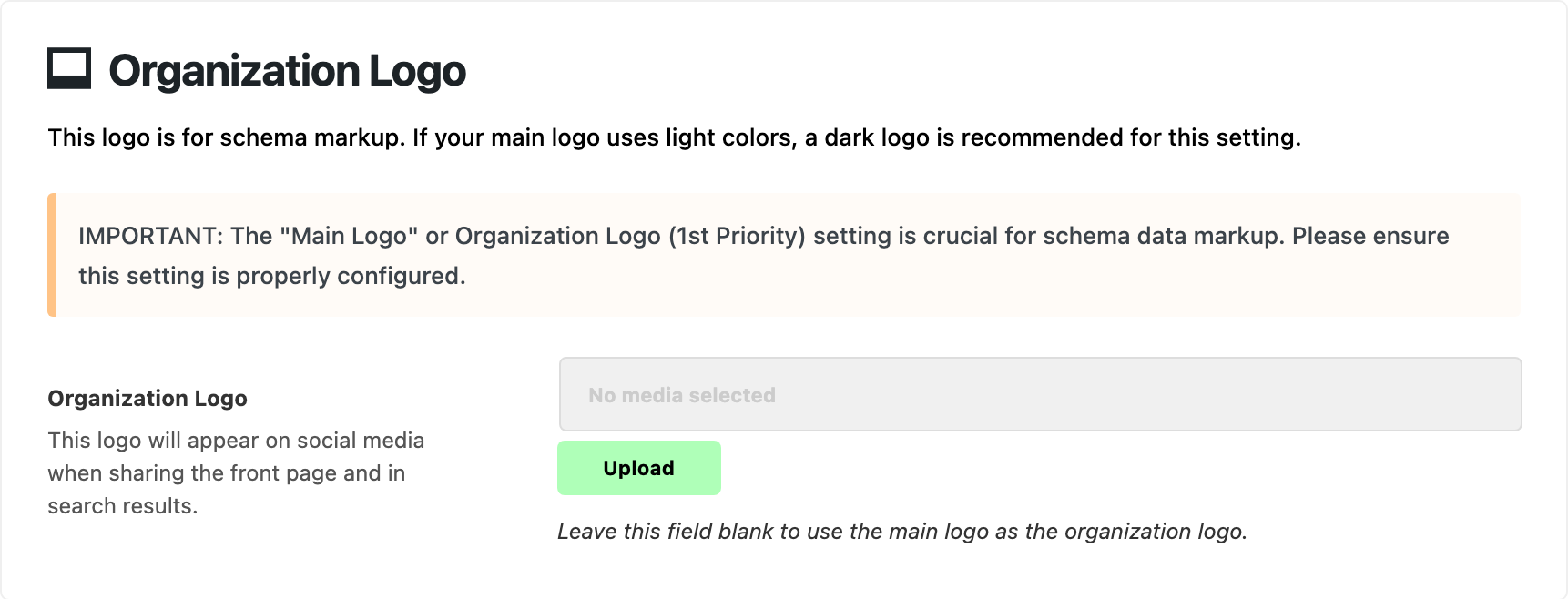
One field, under a note saying how important it is for the schema markup.
- Organization Logo: your brand's logo in the data the theme adds for search engines and social networks. Default: empty. Blank, the schema markup uses Main Logo instead. Set it to be sure which logo a share of your front page shows.
The logo goes to three places:
- The organization schema markup of your site, which search engines read as your brand.
- The publisher logo in the article markup of each post.
- The image social networks show when someone shares your front page or blog page.
When it is not used
Two switches in Theme Options > SEO Optimized decide whether the theme prints this data at all. Both are on by default.
- Organization Schema Markup: off, the organization schema is not printed and the logo is not in it.
- Open Graph: off, the theme prints no share data, so the share card does not use the logo.
An SEO plugin can take over too. With Yoast SEO, Rank Math, All in One SEO and similar plugins active, the theme leaves the organization schema and the share data to the plugin. Set your logo in that plugin's own settings instead.
Related
- How to optimize SEO for the theme to avoid duplication with plugins: which markup the theme prints next to an SEO plugin.
- How to upload logo and favicon: every logo slot and its size, in one walkthrough.
- Default Logos: Main Logo, the fallback for this field.
Did this answer your question?