How to Create a Valuable Product Review Block With a Total Score Without the Criterion Data
To rate a product with one overall score and no criteria, add the Review Product - Ruby block to the post, type the score in Fallback Average Score and leave Criteria Data empty.
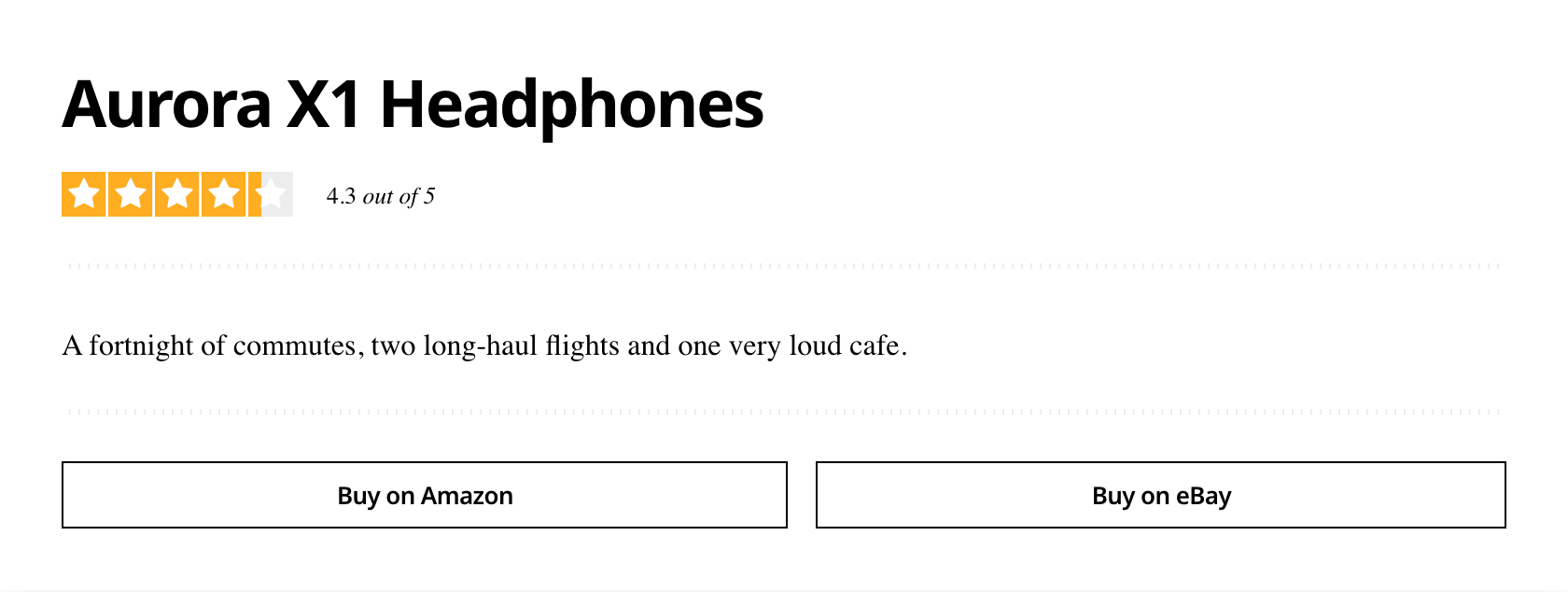
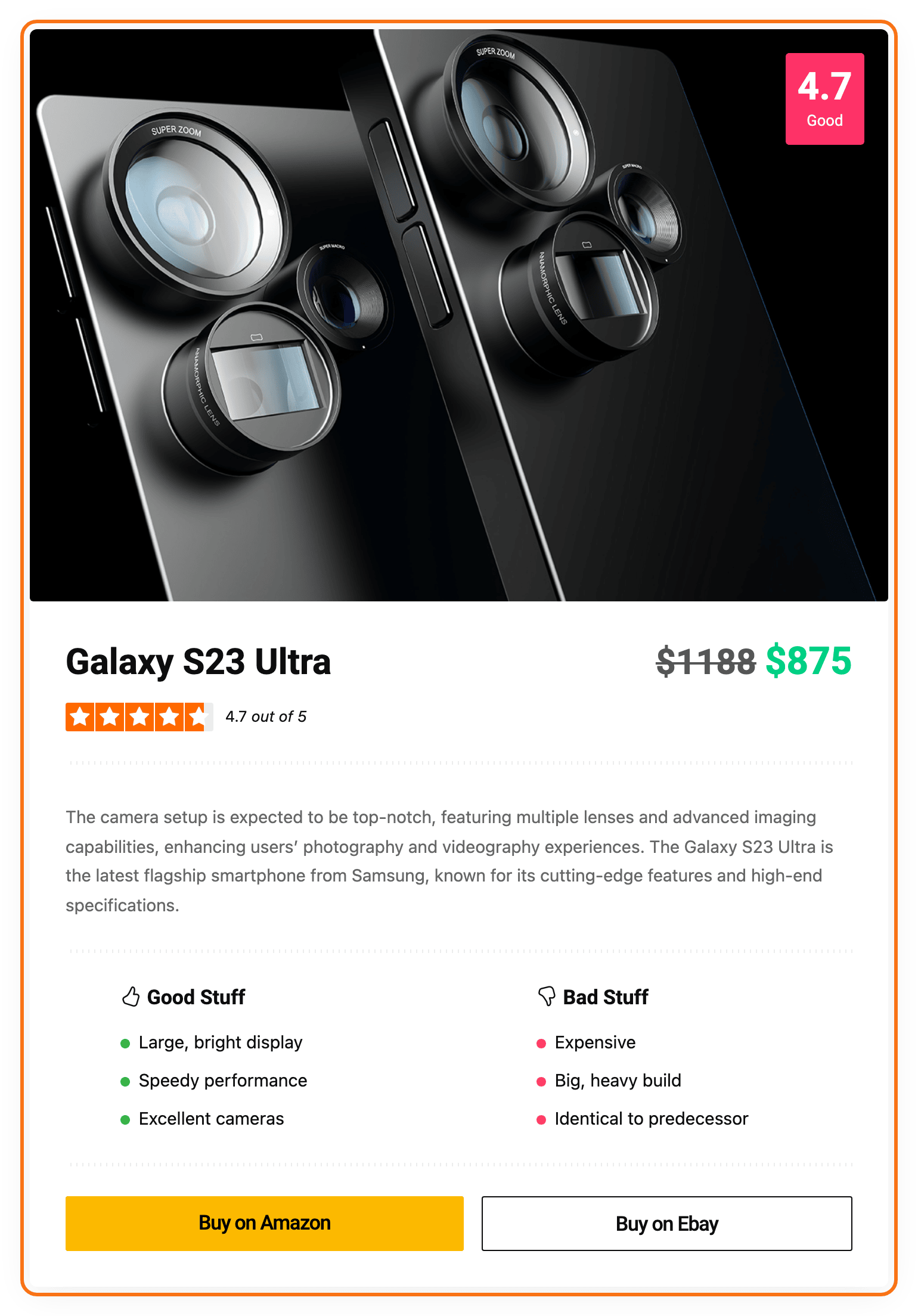
To get started, follow the steps below:
-
Go to Posts > All Posts.
-
Click Add Post to start a new post, or Edit under an existing one. Either opens the block editor.
-
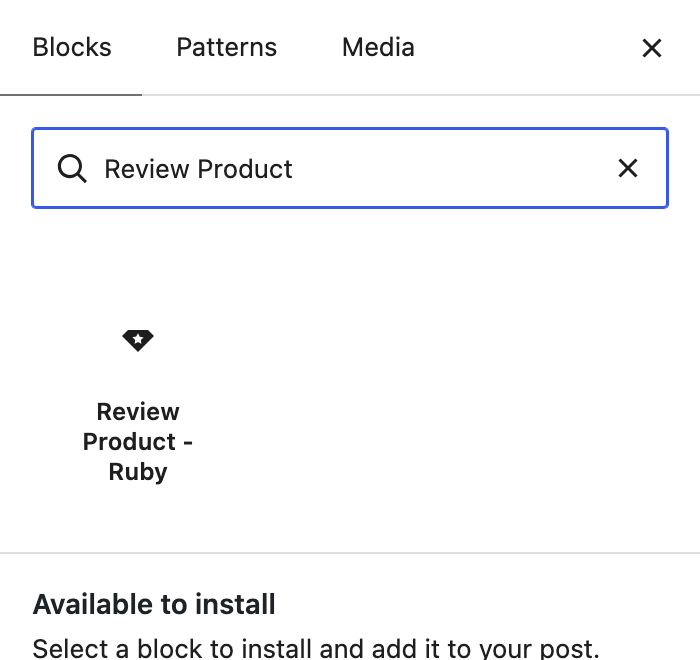
Click the + block inserter at the top left of the editor, type Review Product in the search box and click Review Product - Ruby.
-
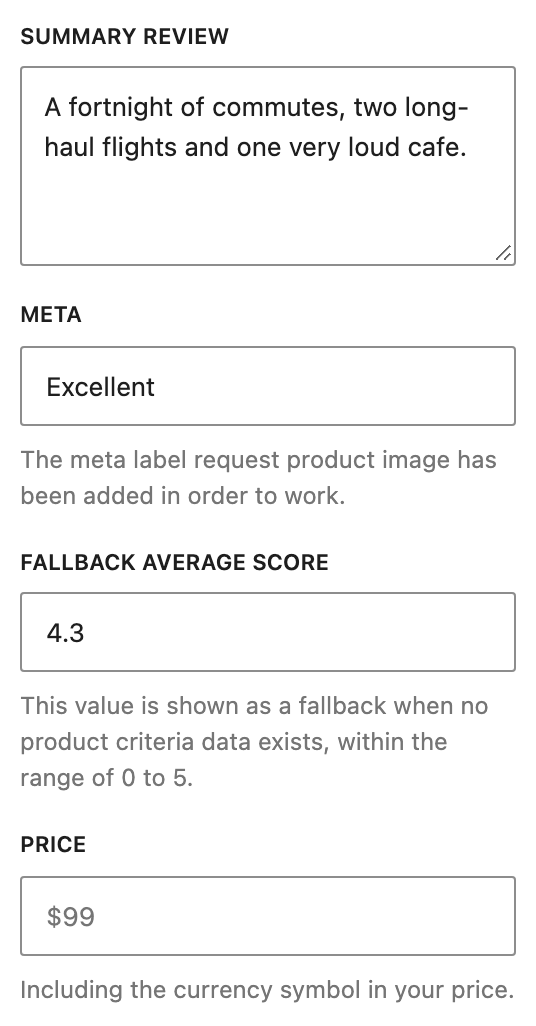
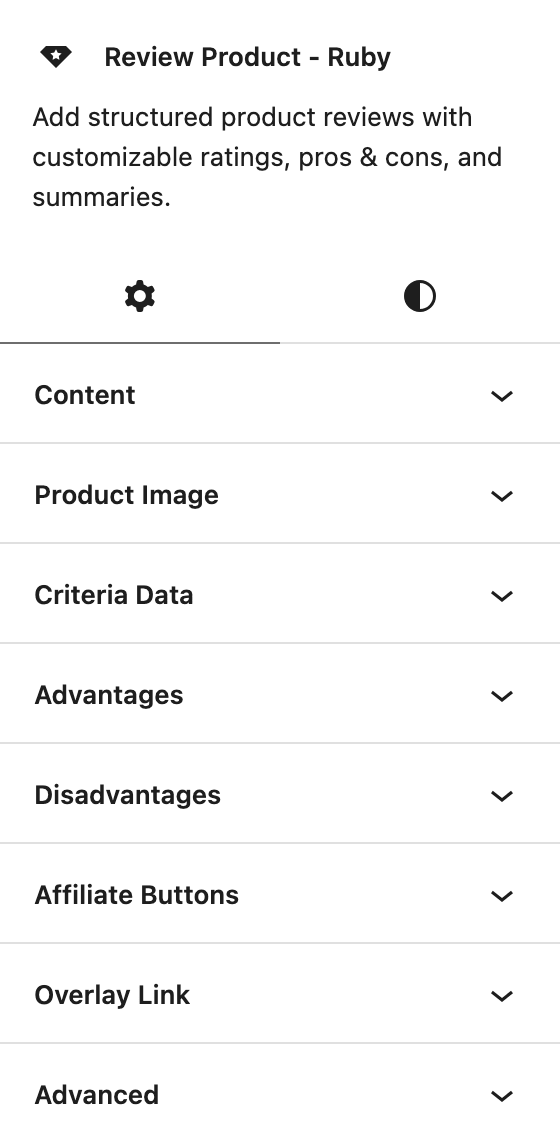
With the block selected, its settings show in the sidebar on the right. In the Content panel, type your total review score in Fallback Average Score, a number from 0 to 5.
-
Fill in the rest of the product and leave the Criteria Data panel empty. The fields most reviews use:
- Content panel: Product Name, Summary Review and Price.
- Product Image panel: the product photo.
- Advantages and Disadvantages panels: the good and bad points.
- Affiliate Buttons panel: the buy links.
This block is separate from the post's own review. The Review tab in Single Post Settings drives the box that appears at the end of the post; this block appears wherever you place it in the content and carries its own score. Using one does not switch off the other, so a post that has both shows both.
Did this answer your question?