Every Setting in the Affiliate Disclosure Panel
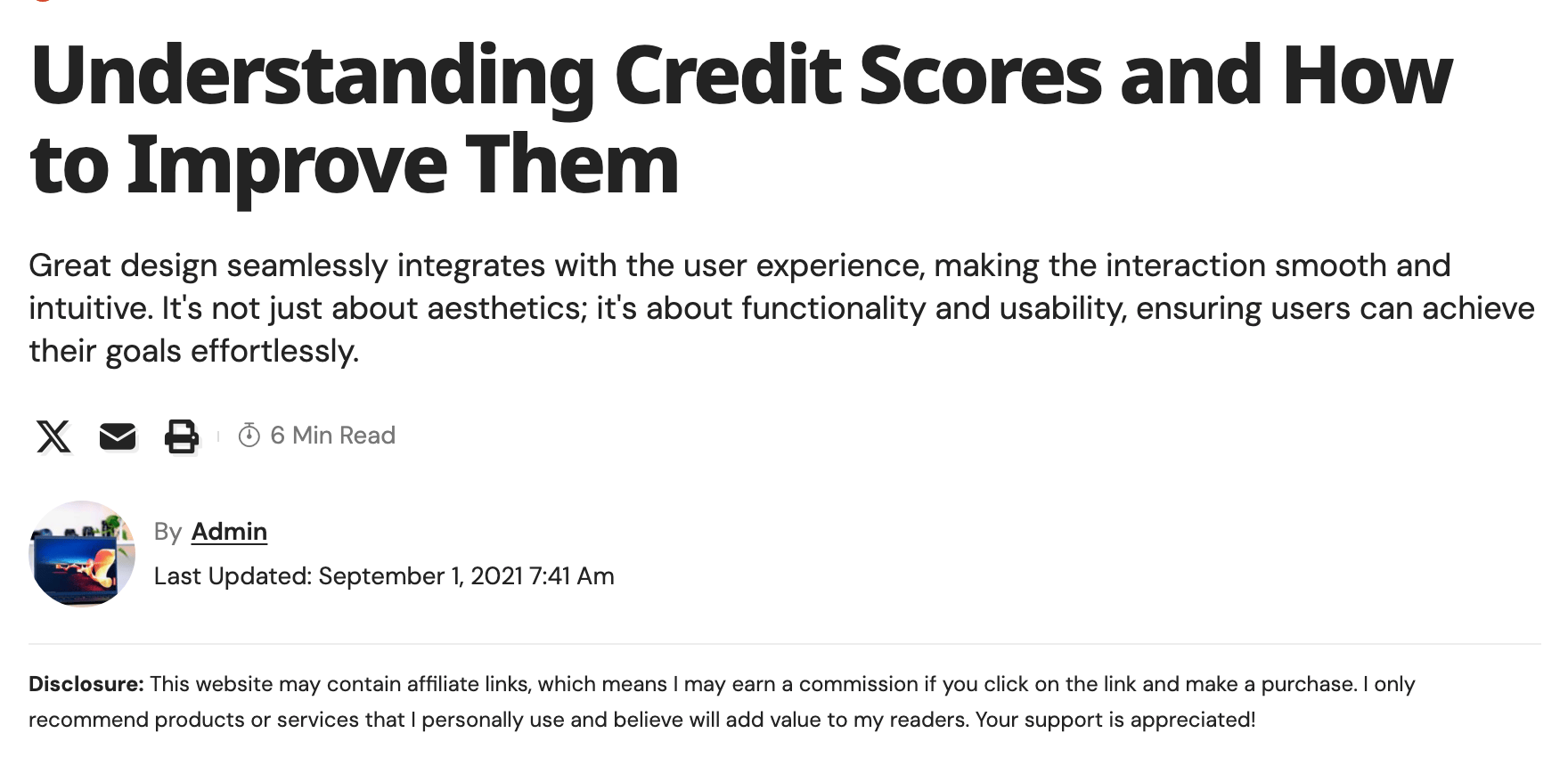
If your posts carry affiliate links, many networks and regulators expect a short notice saying so near the top. Theme Options > Single Post > Affiliate Disclosure writes that notice once and places it on your posts for you, at the top of the post above the featured image or the article, depending on the layout.
Global Show Condition
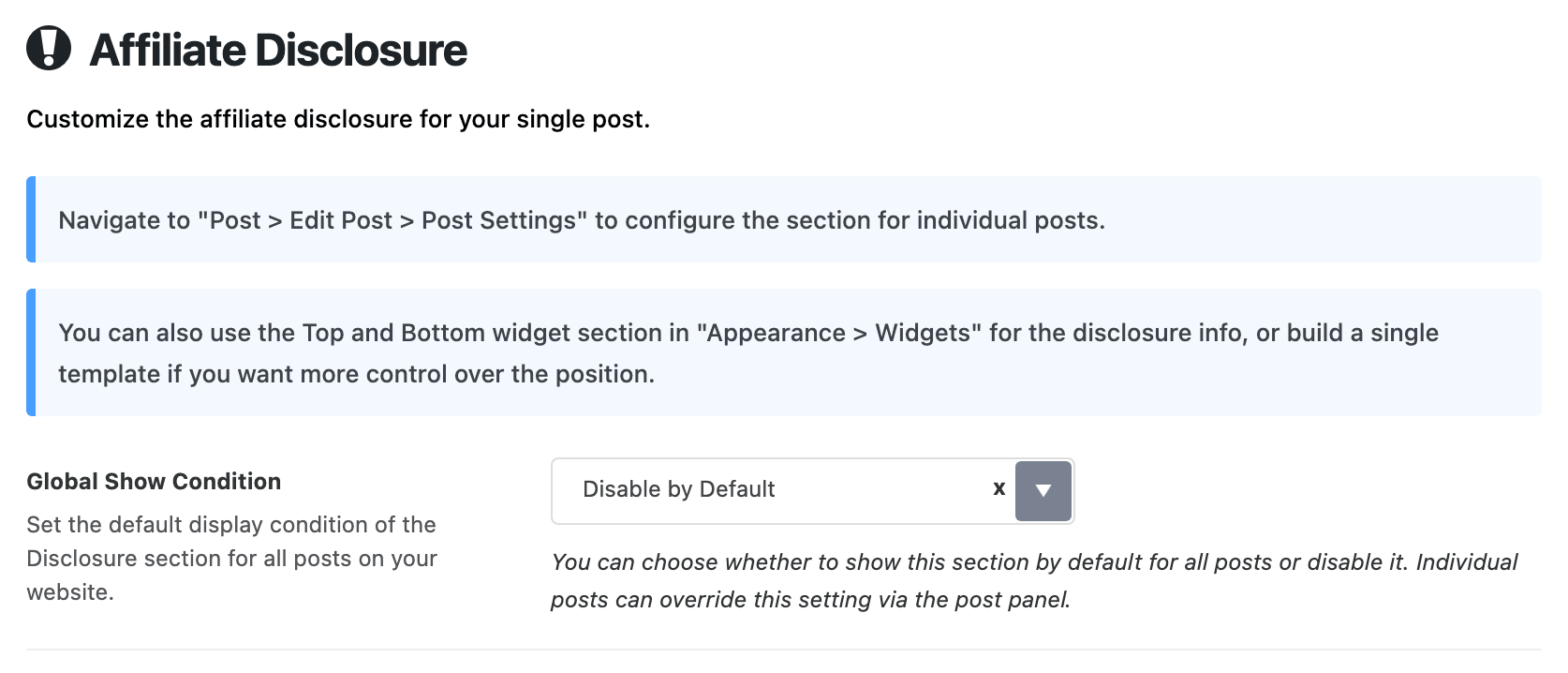
Global Show Condition decides which posts get the notice unless a post says otherwise.
- Disable by Default, the default, shows it on no post. Use this when only some of your posts have affiliate links, and switch it on for those posts one at a time.
- Show for All Posts shows it everywhere. Use this when affiliate links are the norm, and switch it off on the posts that have none.
To switch it per post, open the post, scroll to Single Post Settings and choose the Affiliate Disclosure tab. Its Disclosure Section field has three choices:
- - Default -, where every post starts, follows Global Show Condition.
- Show shows the notice on this post.
- Disable hides it on this post.
Show and Disable win over Global Show Condition for that post.
Disclosure Content
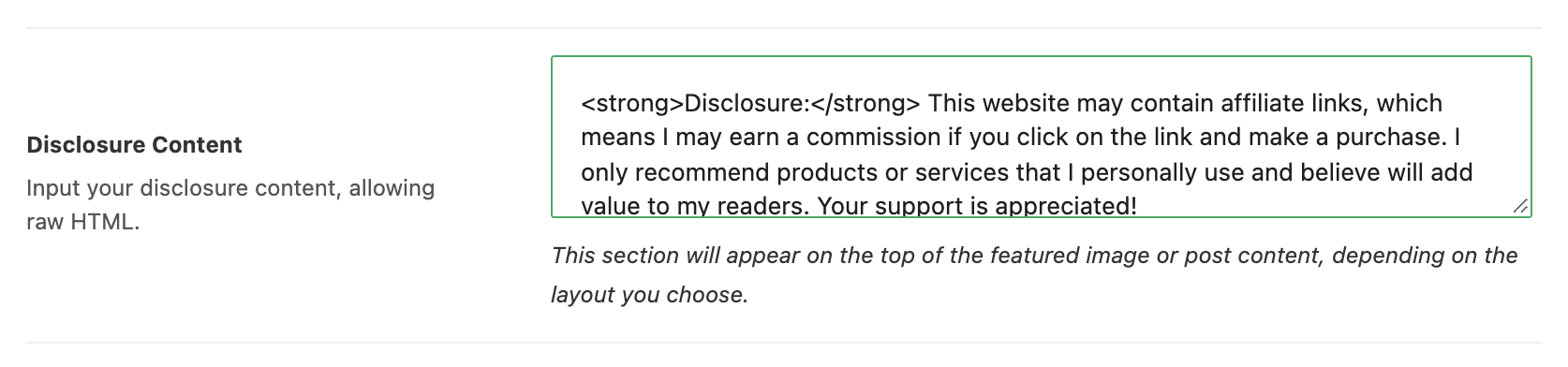
Disclosure Content is the notice itself. By default it holds a ready made English paragraph that opens with a bold Disclosure: and says the site may earn a commission from links. Rewrite it in your own words and your own language; it is the same text on every post.
You can use simple HTML: bold, italics, paragraphs and links, for example to your full disclosure policy page. Links in the notice are drawn bold and underlined. Scripts and anything outside that simple set are removed.
Clear the field and no post shows a notice, whatever the show condition says.
Box Layout

Box Layout is Text Only (the default), a plain line of small text, or Gray Background, the same text in a light gray rounded box that is harder to miss.

Text Only is enough for most sites. Pick Gray Background when an affiliate program asks for a disclosure readers cannot miss.
Placing it somewhere else
The notice is drawn by the theme's own post layouts. A post that uses a Ruby Template for its layout does not get it; put the text in the template instead. If you want it at a different spot on ordinary layouts, the panel's own notice suggests the two widget areas at Appearance > Widgets: Single Content - Top Area sits at the top of the post content and Single Content - Bottom Area at the bottom. A widget there is the same on every post, so leave Global Show Condition on Disable by Default if you go that way, or the reader sees the notice twice.
Did this answer your question?