Foxiz Blocks or Theme Options Are Missing
You expected a Foxiz menu, Theme Options, or the Foxiz blocks in Elementor, and they are not there. Each of those comes from a different place, so start with what you can see.
| What you see | The cause | Go to |
|---|---|---|
| No Foxiz menu at all in the admin | Foxiz Core is not active | Section 1 |
| A Foxiz menu that opens only a registration screen | The license is not activated yet | Section 2 |
| A Foxiz menu reading License, with Reconnect Your License | The site moved to a new address | Section 2 |
| Theme Options fine, but no Foxiz blocks in Elementor | Foxiz Core is off or out of date, or you are in the wrong editor | Section 3 |
1. Turn on Foxiz Core
Foxiz Core is the plugin that holds the Foxiz menu, Theme Options and every Foxiz block. The theme alone shows your posts with default styling, and nothing to configure.
- Go to Plugins > Installed Plugins.
- Find Foxiz Core.
- It is listed and inactive: click Activate.
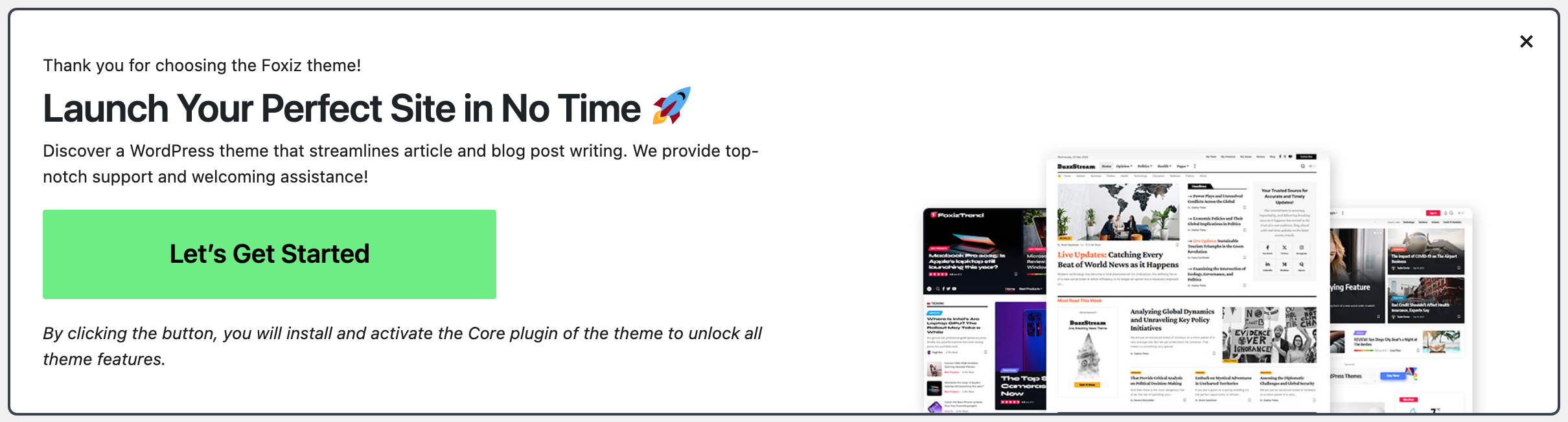
- It is not listed: go to Appearance > Themes. The notice Launch Your Perfect Site in No Time has a Let's Get Started button that installs and activates it from the copy inside the theme.
Dismissed that notice earlier? It comes back after six hours. Switching to another theme and back to Foxiz brings it back at once.
Foxiz Core turned itself off right after an update? That is usually a PHP error. See There Has Been a Critical Error on This Website.
2. Activate or reconnect the license
Theme Options, updates and demo imports open once the license is active on this address.
-
The Foxiz menu shows a registration screen: activate your license. See How to Activate the Theme.
-
The menu reads License and the page says Reconnect Your License: the license is registered to another address, which happens after a move from staging, a new domain, or a switch from
httptohttps. Click Reconnect License.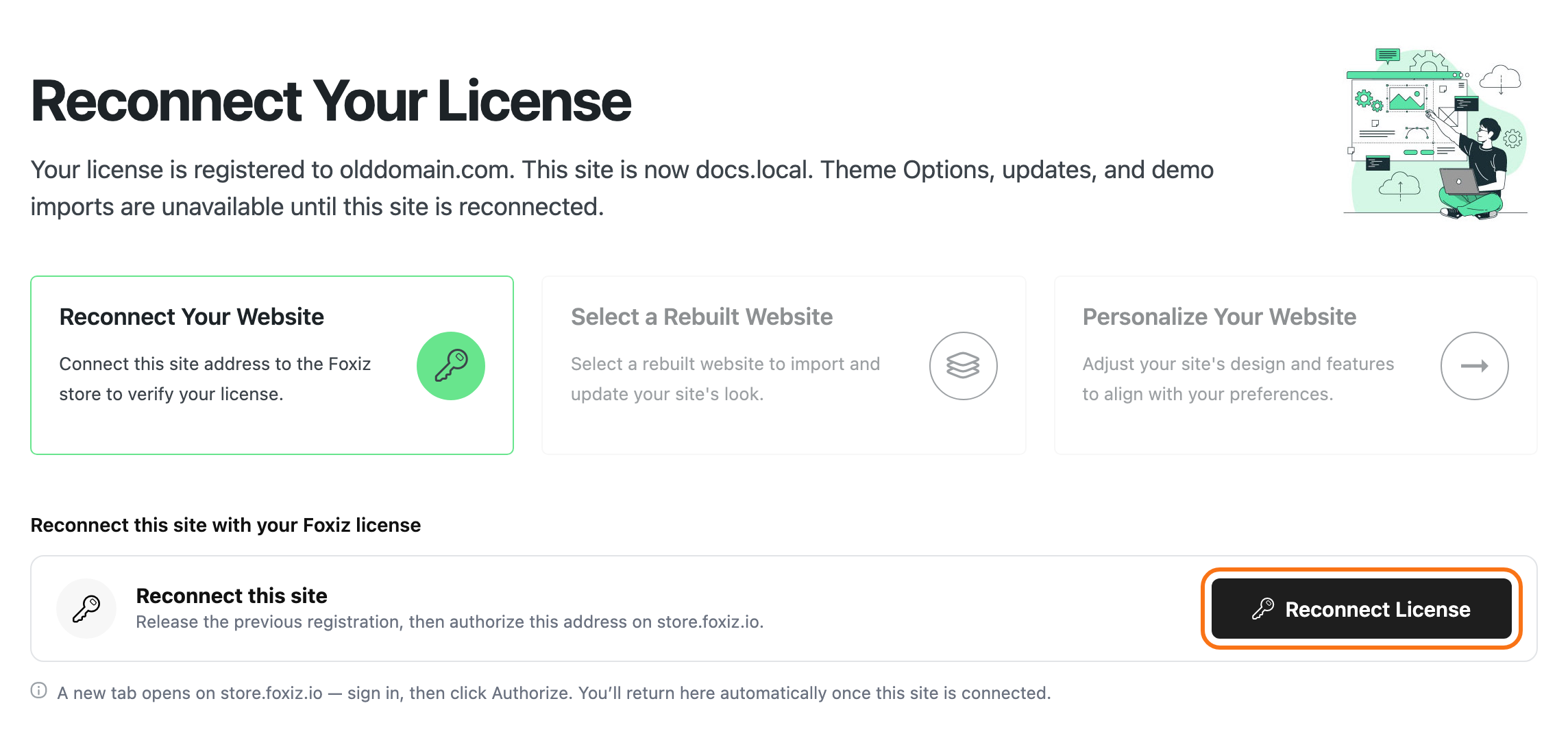
3. Find the Foxiz blocks in Elementor
The Foxiz blocks are Elementor widgets. They show in the Elementor editor, not in the WordPress block editor.
-
In Pages > All Pages, hover your page and click Edit with Elementor.
-
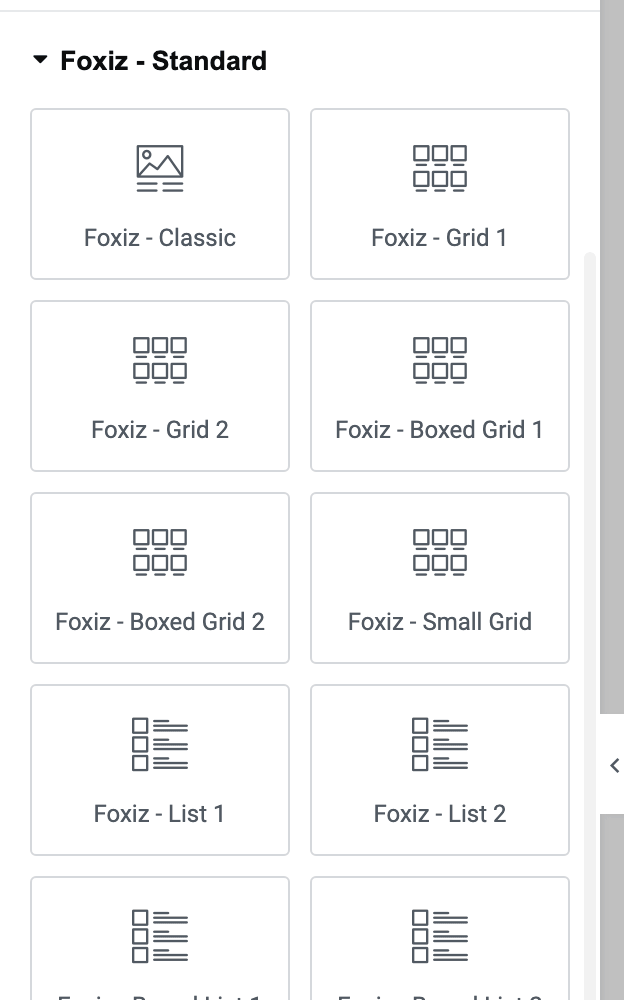
In the widget panel, scroll down to the Foxiz groups.
- Foxiz - Flex and Foxiz - Standard: the post blocks
- Foxiz - Element: headings, images, ads and other parts
- Foxiz Header and Foxiz Single: blocks for header and single post templates
- Foxiz Podcast: only while podcasts are switched on
-
Or type "Foxiz" into Search Widget... at the top of the panel.
Still no Foxiz groups?
- Foxiz Core is off. Go back to section 1.
- Foxiz Core is older than the theme. Update it. See Ensure to Update the Foxiz Core Plugin After Theme Update.
- Elementor is not installed. Install it from Foxiz > Dashboard, under Essential Plugins. See Install Default Plugins.
The Foxiz blocks for the block editor are a different set, for writing posts. See How to Use Gutenberg Blocks.
Still stuck? Open a ticket with a screenshot of your admin menu, and the version numbers of Foxiz (in Appearance > Themes) and Foxiz Core (in Plugins > Installed Plugins).
Did this answer your question?