Default, Mobile and Transparent Logos
The logo images the theme's own headers show. Three subsections of Theme Options > Logo hold them:
- Default Logos: the main logo and its dark mode version.
- Mobile Logos: the logo on phones.
- Transparent Logos: the logo on a header that sits transparent over the page.
Default Logos
The logo at the top of every page on desktop, and the version shown when a visitor reads your site in dark mode.

Where: Theme Options > Logo > Default Logos.
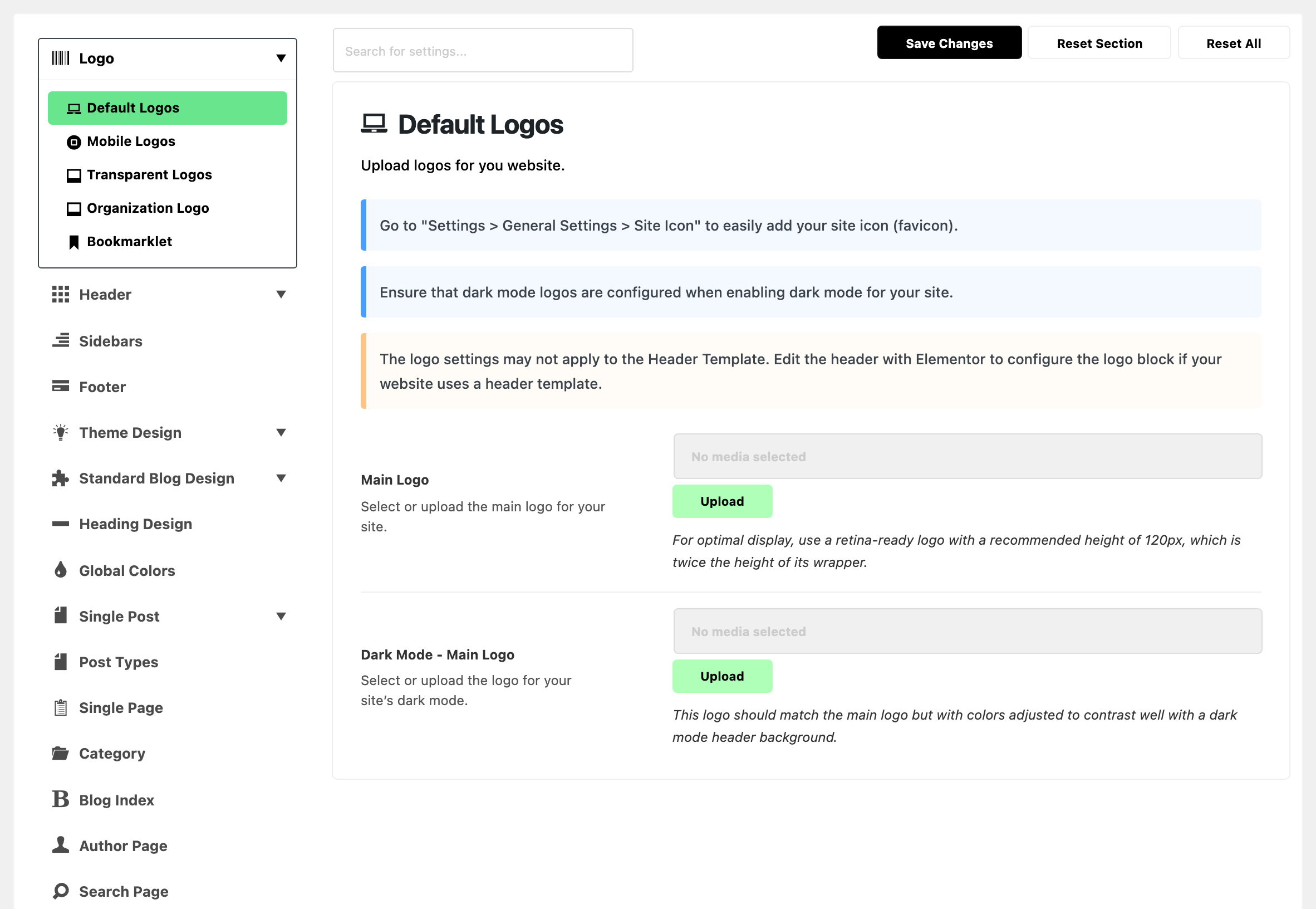
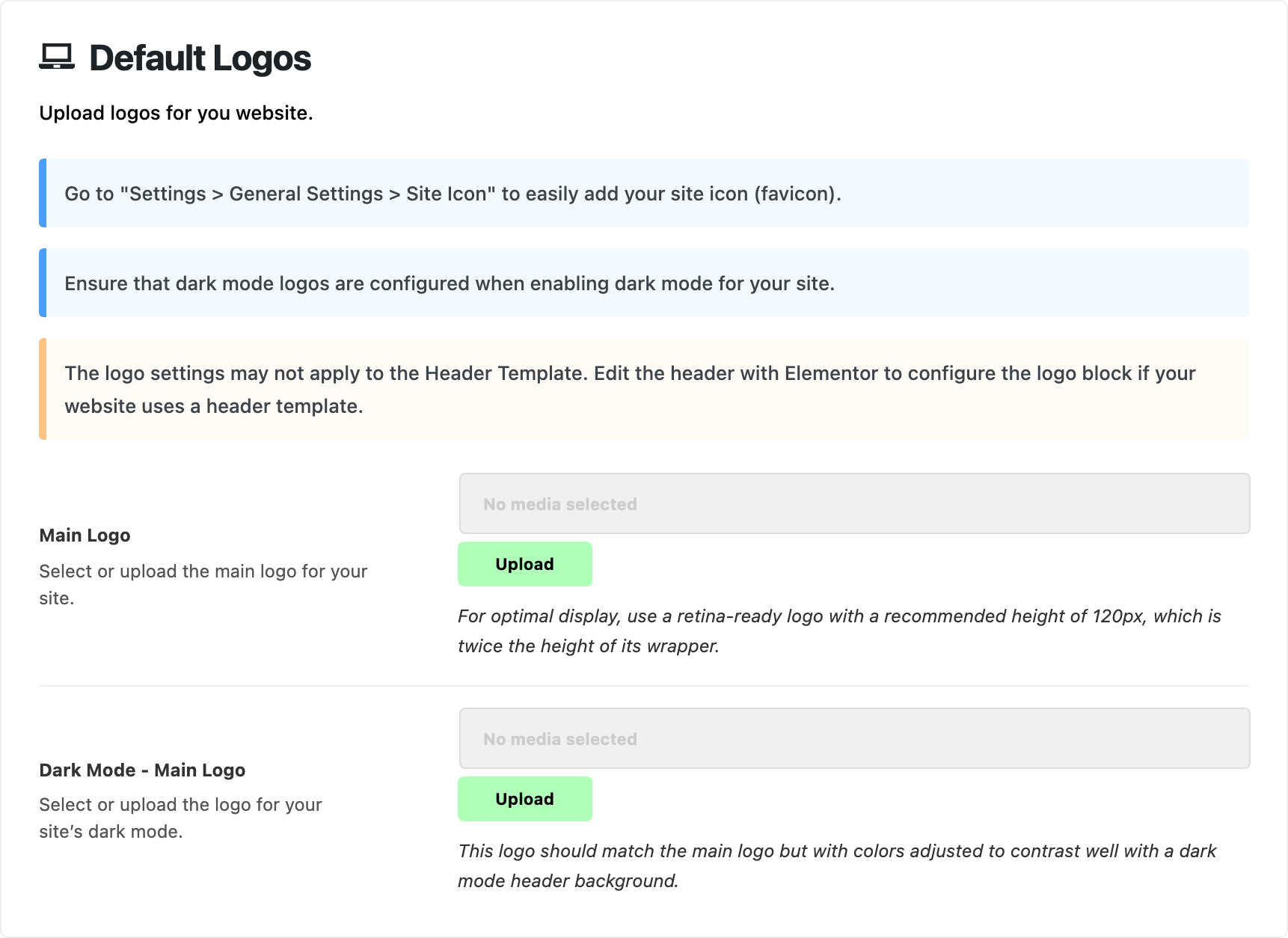
Two upload fields.
- Main Logo: the logo in the desktop header, in every predefined header layout. Default: empty. Blank shows your site title as text instead of an image.
- Upload it 120px tall. The header draws it at up to 60px, so a file twice that height stays sharp on retina screens.
- To draw it taller or shorter, change Logo Max Height in the for Header subsection that matches your layout.
- Other logo fields left blank fall back to this one. See when a logo field is blank.
- Dark Mode - Main Logo: the logo the header shows instead of Main Logo when the site is in dark mode. Default: empty. Blank shows Main Logo in dark mode too.
- Use the same logo with colours that read on a dark header, at the same size.
- Dark mode itself is off by default. Turn it on with Dark Mode in Theme Options > Dark Mode, or this logo never shows.
The three notes at the top of the subsection are reminders, not settings:
- The favicon is not set here. It is the WordPress Site Icon, under Settings > General: see Adding site favicon.
- Set the dark mode logo when you turn dark mode on.
- A header built as a Ruby Template sets its own logo. See What overrides it.
What overrides it
- A header built as a Ruby Template: its Foxiz - Site Logo block decides. A Logo Image set on the block wins over Main Logo. Left empty, the block uses Main Logo. The overview explains how to let Theme Options decide.
Mobile Logos
The logo in the header that phones and tablets see, and its dark mode version.

Where: Theme Options > Logo > Mobile Logos.
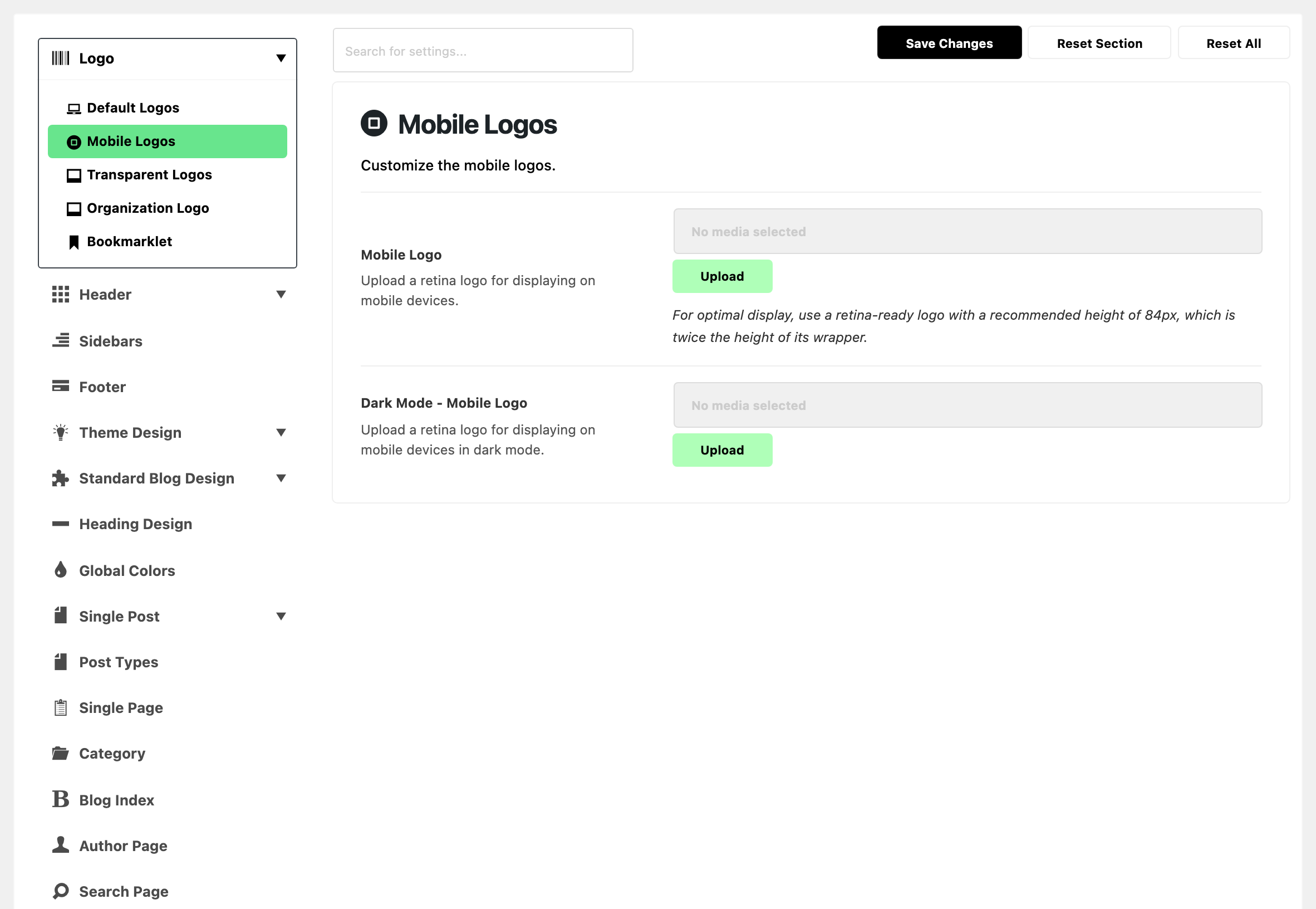
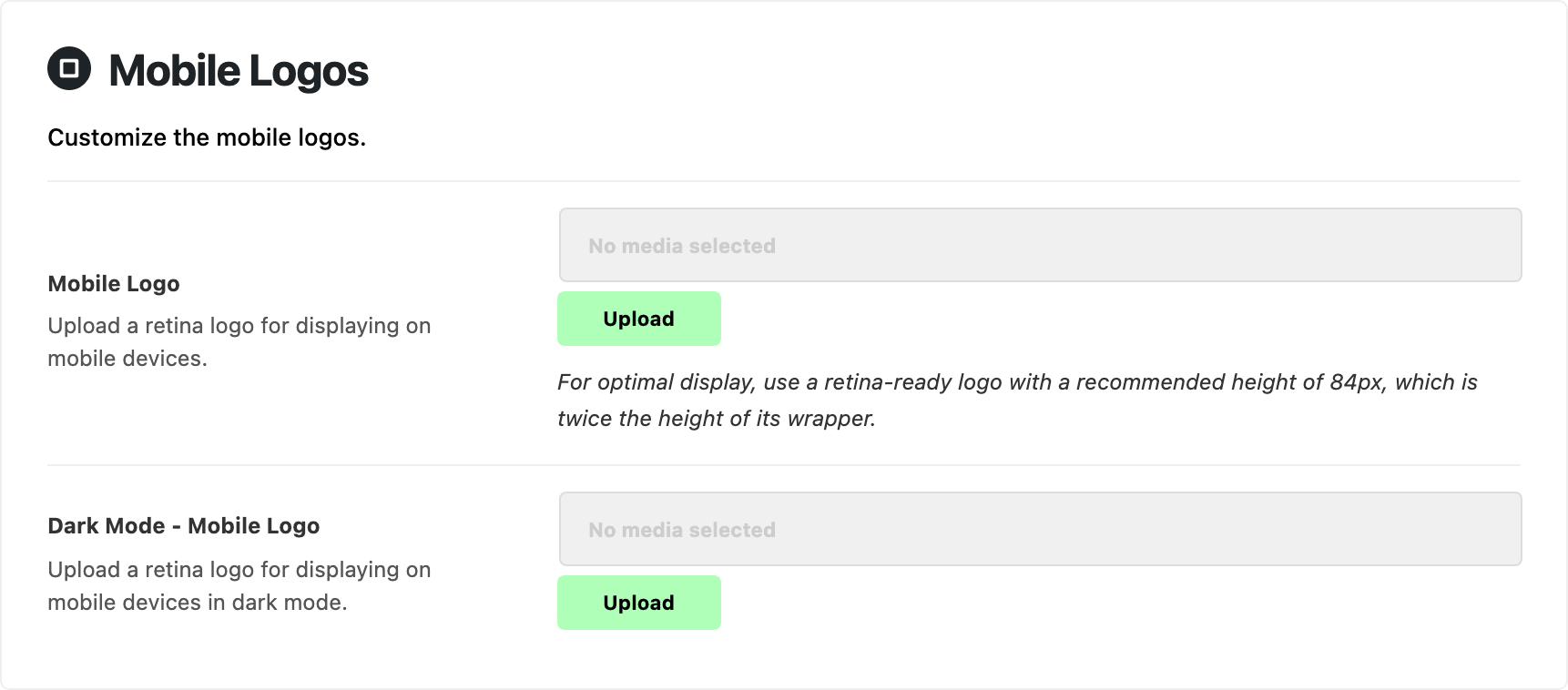
The mobile header takes over from the desktop header at 1024px wide and narrower. Both fields are optional: leave them blank and the mobile header uses the logos from Default Logos.
-
Mobile Logo: the logo in the mobile header. Default: empty. Blank shows Main Logo instead.
- Set it when your desktop logo is too wide for a phone, for example a square mark instead of the full name.
- Upload it 84px tall. The mobile header draws it at up to 42px, so a file twice that height stays sharp on retina screens.
- To draw it taller or shorter, change Mobile Logo Height in Header > Mobile Header.
-
Dark Mode - Mobile Logo: the mobile logo when the site is in dark mode. Upload a retina logo, as for Mobile Logo. Default: empty. Blank shows Dark Mode - Main Logo, or Mobile Logo when that is blank too.
It only shows once dark mode is turned on in Theme Options > Dark Mode.
Is your desktop header a Ruby Template? These fields still apply. The theme draws the mobile header under a header template, with the logos set here.
What overrides it
- A mobile header built as a Ruby Template: the template replaces the predefined mobile header, logo included. Set it in or Use Ruby Template for the Mobile Header, in Header > Mobile Header.
- Its logo comes from the Foxiz - Site Logo block in the template.
- An empty Logo Image on that block shows Main Logo. It never uses the mobile logo.
- One page: a mobile header template set in the page's Single Page Settings box wins, for that page. The field is or Use Ruby Template for Mobile Header.
Transparent Logos
The logo for a transparent header, the kind that sits over a wide image at the top of the page.

Where: Theme Options > Logo > Transparent Logos.
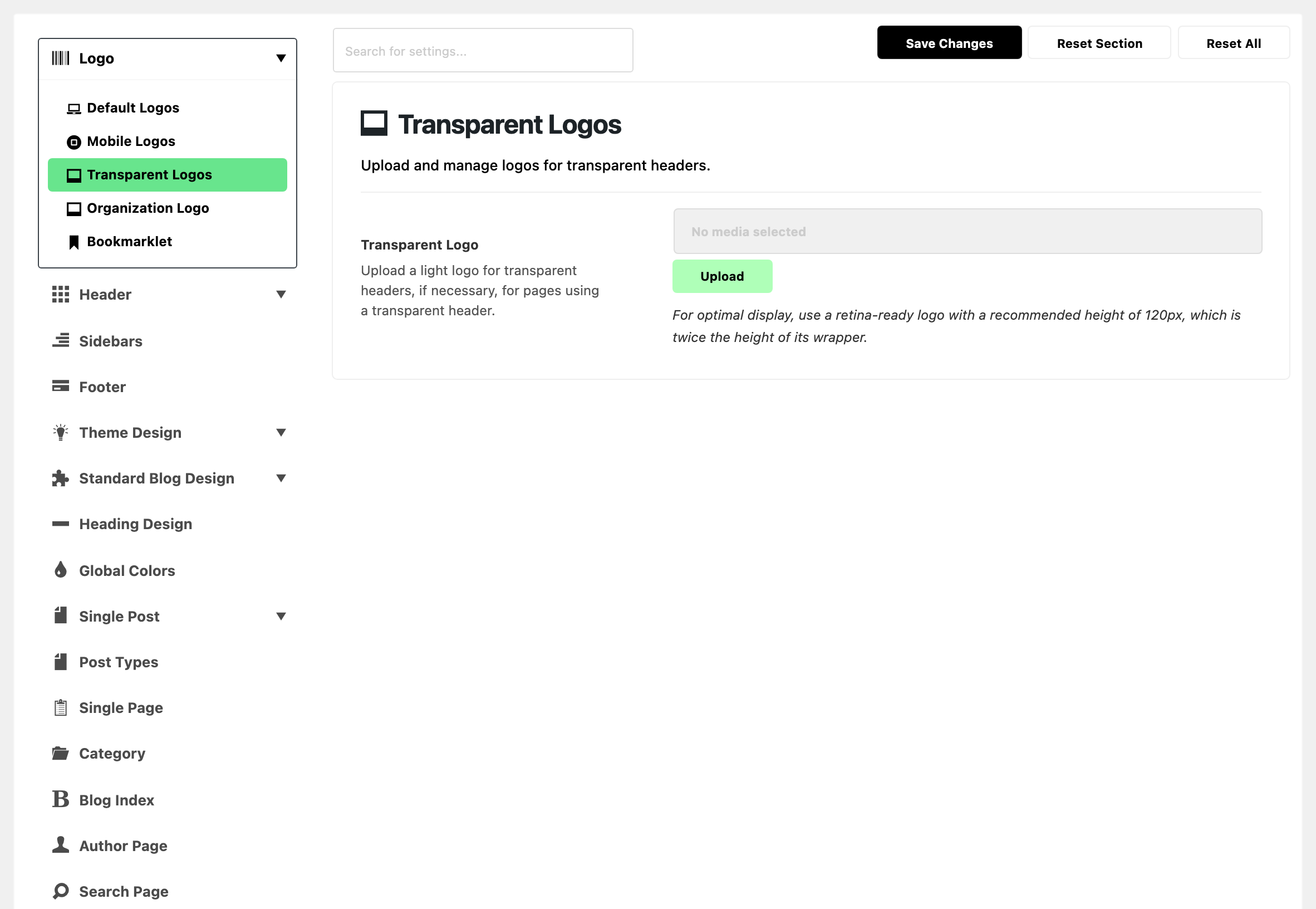
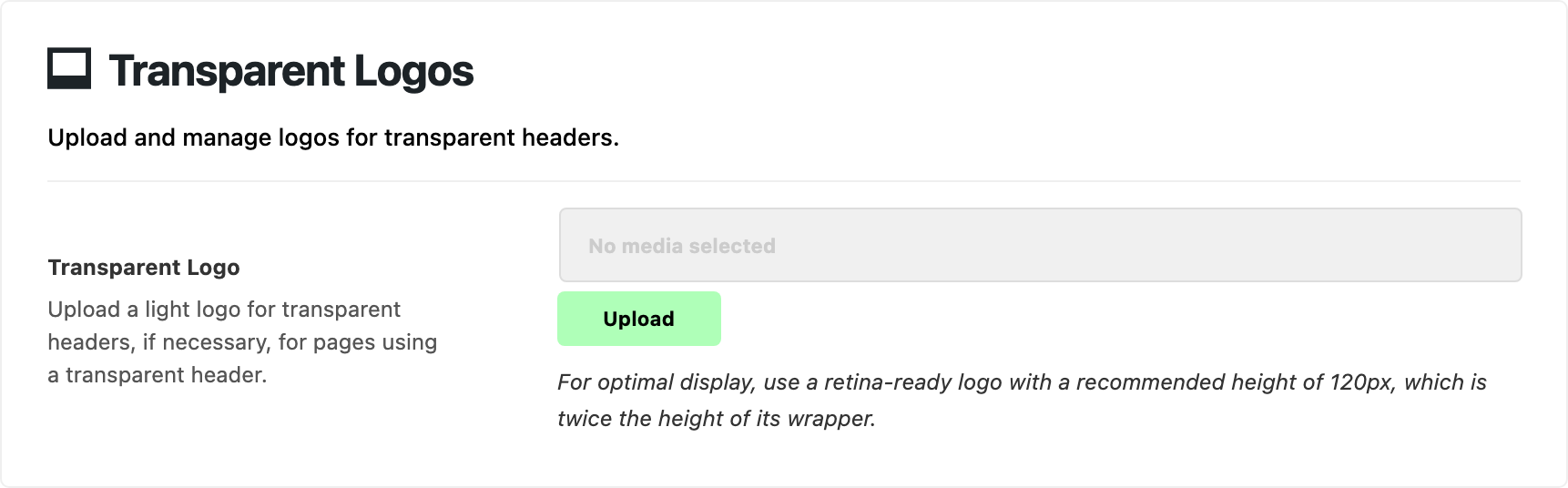
One field.
- Transparent Logo: the logo a transparent header shows in place of Main Logo. Default: empty. Fill it in whenever a page uses a transparent header: on those headers the theme hides Main Logo and its dark version to make room for this one.
- Use a light version of your logo, so it reads over the image behind it.
- Upload it 120px tall, like Main Logo.
- Main Logo must be set too. With Main Logo blank, the header prints your site title as text and skips this logo.
When it shows
Only on a page that uses one of the three transparent headers:
- Transparent - Layout 1
- Transparent - Layout 2
- Transparent - Layout 3
Header Layout in Header > Header Layout does not offer them. Pick one in a narrower place:
- One page: Predefined Header Layout in the page's Single Page Settings box.
- One post: Predefined Header Layout in the post's Single Post Settings box.
- Every single post: Header Layout in Theme Options > Single Post > Site Header.
- Category pages: Header Layout in Theme Options > Category.
- One category: Site Header on the category's edit screen.
- The blog page: Header Layout in Theme Options > Blog Index.
- The search page: Header Layout in Theme Options > Search Page.
A transparent header suits a page with a slider or a wide image at the top. On single posts, the panel suggests it for three post layouts:
- Standard 2
- Video 2
- Audio 2
Even then, the logo shows in two conditions only:
- On screens wider than 1024px. Phones and tablets get the mobile header, which never uses this logo.
- Until the header turns sticky. Once the visitor scrolls and the sticky header takes over, Main Logo comes back.
Related
- How to upload logo and favicon: every logo slot and its size, in one walkthrough.
- Updating the logo in Theme Options doesn't work: when a header template ignores the logo here.
- How to add the logo on the header template: the Foxiz - Site Logo block.
- How to enable dark mode feature: turning dark mode on, with the dark logo.
- Logo Looks Blurry or Does Not Show: a fuzzy logo, one missing in dark mode, or a new one that does not appear.
- Adding site favicon
- Mobile Header: the header these logos sit in, with Mobile Logo Height.
- How to config the header: the mobile header in the full header setup.
- Structuring mobile header layout using Ruby Template: building your own mobile header.
- Header layouts: choosing a header for posts, a category, the blog or search, transparent ones included.
Did this answer your question?