Round Corner
Whether featured images, buttons and the other boxes on the site have rounded or square corners, and how round.

Where: Theme Options > Theme Design > Round Corner.
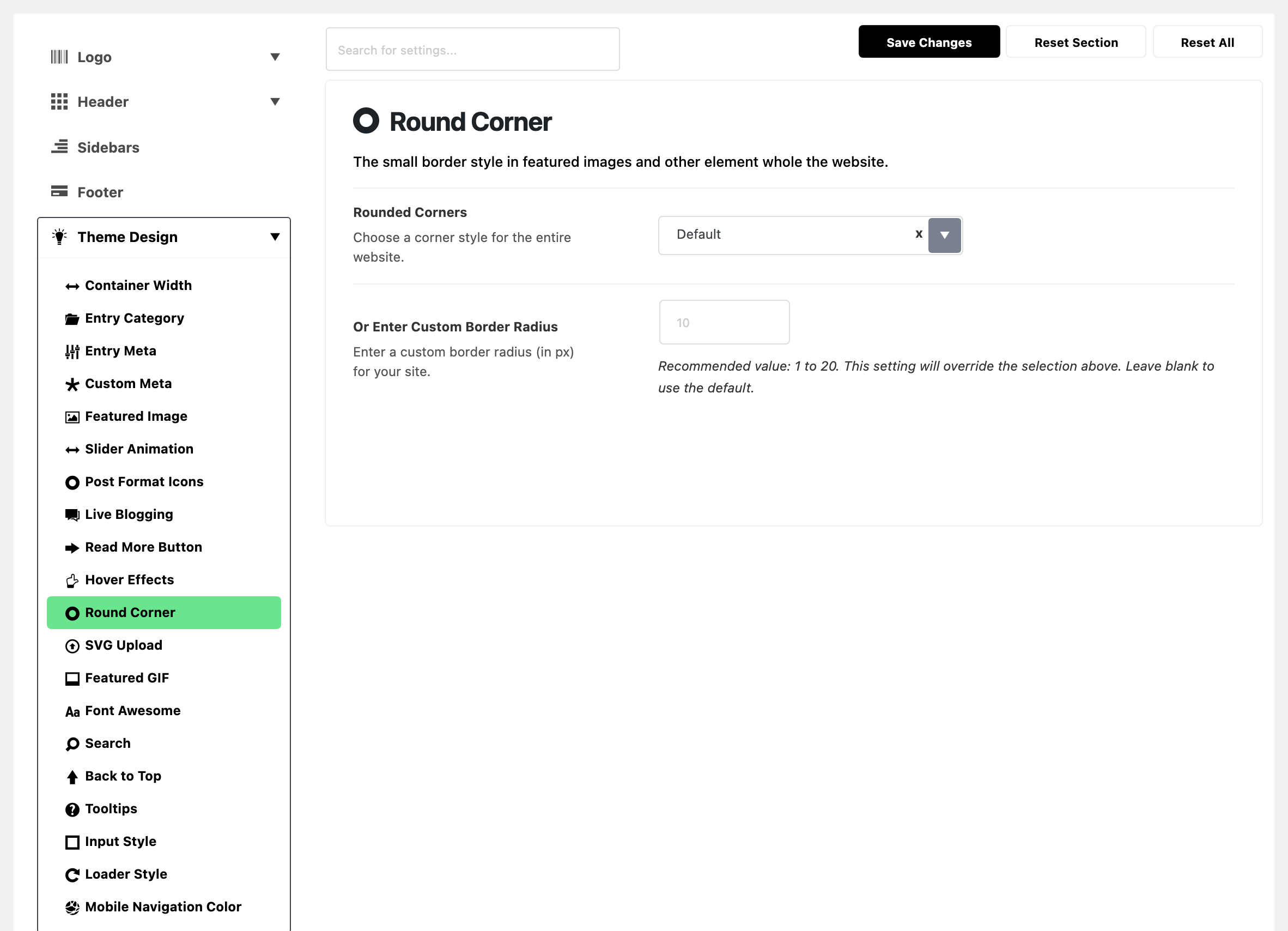
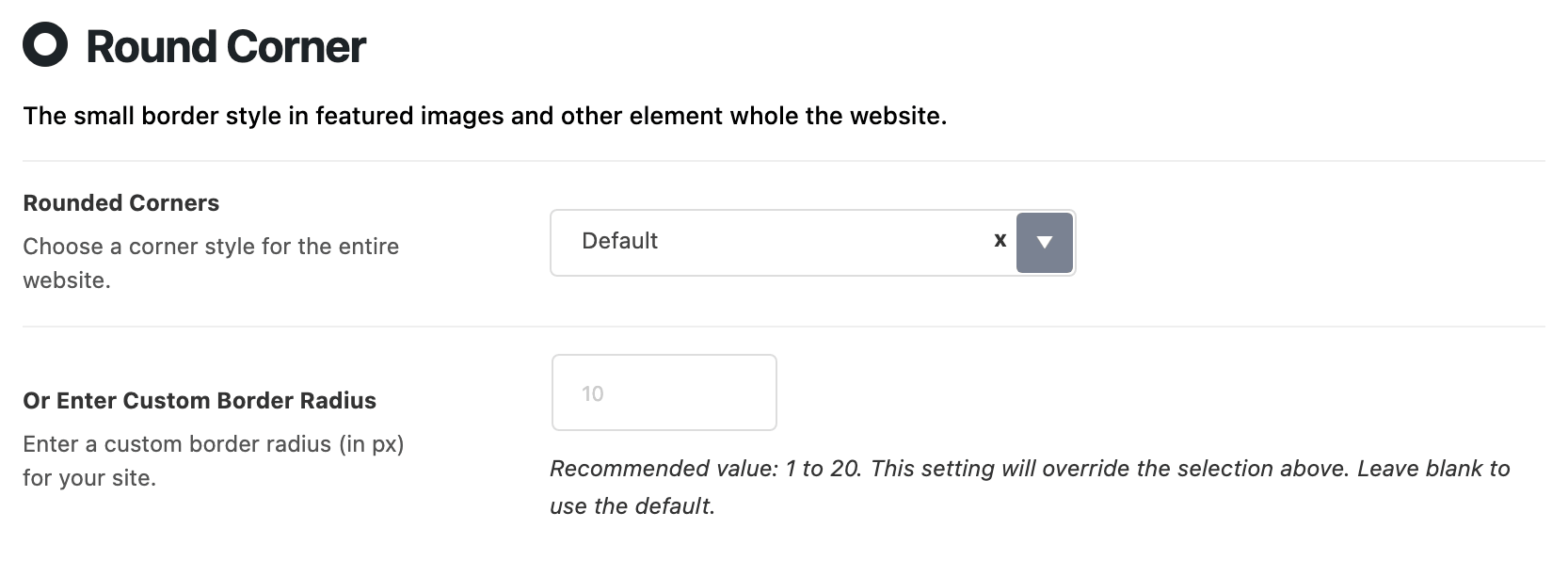
Two fields set the same thing, so it matters which one wins.
- Rounded Corners: square or rounded corners across the site. Its default is Default.
- Default: slightly rounded corners: 3px on small elements, 5px on medium ones and 7px on large ones. That is the same as typing 5 in the field below.
- No Border: square corners everywhere.
- Or Enter Custom Border Radius: how round the corners are, in pixels. It is empty by default; the grey suggestion is 10. Anything between 1 and 20 is sensible.
A number in Or Enter Custom Border Radius wins. Once it holds a number, Rounded Corners stops mattering, whichever way it is set.
So if the site shows rounded corners while Rounded Corners reads No Border, a number is sitting in the custom field. Clear that field to get the select back.
The theme turns your one number into three radii: one for small elements, one for medium and one for large.
- Type 10 and you get 7, 10 and 15.
- The small one never goes below 2. So with very low numbers, the three sizes look almost the same.
Did this answer your question?