Font Awesome
Whether the Font Awesome icon library loads on your site, so that fa icon classes show an icon anywhere you use them.

Where: Theme Options > Theme Design > Font Awesome.
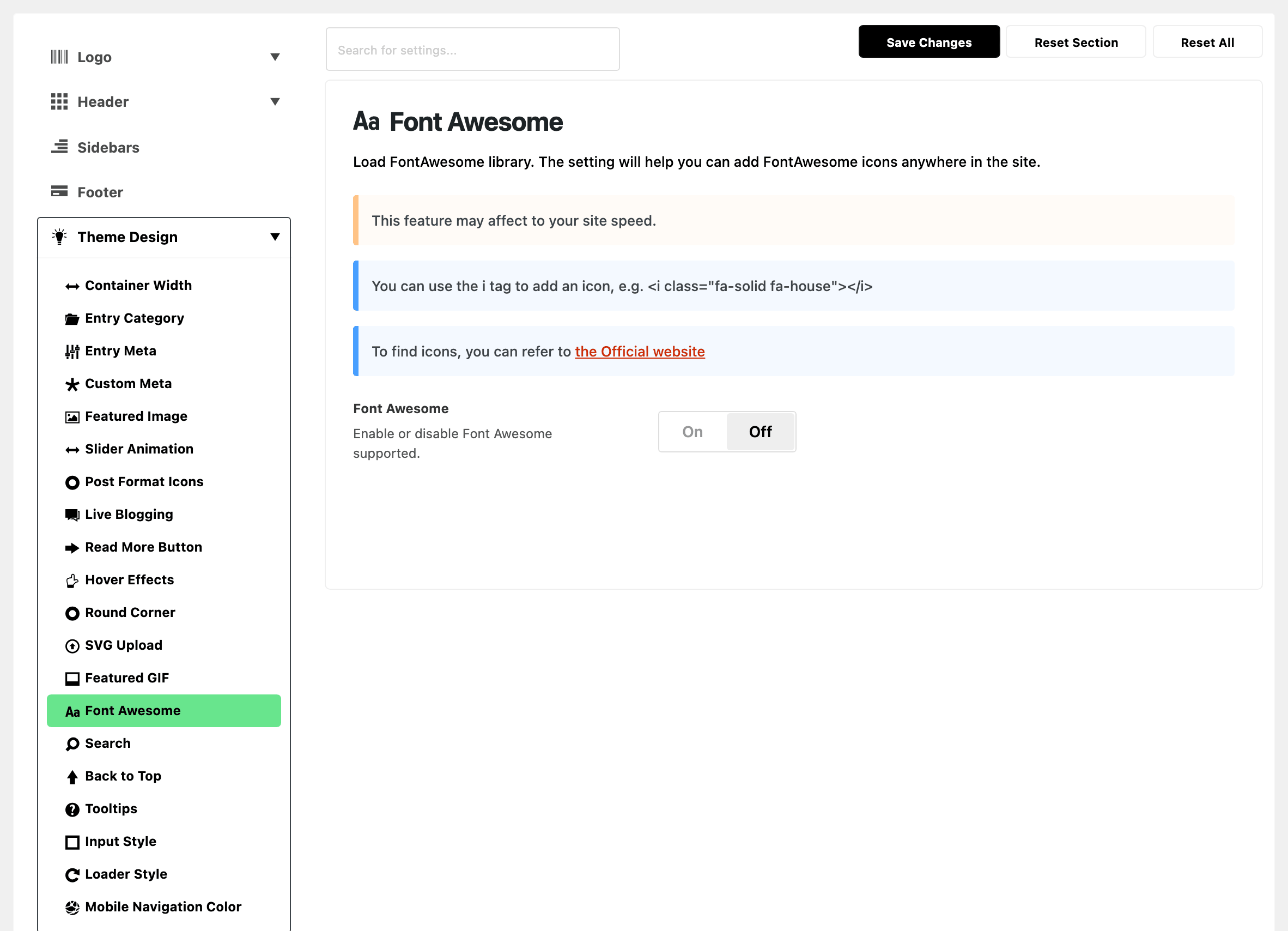
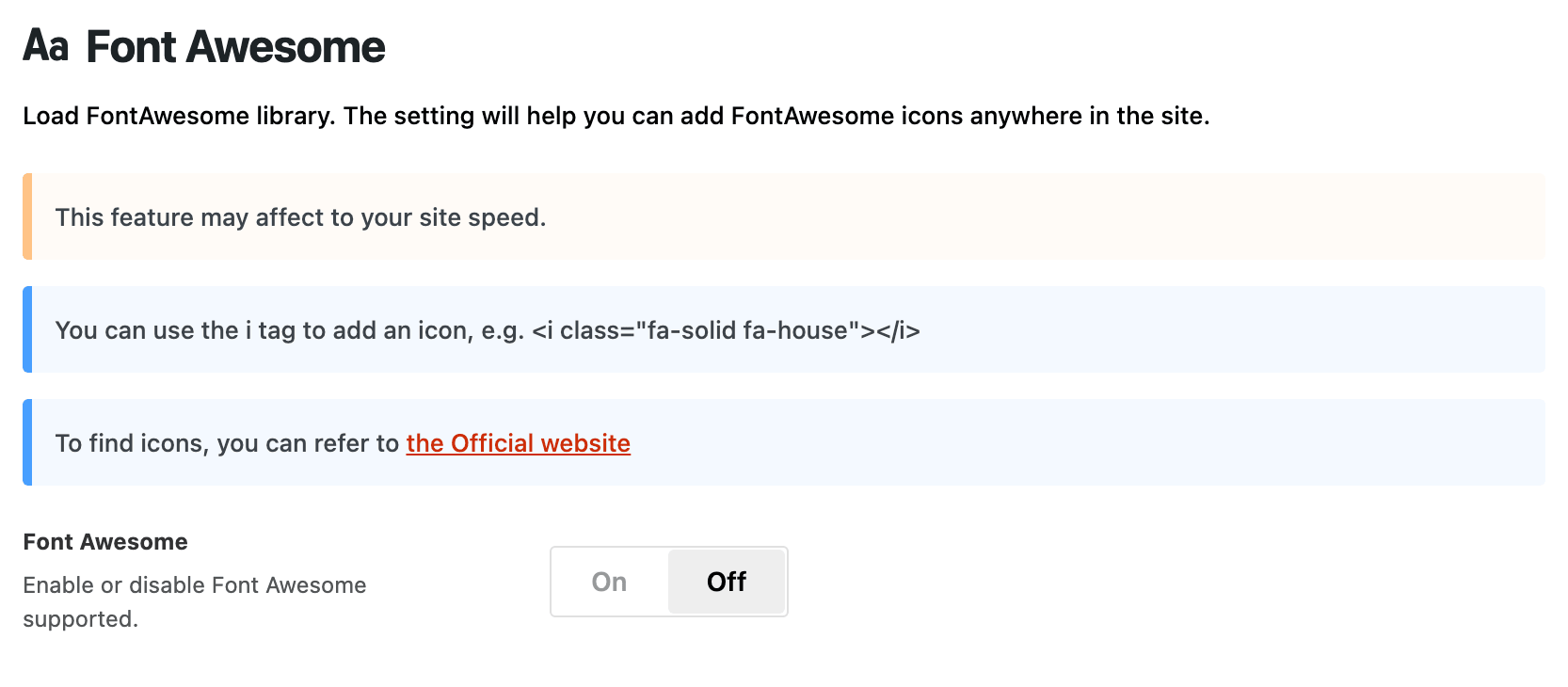
- Font Awesome: loads the bundled Font Awesome stylesheet on every front end page, from your own server rather than a CDN. Off by default.
Leave it off if the theme's own rbi icons cover what you need. It is a whole icon library on every page.
Turn it on before you type an fa class into any of these. Without it, the icon does not show.
- Meta Icon ClassName, in Custom Meta.
- A custom social icon.
- A menu item icon.
- An
itag in your own content.
An icon you pick from Elementor's own icon library does not need this switch. Elementor loads its own copy of Font Awesome for those.
Related
- Ruby icon classname: the theme's own icons, which need no switch.
- How to add icon to menu items
- Social icons or custom fonts doesn't display
- Your site social profiles: custom social icons.
- Custom Meta: Meta Icon ClassName.
Did this answer your question?