Post Format Icons
The small badge that marks a video, gallery or audio post in a listing: which of the three formats get one, and its colour.

Where: Theme Options > Theme Design > Post Format Icons.
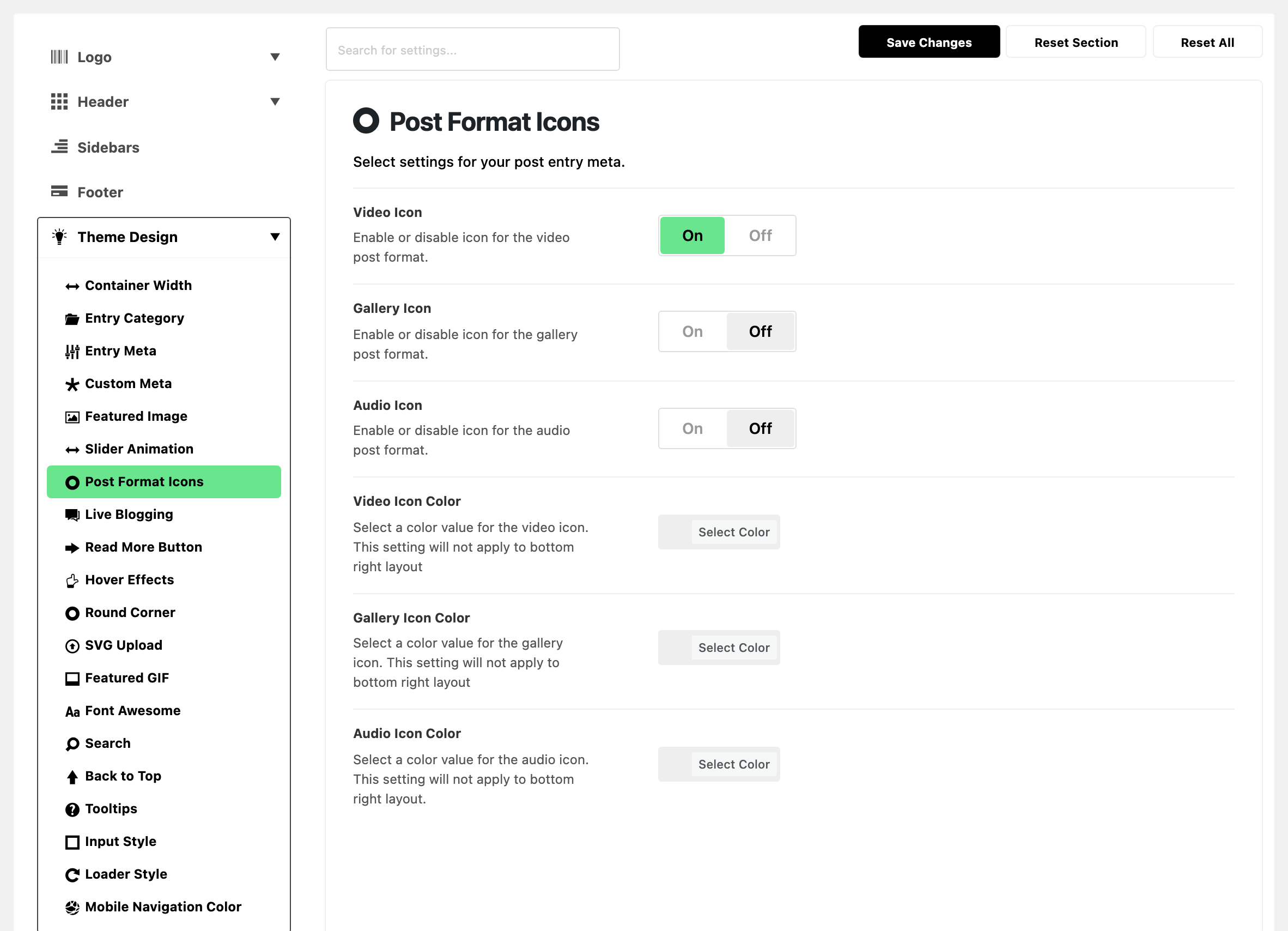
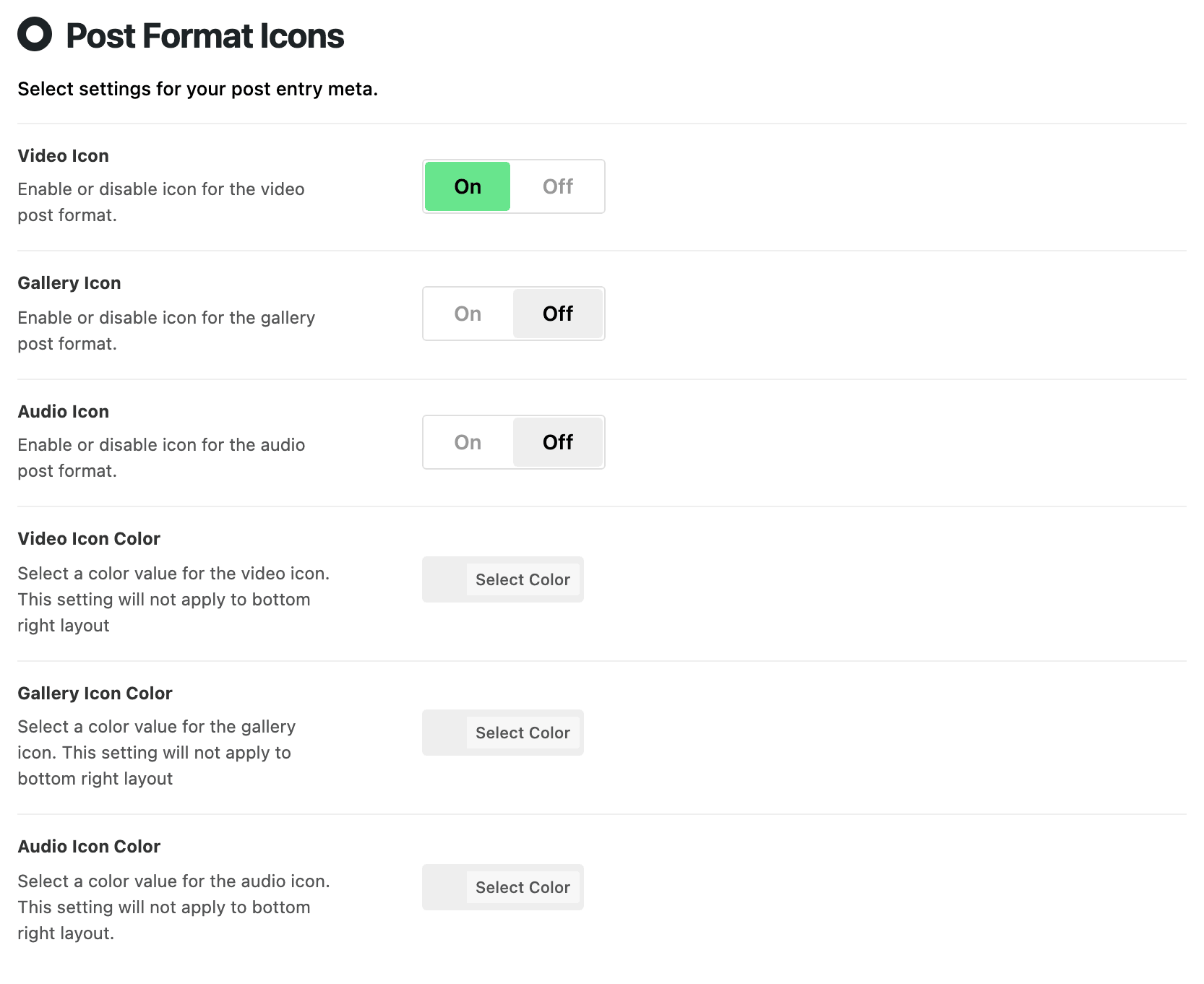
Three switches decide which formats get a badge. With a switch off, a post of that format looks like a standard post in listings.
- Video Icon: the badge on video posts. On by default.
- Gallery Icon: the badge on gallery posts. Off by default.
- Audio Icon: the badge on audio posts. Off by default.
Three colour fields set the badge colour. All three are empty by default and follow the global colours.
Where the badge sits is Post Format Icon, set per module in Theme Options > Standard Blog Design (or on a block). The colour shows on the Top and After Entry Category positions. The default, Bottom Right, is a white corner tab that keeps the text colour, so these fields change nothing there.
- Video Icon Color: the video badge colour.
- Gallery Icon Color: the gallery badge colour.
- Audio Icon Color: the audio badge colour.
What overrides it
Where the badge sits, and whether a layout shows it at all, is not set here.
- Post Format Icon in each Standard Blog Design layout: the layout's setting wins.
- Post Format Icon on an Elementor block: the block's setting wins, for that block.
- Default from Theme Option follows the layout's setting.
- Disable hides the badge on that block.
Related
- Standard blog design styling: the per layout Post Format Icon setting.
- How to edit style and layout of a block in a Elementor page
- How to create a video post
- How to create a gallery post
- How to create an audio post
Did this answer your question?