SVG Upload
Whether the media library accepts .svg files, which the logo, search, notification and login icon fields can then use.

Where: Theme Options > Theme Design > SVG Upload.
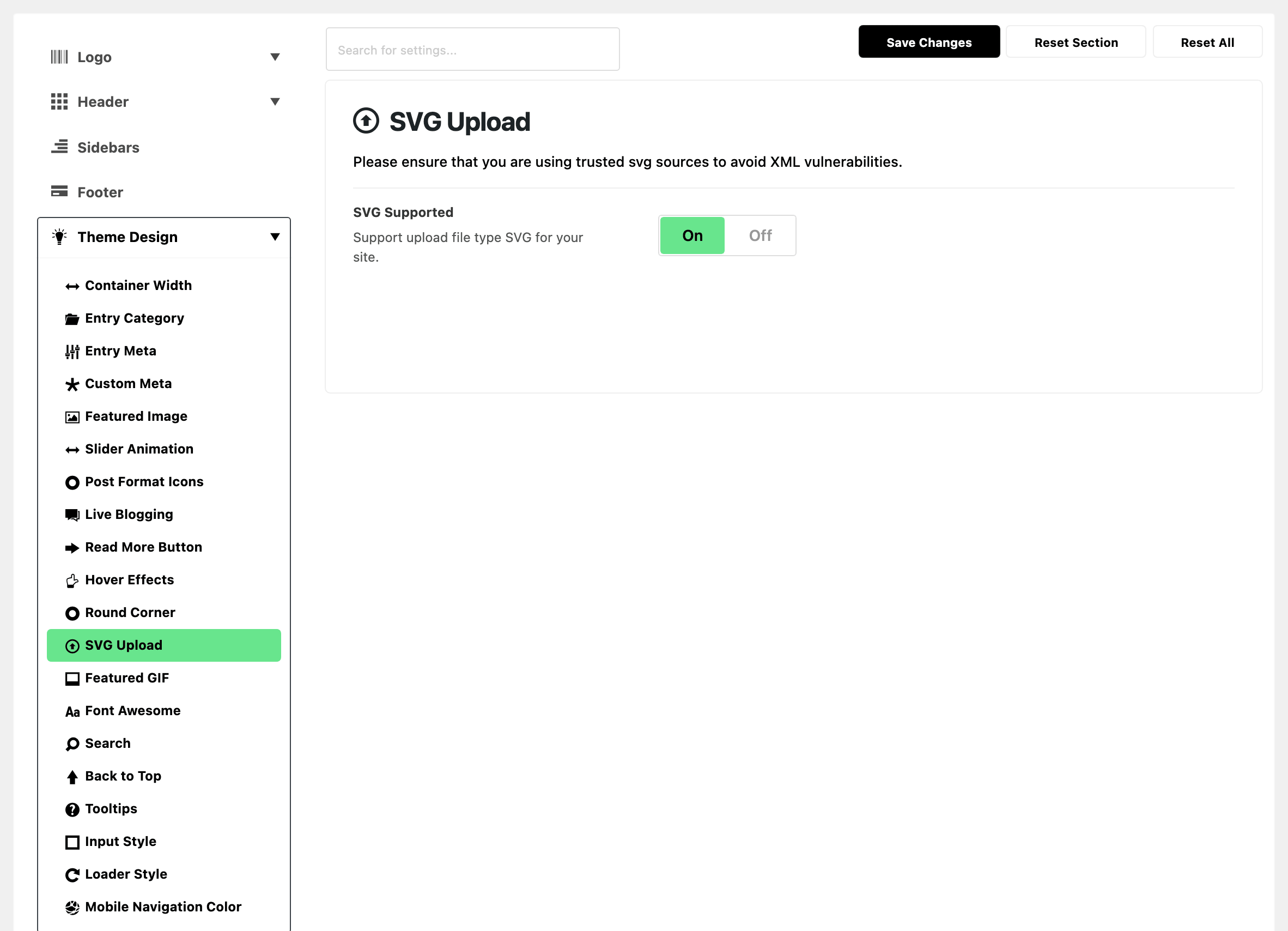
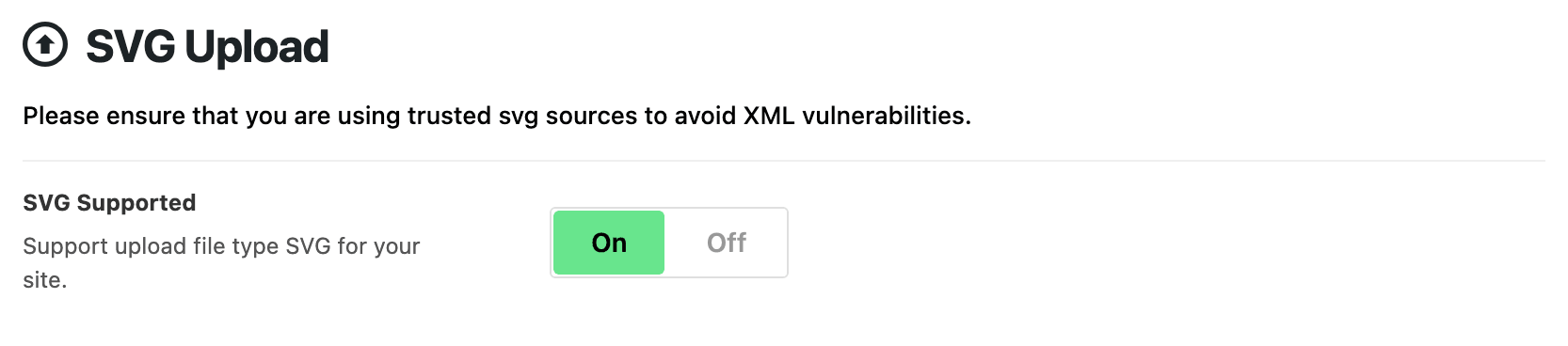
- SVG Supported: lets you attach a
.svgfile in the media library at all. On by default.- It changes nothing on the front end by itself. You still have to use the file somewhere: in a logo field, or in Custom Search SVG.
- Keep it on, unless you take uploads from people you do not trust. An SVG can carry script.
Related
- Search: Custom Search SVG.
- Every setting in the notification panel: a custom bell icon.
- Every setting in the login panel: Custom Login SVG.
Did this answer your question?