Read More Button (Theme Design)
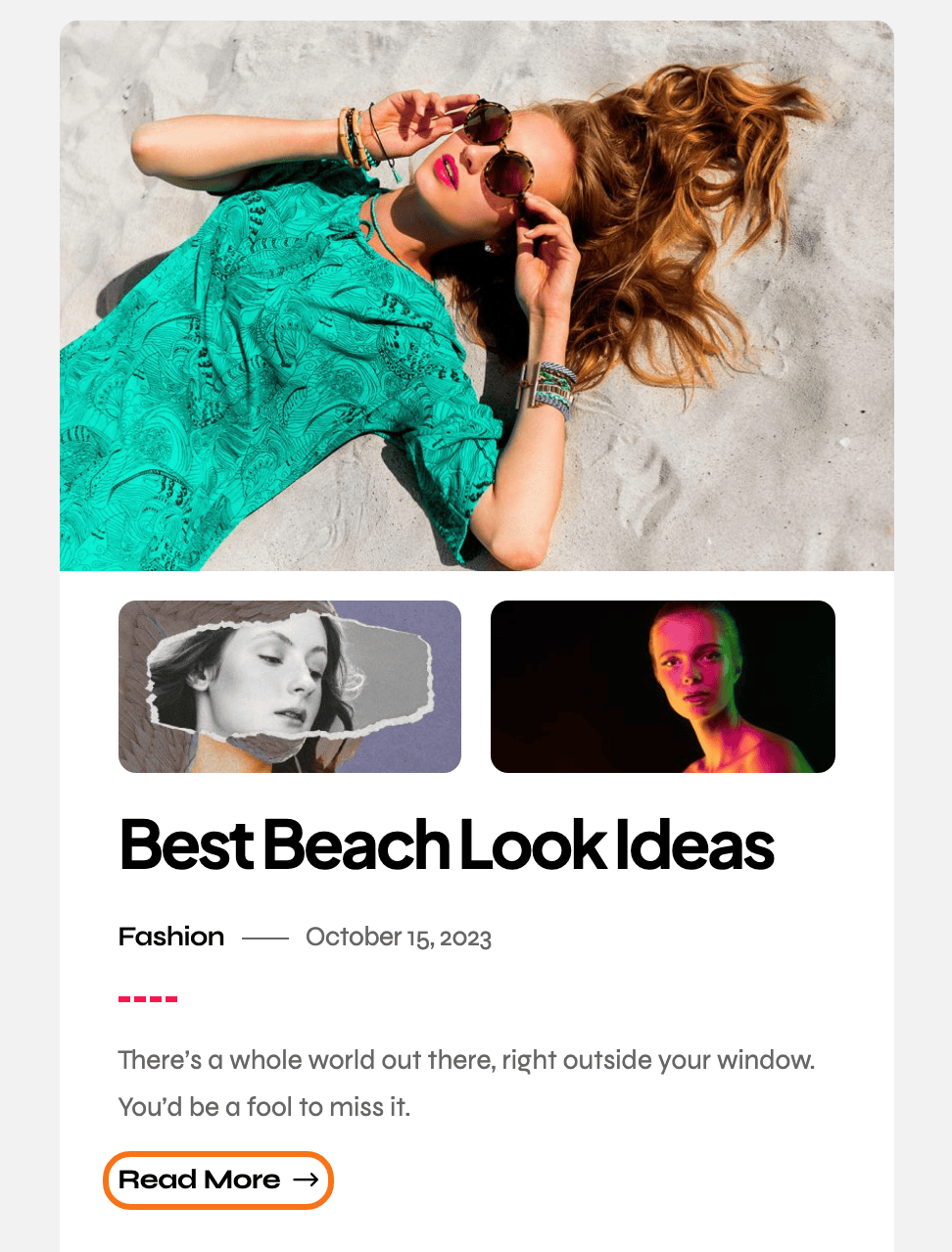
The wording, style and arrow of the read more link at the foot of an excerpt, everywhere on the site.
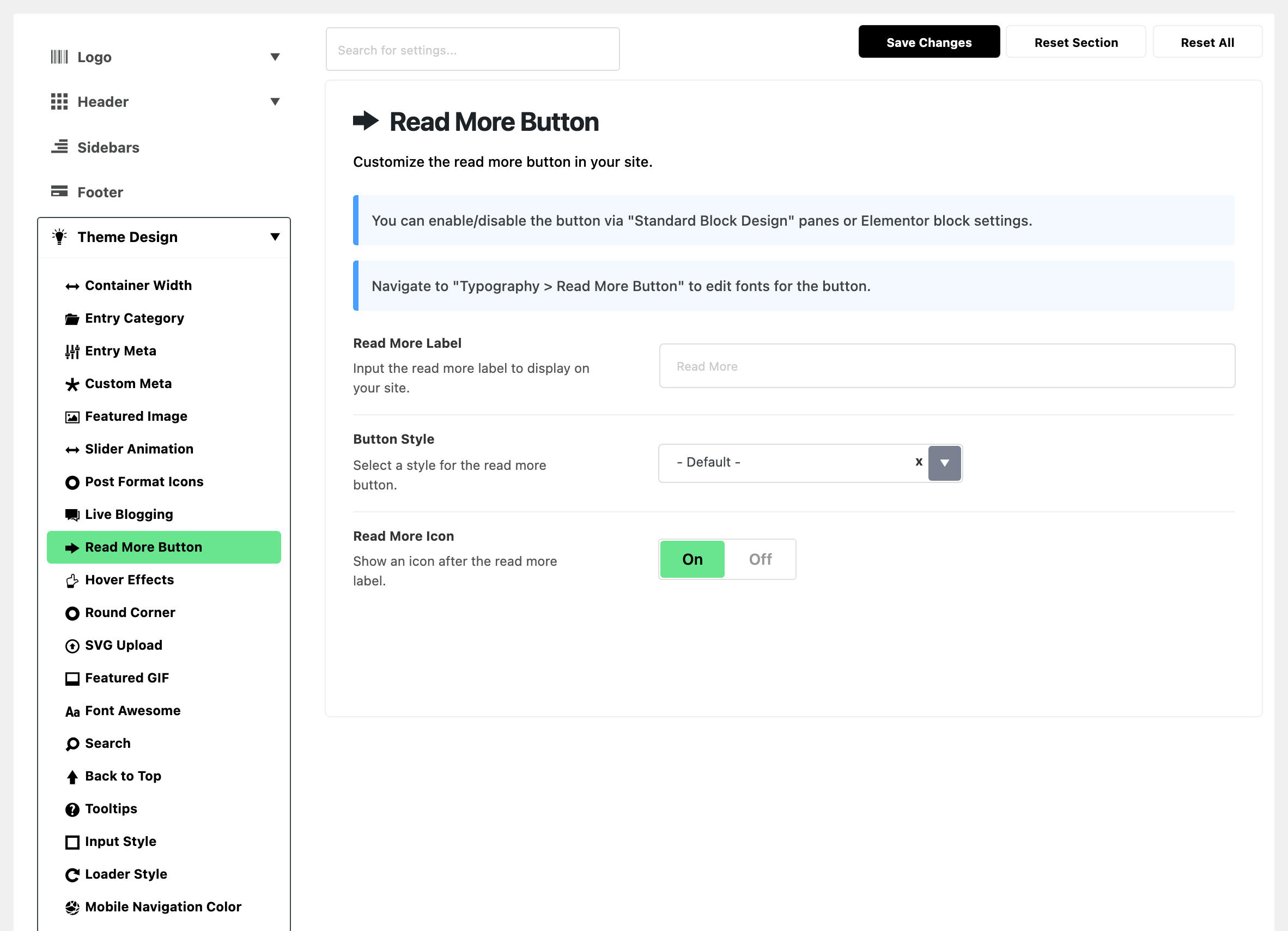
Where: Theme Options > Theme Design > Read More Button.
-
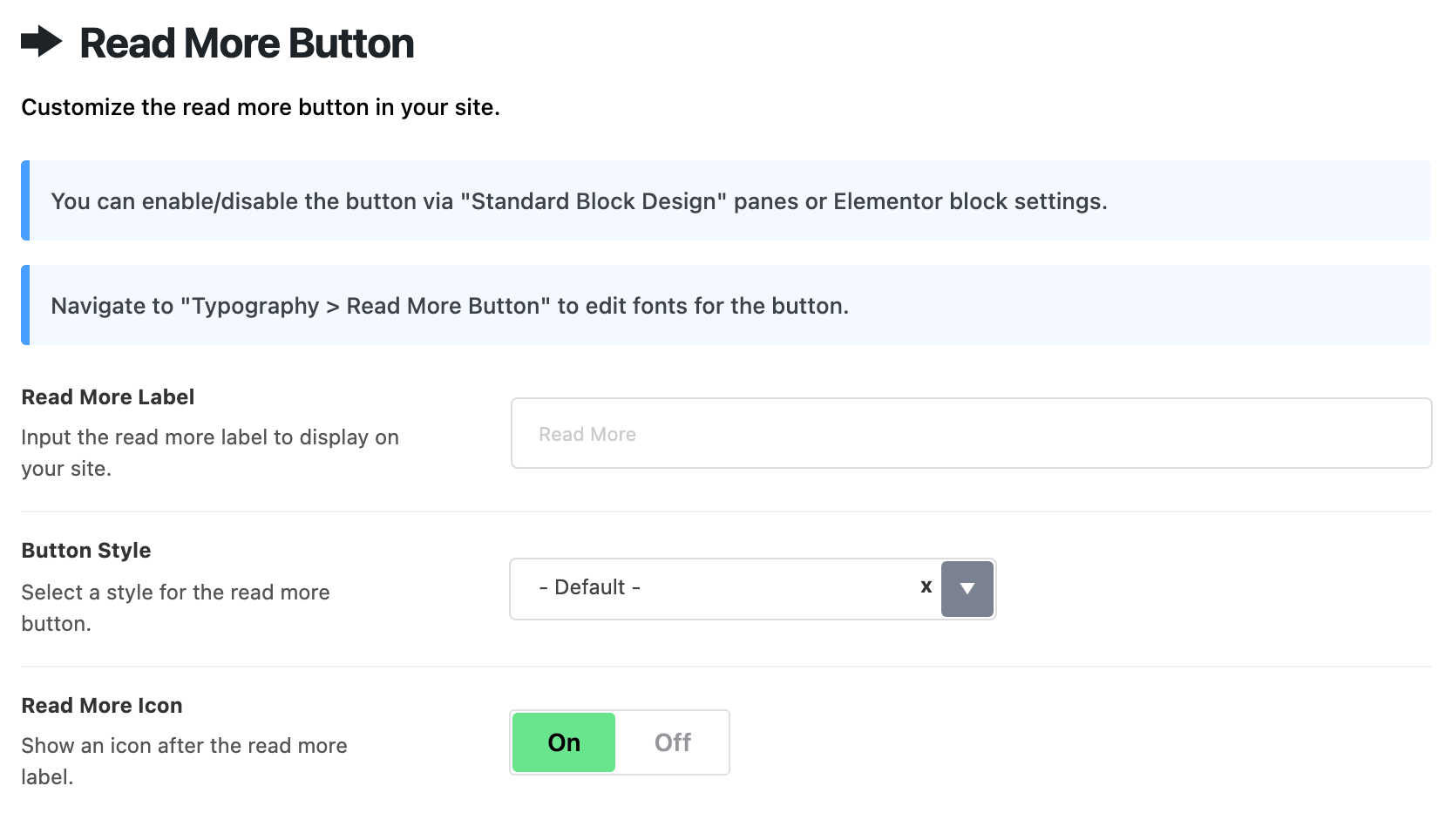
Read More Label: the button's wording. It is empty by default, which shows Read More. Type your own wording here rather than translating the theme for it.
-
Button Style: how the button looks: - Default -, Text Only or Background. Its default is - Default -.
- - Default -: a button outlined with a thin grey border and slightly rounded corners.
- Text Only: no border or padding, just the label and its arrow, like a link.
- Background: filled with Global Highlight Color, or with Primary Color (Background) from the Button group of Global Colors when that is set, with white text.
- For most sites, keep - Default -. Pick Background when the button should stand out more.
-
Read More Icon: an arrow after the label. On by default.
Fonts for the button are at Typography > Read More Button.
What overrides it
This subsection only styles the button. Whether it appears at all is set on the layout or the block.
- Standard Blog Design: each layout's own setting decides whether the button shows.
- Read More Button on an Elementor block: the block's setting decides, for that block.
Related
- Standard blog design styling: turning the button on for a layout.
- How to edit style and layout of a block in a Elementor page
- Typography options: the button's font.
- Find out which setting is deciding
Did this answer your question?