Tooltips
The small labels that pop up when the pointer rests on a share link, a header icon or a like button.

Where: Theme Options > Theme Design > Tooltips.
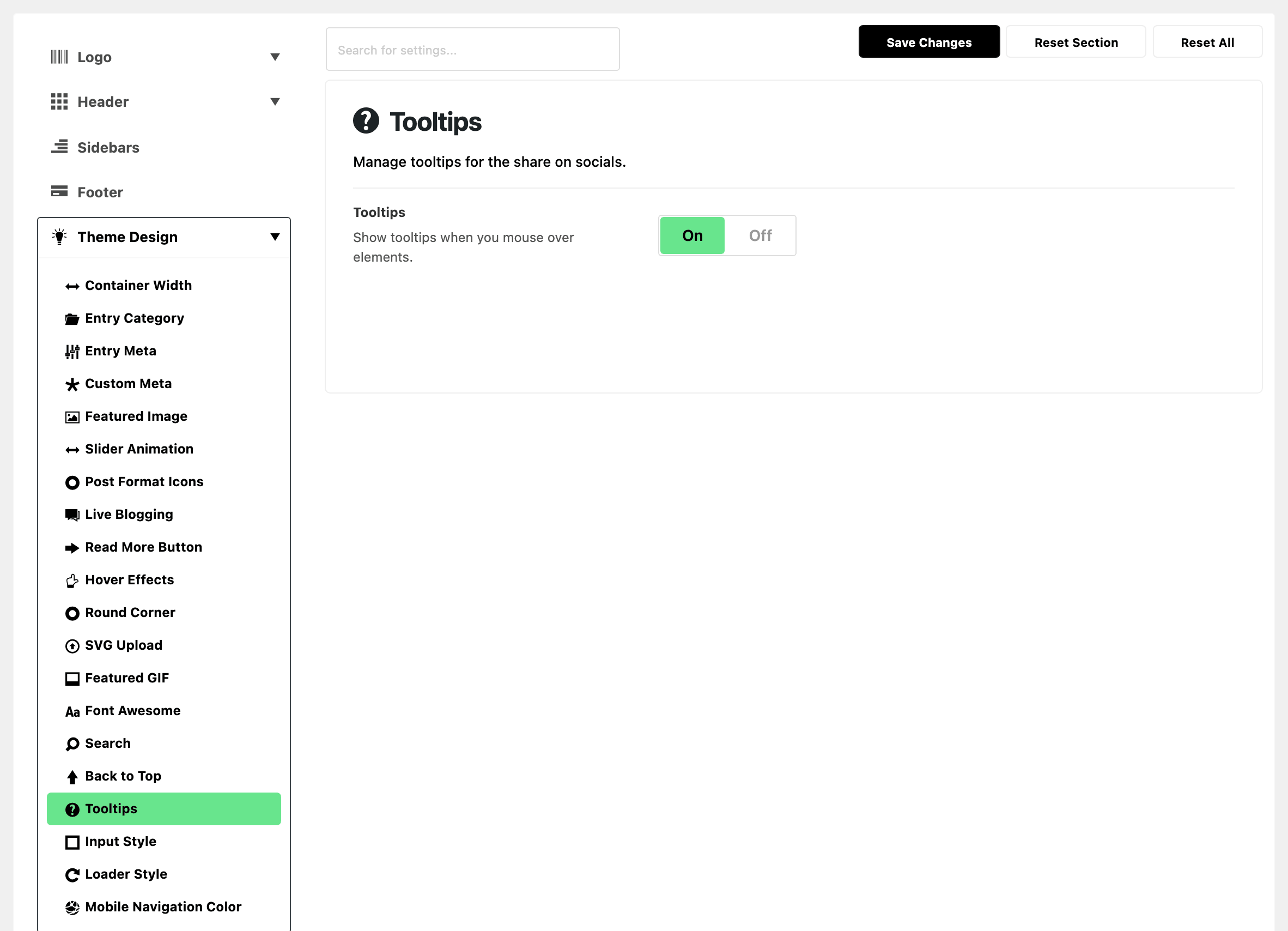

- Tooltips: the small hover labels on share links, header icons, and the like and dislike controls. On by default. Turn it off if you would rather not load the tooltip script at all.
Three things narrow where they appear. None of them is a setting you can change:
- Header and in content tooltips only work above 1024px of screen width. The width is read once, at load.
- The copy link is the exception: its tooltip works at every width. That is why a phone still confirms a copied link.
- WooCommerce pages carry no tooltips, whatever the switch says.
- AMP pages carry none either.
Did this answer your question?