Custom Meta
One extra meta item of your own, such as Total Time: 6 hours, added to the meta line in listings. This subsection sets its label, icon and style; each post supplies its own value.

Where: Theme Options > Theme Design > Custom Meta.
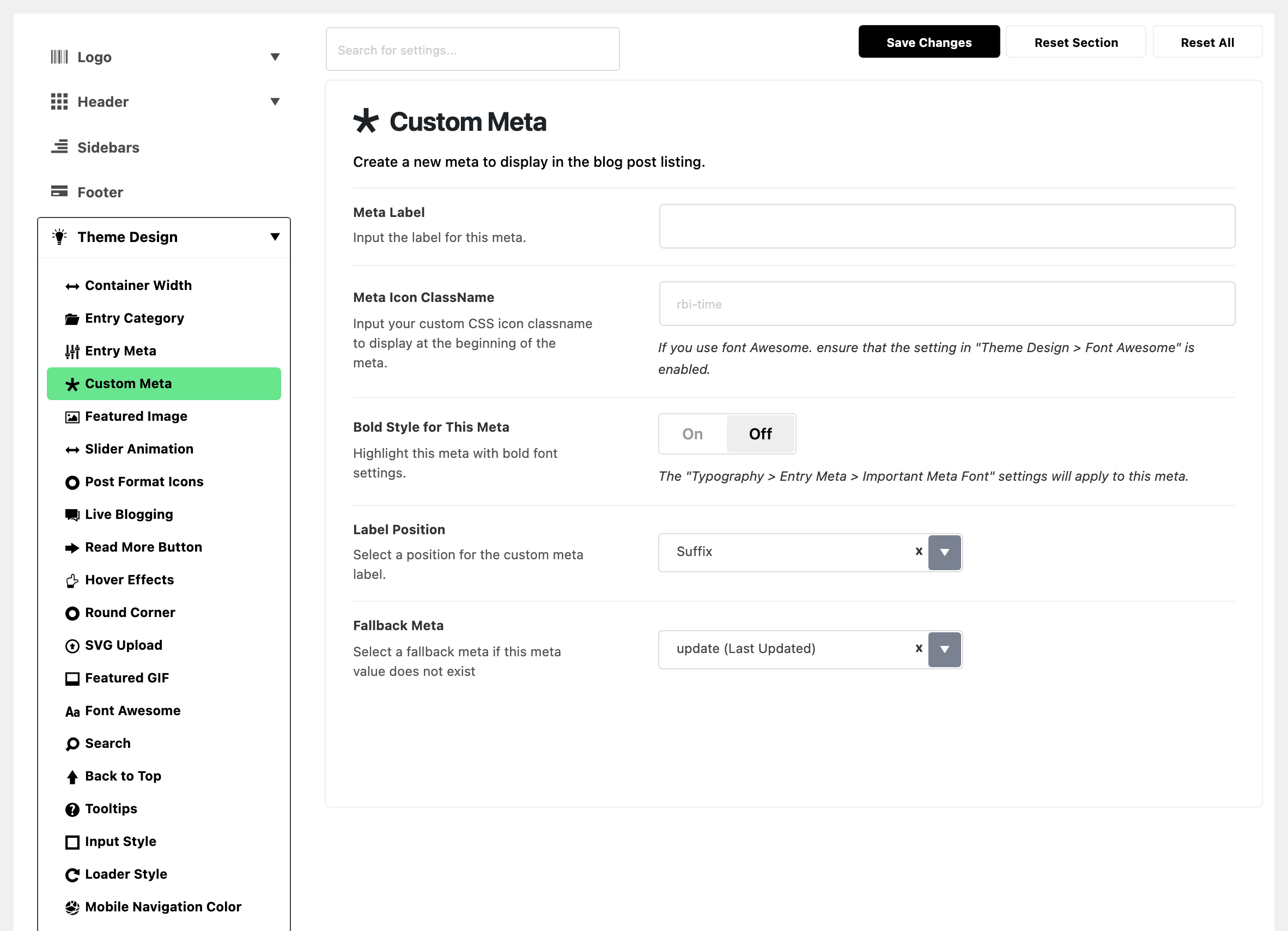
Five fields. Setting them up end to end, with the post value and the switch that shows the item, is in how to add custom meta.
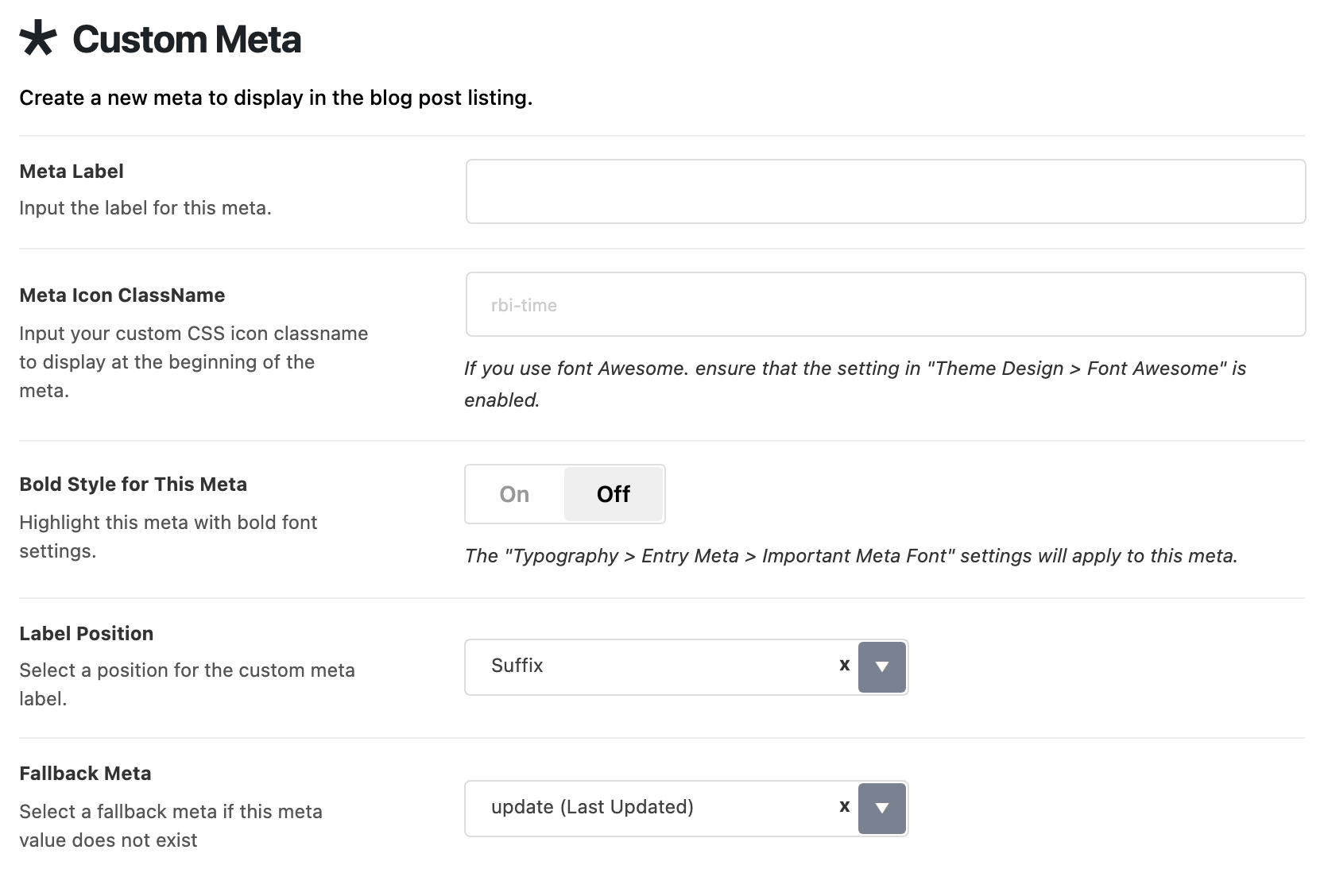
- Meta Label: the wording, such as "Total Time". Empty by default.
- Meta Icon ClassName: a CSS icon class, for an icon in front of the label. Empty by default. A Foxiz icon class, which starts with
rbi-(such asrbi-time, the field's placeholder), works without any extra setting: see Ruby Icon ClassName for the names. Anfaclass needs Font Awesome switched on first. - Bold Style for This Meta: gives the item the important meta font from Typography > Entry Meta. Off by default.
- Label Position: puts the label before the value (Prefix) or after it (Suffix). Its default is Suffix. Pick Prefix for a label like Total Time; the default Suffix puts it after the value, "6 hours Total Time".
- Fallback Meta: what prints when a post has no value for your custom meta. You can pick one of eight standard metas or None, and the default is the last updated date. Pick None if a post without a value should show nothing in that place.
Each post gives its own value in Custom Meta Value, under the post's Custom Meta tab.
Related
- How to add custom meta: the walkthrough.
- How to config entry meta info in single post: showing it on single posts.
- How to manage settings for individual post types
- Font Awesome: needed before an
faicon class shows.
Did this answer your question?