Back to Top
The small square button at the bottom right that scrolls the reader back to the top of the page, on desktop and on phones.

Where: Theme Options > Theme Design > Back to Top.
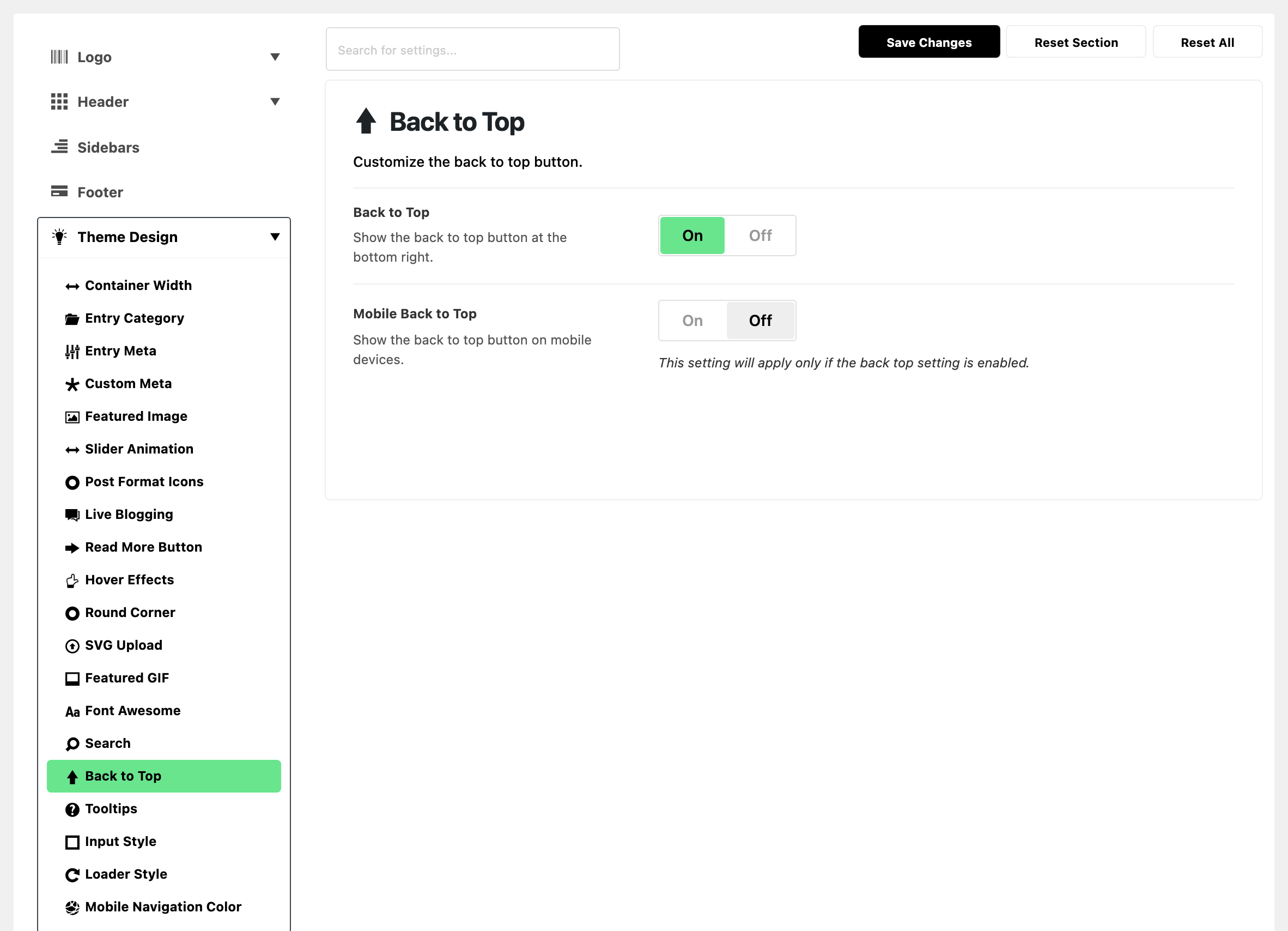
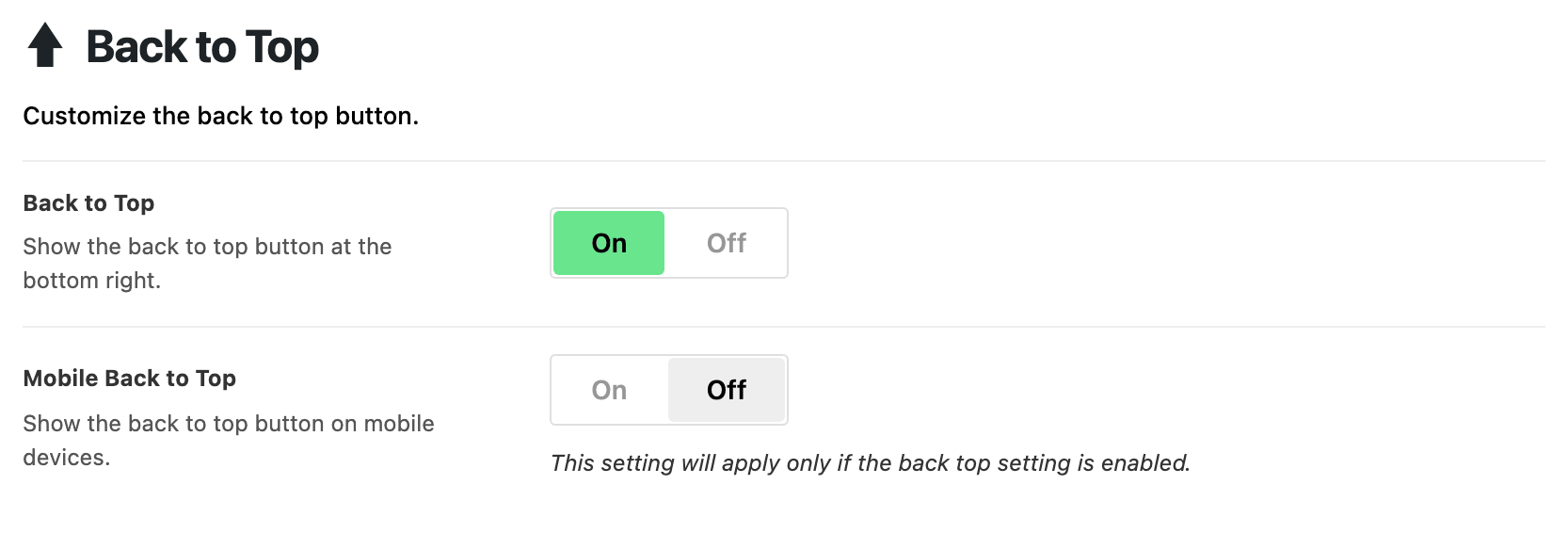
- Back to Top: a square scroll to top button at the bottom right. On by default. The button stays hidden until the reader is about 300px down the page.
- Mobile Back to Top: the same button on phones and tablets. Off by default, so out of the box the button is a desktop feature. Below 1024px of screen width the button is skipped entirely until you turn this on. It only works while Back to Top is on.
The width is read once, when the page loads. So on a desktop browser, reload after resizing the window to see the difference.
Not here: AMP pages
- AMP pages have their own Back to Top switch, in the AMP panel's General subsection.
Related
- AMP: setting up and testing AMP for WordPress: the AMP switch.
- Find out which setting is deciding: reading these two switches off a page.
Did this answer your question?