Loader Style
The spinner the theme shows while a block fetches more posts.

Where: Theme Options > Theme Design > Loader Style.
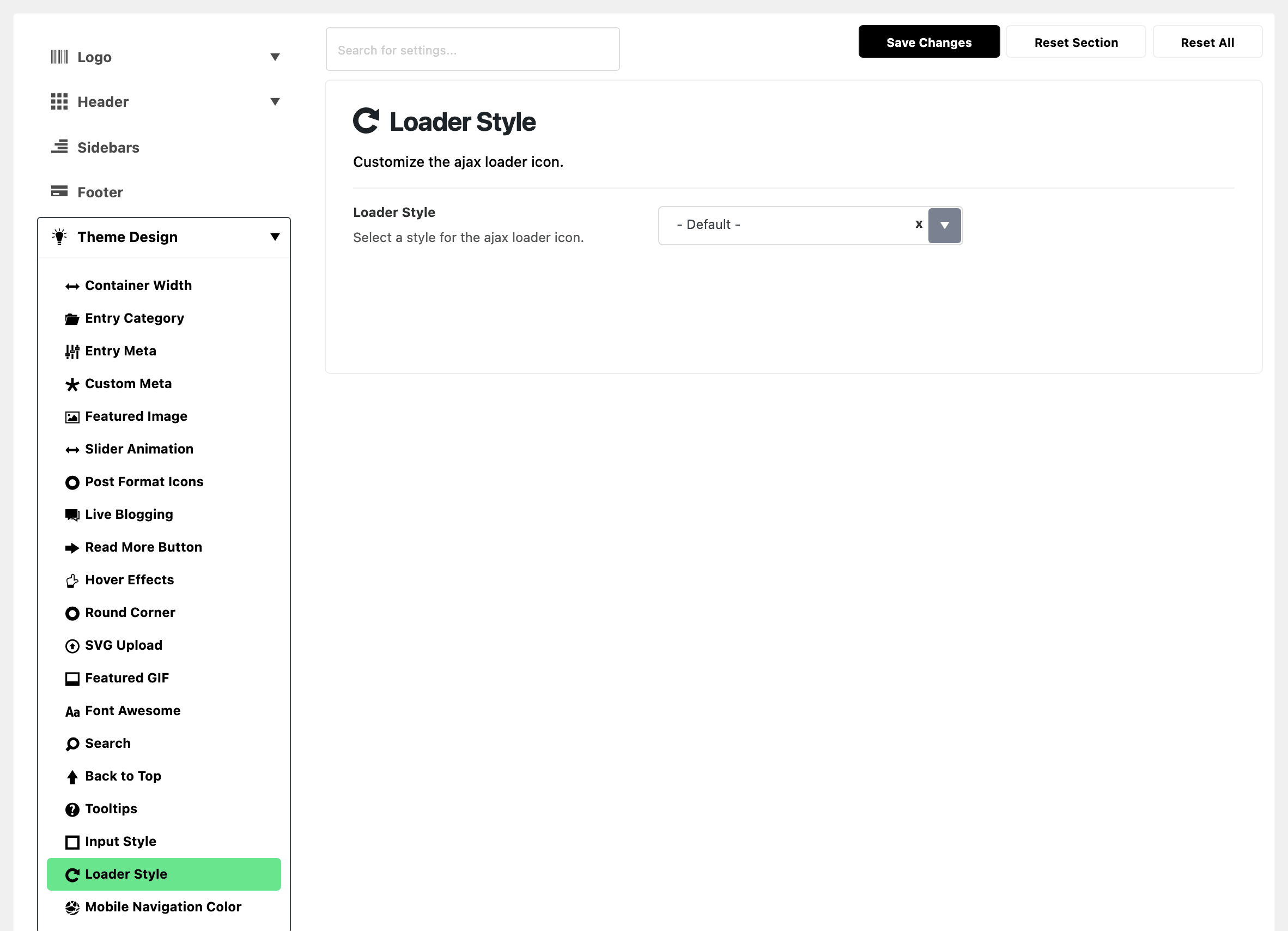

-
Loader Style: the spinner the theme draws while the next batch of posts loads. That covers a load more button, an ajax filter and an infinite scroll. Pick - Default -, Thin Border, Rectangle or Dots. Its default is - Default -.
- - Default -: a spinning circle that fades from Global Highlight Color to clear.
- Thin Border: a thin spinning ring in the text colour.
- Rectangle: a small turning block in Global Highlight Color.
- Dots: three dots in Global Highlight Color that pulse in turn.
- The loader shows only for a moment while posts load, so pick by taste. - Default - is fine for most sites.
It is one select, and it changes every loader on the site. To see it, put a block with a load more button on a page and click the button.
Related
- Find out which setting is deciding: reading the active loader off a page.
- How to edit style and layout of a block in a Elementor page: the block's pagination, which shows the loader.
Did this answer your question?