Input Style
How every form field the theme draws looks: search boxes, comment fields, the newsletter form.
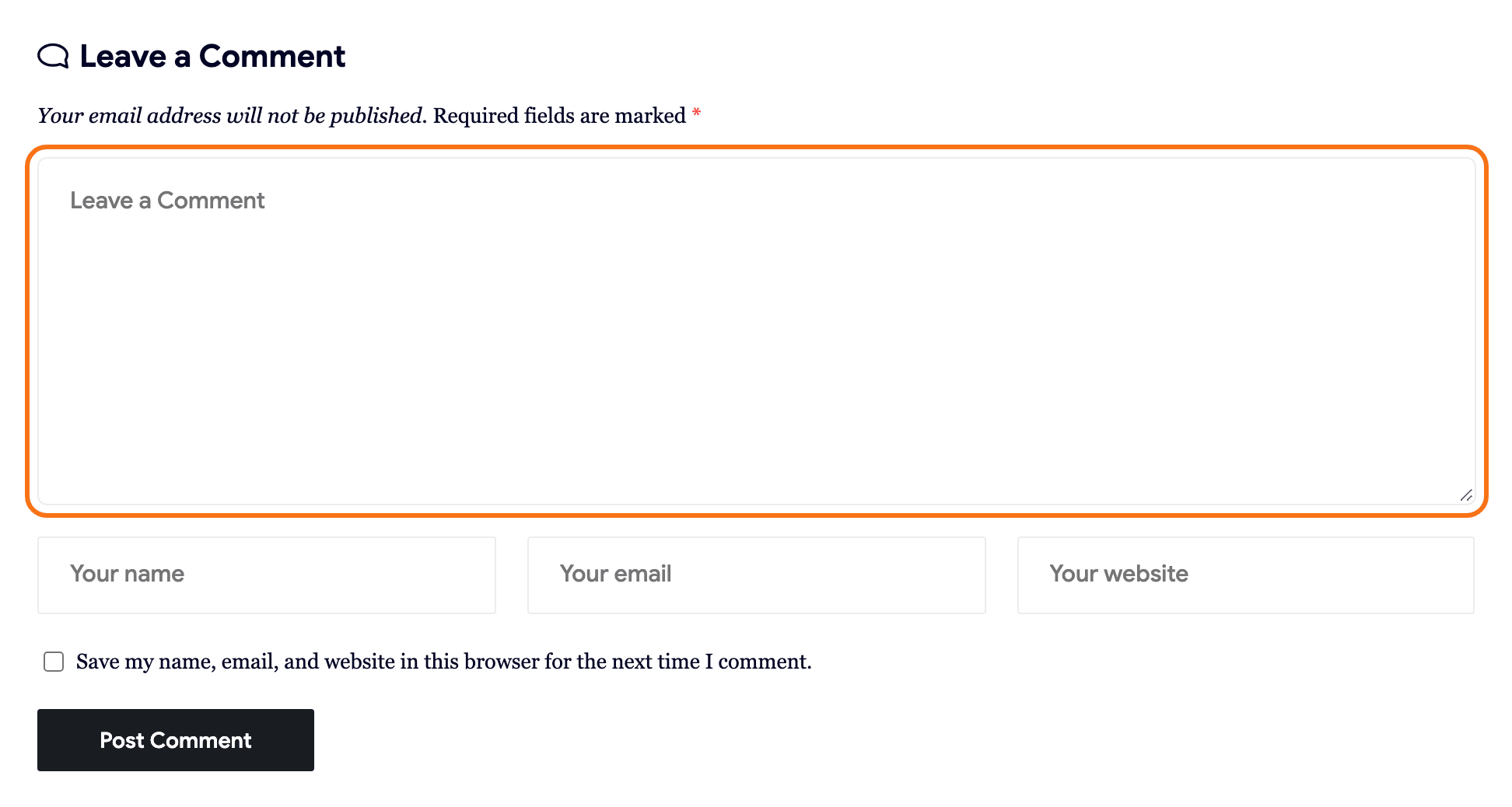
Where: Theme Options > Theme Design > Input Style.
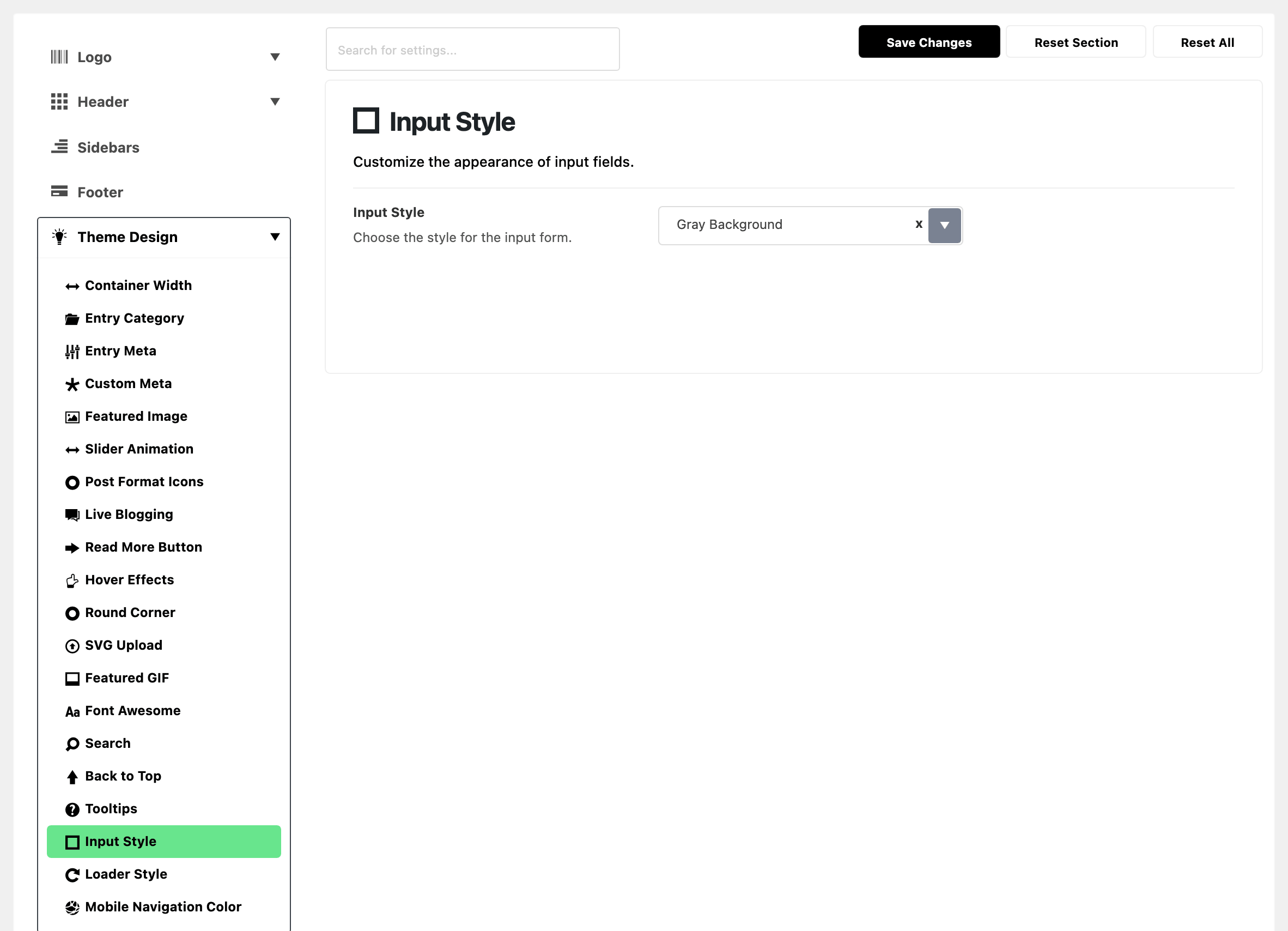

- Input Style: the fill or border on every form field. Its default is Gray Background.
- Gray Background: a filled field with no border.
- Gray Border: a transparent field with a one pixel grey outline.
- Dark Border: a transparent field with a one pixel outline in the current text colour.
Pick one of the two border styles when a filled field clashes with a coloured or dark section background. The border styles are also the only ones where Focus Border Color, at Theme Options > Global Colors, shows while someone types.
What overrides it
- The class
is-input-border. A form wrapped in an element with this class gets the grey border, whatever Input Style is set to. Use it to give one form a border on a site that otherwise keeps the grey fill.
Related
- How to create a contact page: a Contact Form 7 form with the border class.
- Color options: Focus Border Color, which only shows on the two border styles.
Did this answer your question?