Mobile Navigation Color
The colour a phone or tablet browser paints its own address bar and status bar, so the browser chrome matches your site instead of sitting in grey above it.
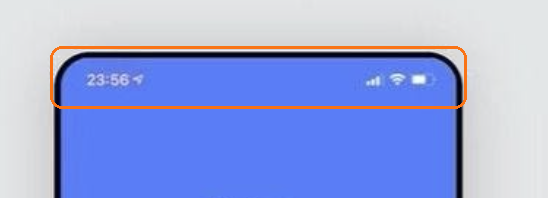
Where: Theme Options > Theme Design > Mobile Navigation Color. It is under Theme Design, not Header.
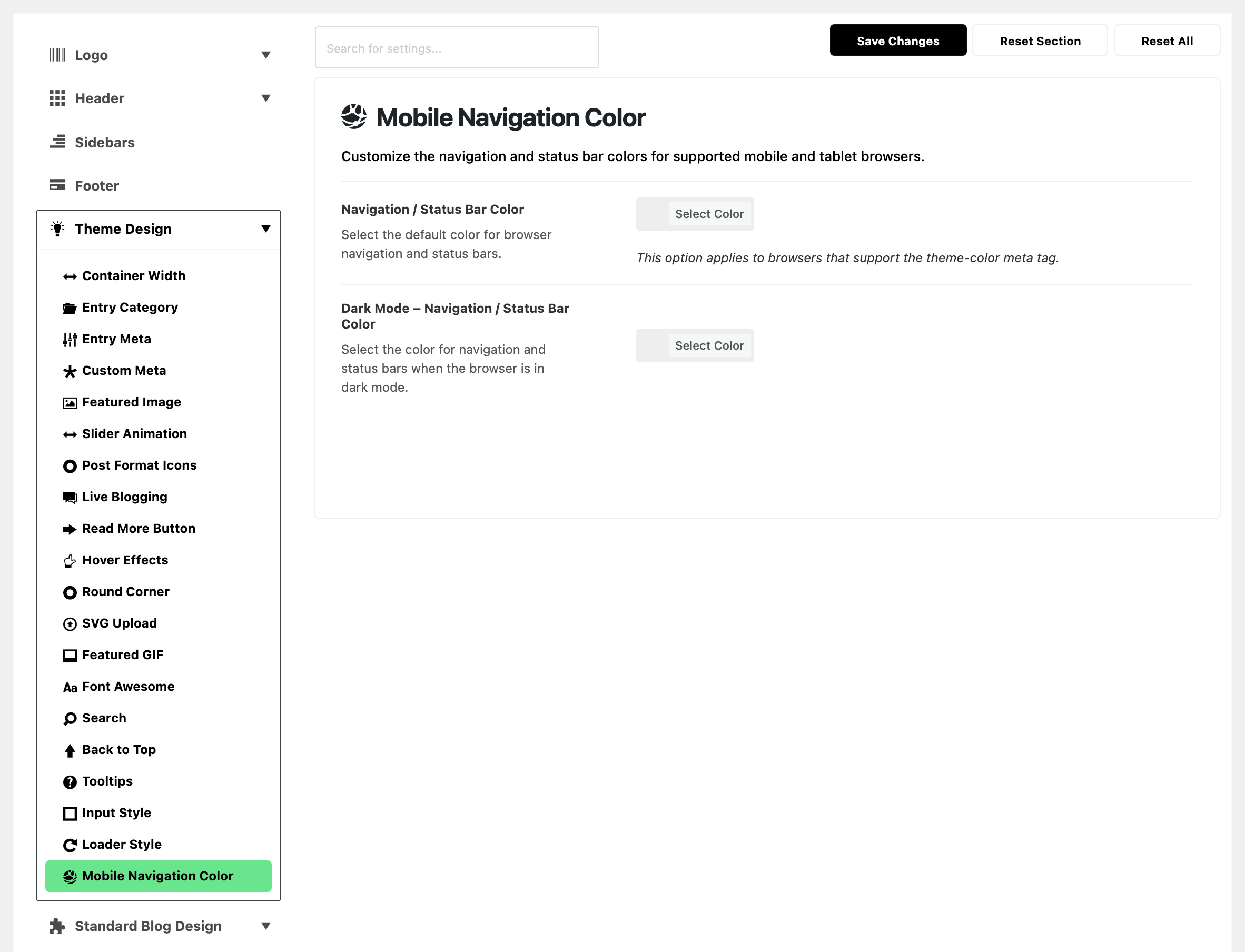
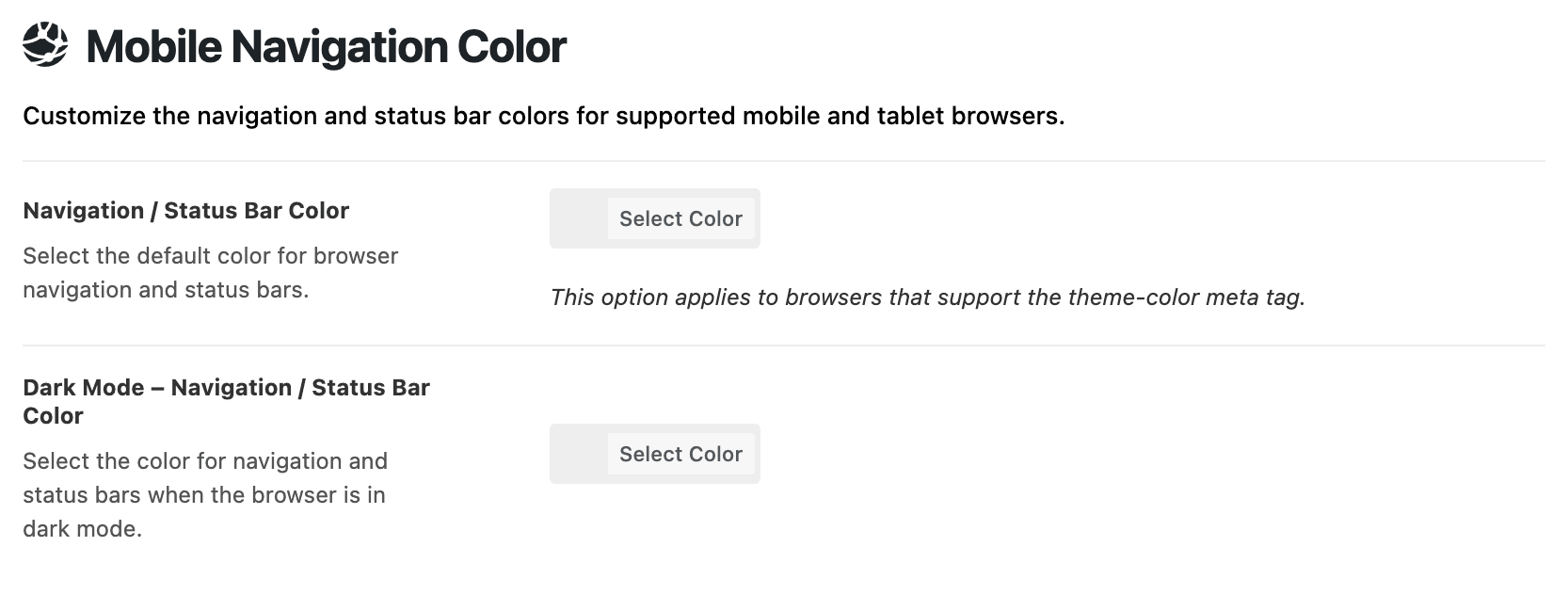
Both fields are empty by default, which leaves the browser on its own colours.
- Navigation / Status Bar Color: the colour in light mode.
- Dark Mode – Navigation / Status Bar Color: the colour while the phone or browser itself is in dark mode. It follows the device setting, not the site's own dark mode switch.
- Leave it blank and fill the first field: the light colour is used in both modes.
- Fill only this one and it does nothing. With the first field blank, no colour is sent to the browser at all.
Only browsers that honour the theme colour meta tag change colour. So check it in a phone browser, not in a narrow desktop window.
Related
- How to config the header
- Every setting in the mobile header panel: the mobile header bar itself.
Did this answer your question?