Search
The placeholder text and the search icon of every search form the theme draws, in the header, in a widget, and on the search page.

Where: Theme Options > Theme Design > Search.
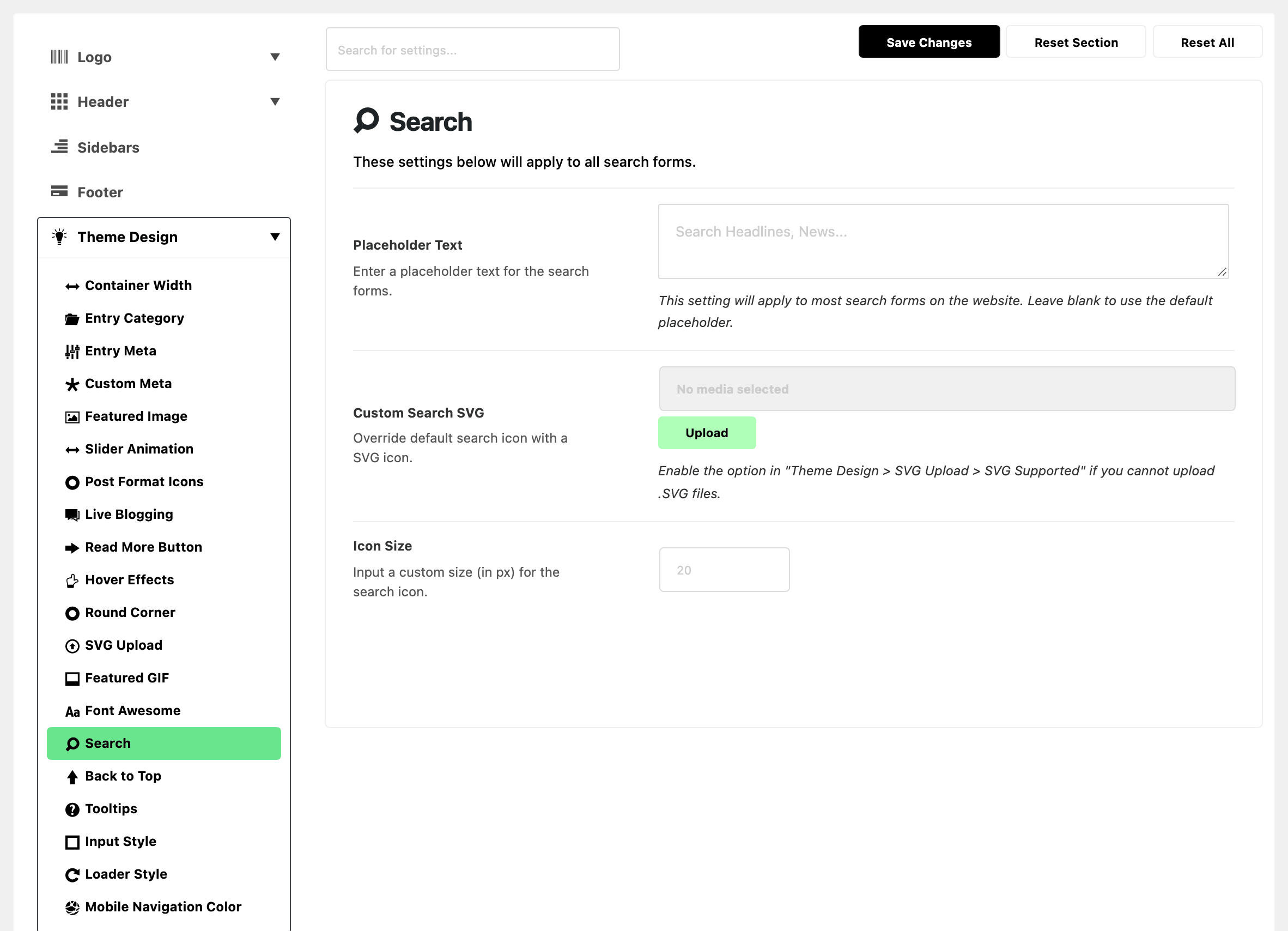
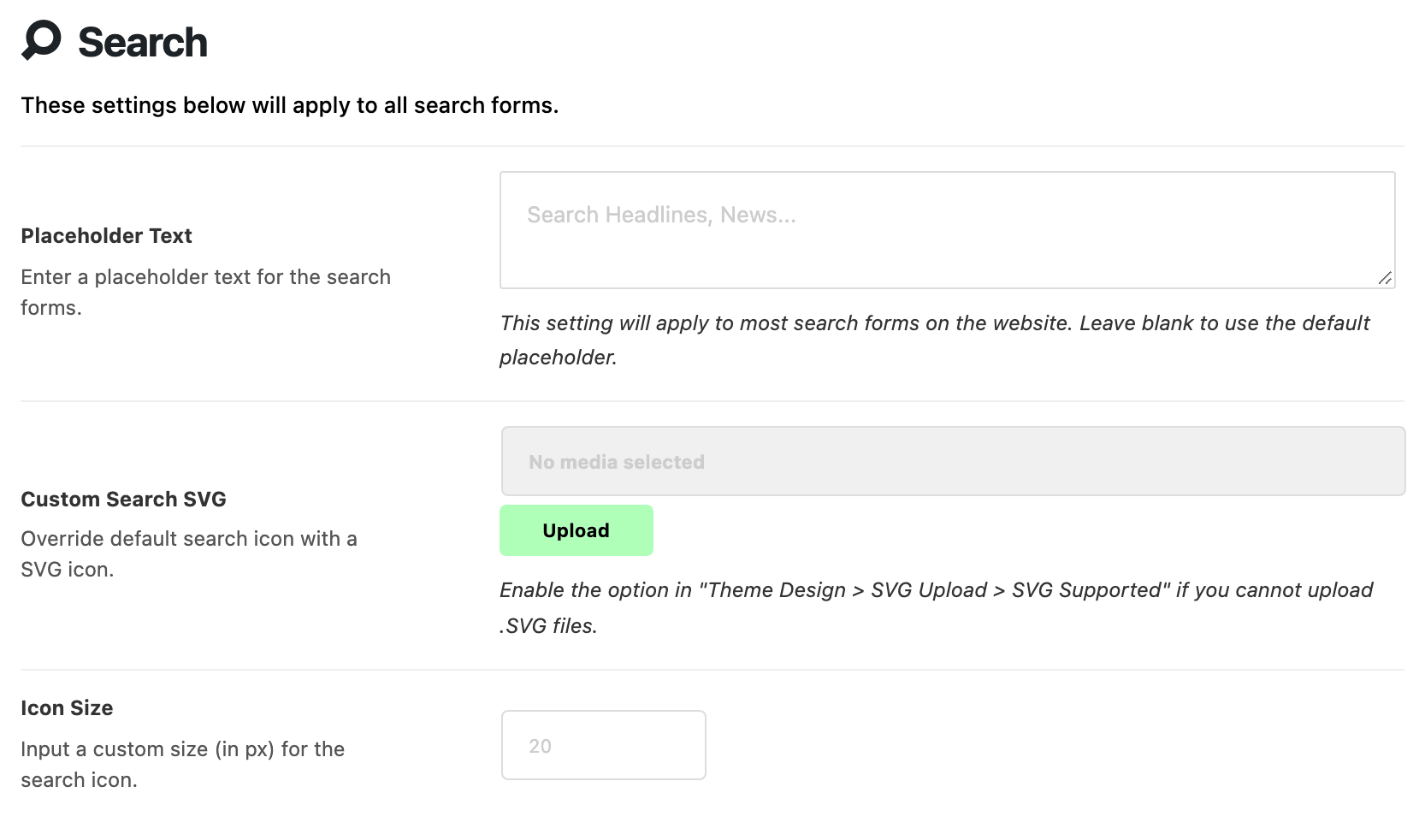
- Placeholder Text: the grey text inside the search box. It is empty by default, which shows Search Headlines, News.... Change it to tell readers what your site holds.
- Custom Search SVG: replaces the magnifier with a file you upload. It is empty by default. Uploading needs SVG Supported on, in SVG Upload.
- Icon Size: the size of the search icon in pixels. Left blank, the icon keeps the header's own size; the 20 in the empty field is only a hint. On phones the icon is drawn at 85% of the size you enter.
- It sizes the built in magnifier or your own SVG.
What overrides it
- Search Form Placeholder on an Elementor search widget. When it is filled in, that widget uses it instead of Placeholder Text. Check the widget when the header still shows the old wording.
Related
- Every setting in the header search panel: the header's search icon, form and live results.
- Every setting in the mobile header panel: search on phones.
Did this answer your question?