Entry Category (Theme Design)
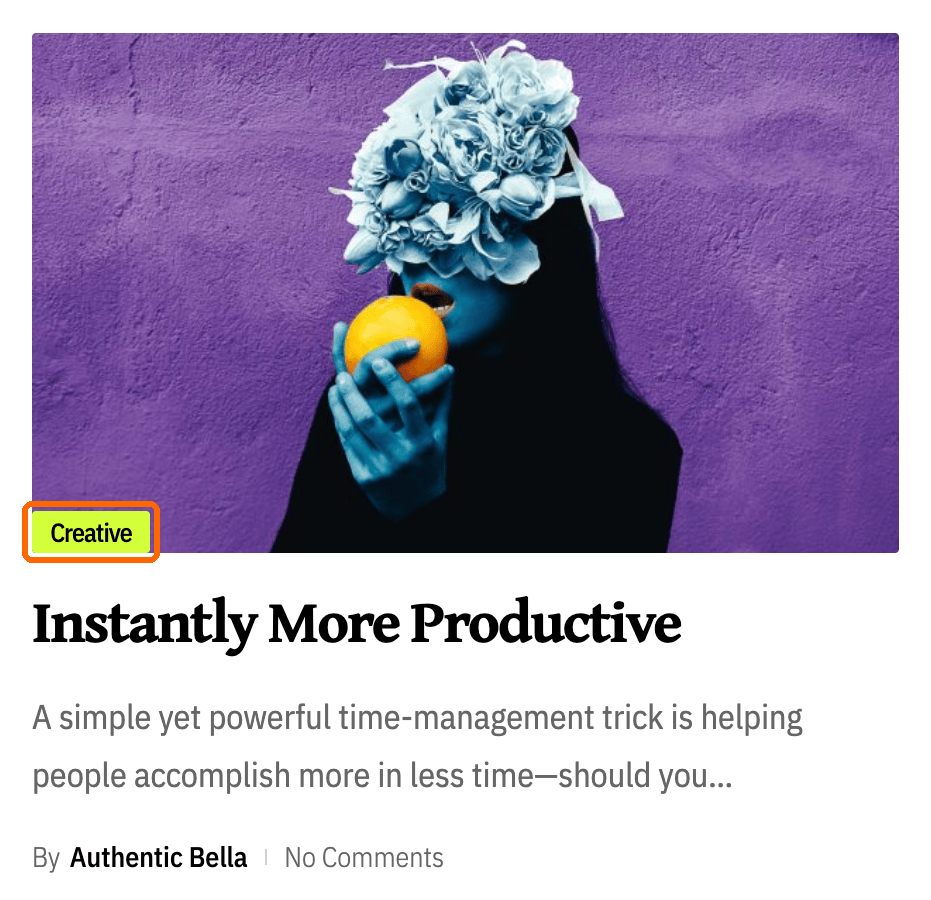
The category label that sits on a post in every post listing: how many labels one post shows, and their colours in light and dark mode.
Everything here applies to post listings: the home page, category and archive pages, search results, and the blocks that list posts. It does not change the category label at the top of a single post. For that one, go to Theme Options > Single Post > Entry Category.
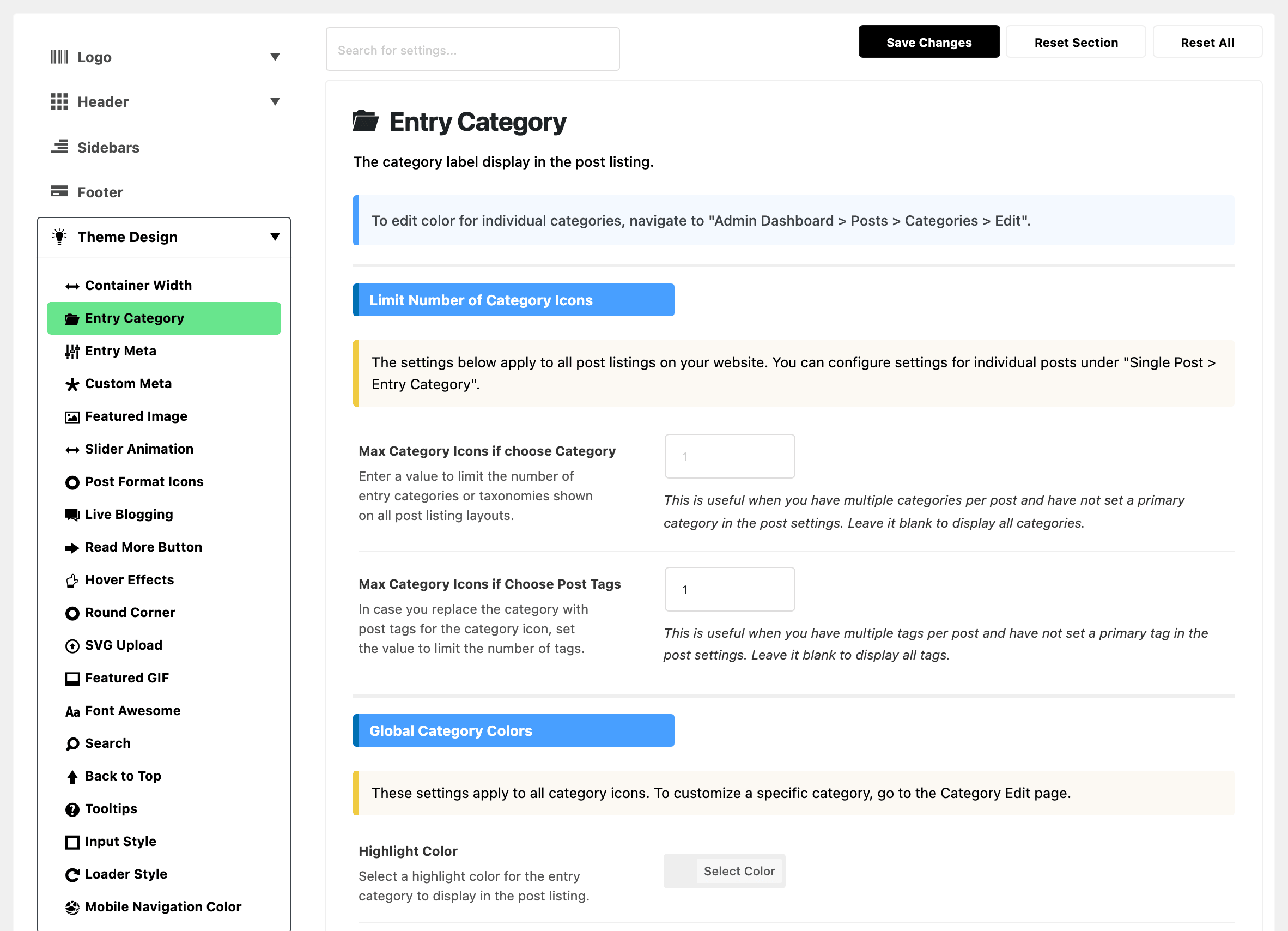
Where: Theme Options > Theme Design > Entry Category.
Limit Number of Category Icons
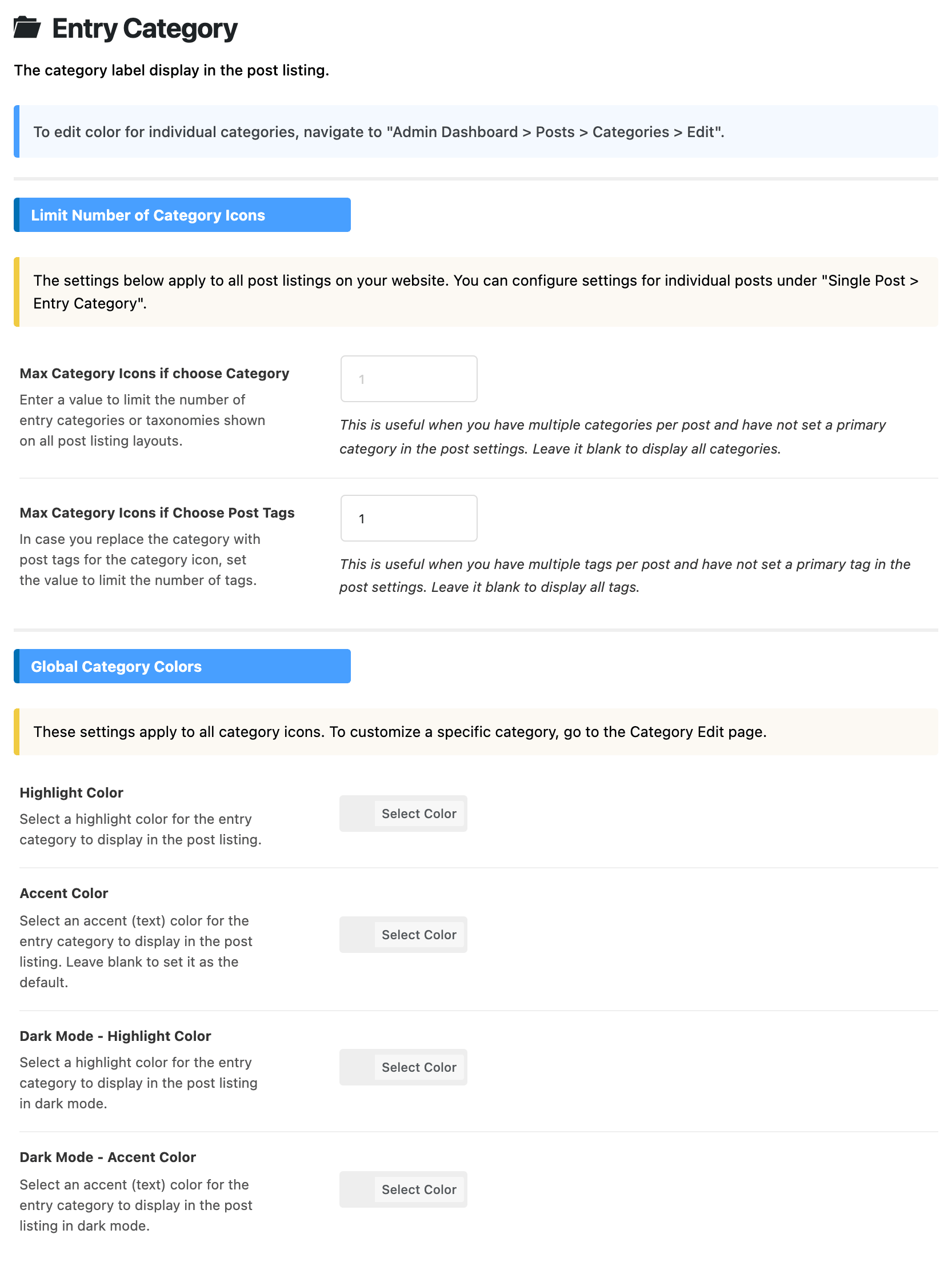
- Max Category Icons if choose Category: how many category labels one post shows in a listing. Empty by default, which shows all of them. 1 is the usual answer for a post filed in several categories, though setting a Primary Category on the post does the same job more precisely.
- Max Category Icons if Choose Post Tags: the same cap, for listings that show tags in place of categories. Its default is 1.
Global Category Colors
All four colour fields are empty by default, which leaves the label on the global colours. Set them when the labels should carry your brand colour on every category.
- Highlight Color: the label's background in post listings.
- Accent Color: the label's text in post listings.
- Dark Mode - Highlight Color: the label's background, in dark mode.
- Dark Mode - Accent Color: the label's text, in dark mode.
The single post version of this subsection is at Theme Options > Single Post > Entry Category, with its own Maximum Category Icons. It does not change listings.
What overrides it
- Posts > Categories > Edit: a colour set on one category wins over all four colour fields, for that category.
Use the panel for the house style and the category screen for the exceptions.
Related
Did this answer your question?